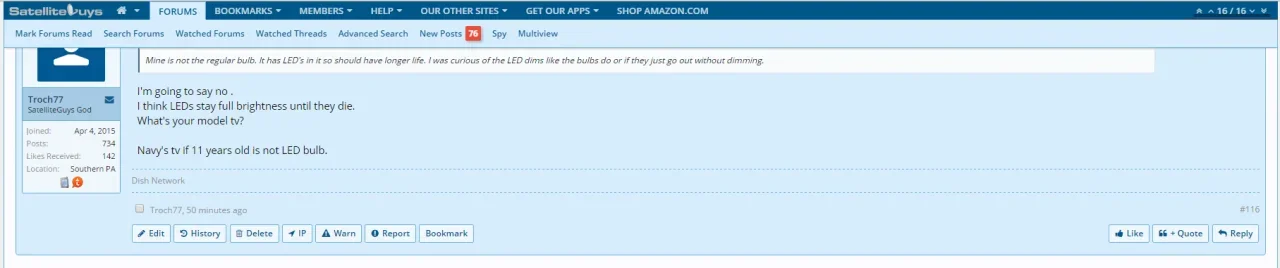
Here is the link to mine. Having trouble with new posts being above the navbar so people have to scroll up to read the new posts.
http://www.satelliteguys.us
http://www.satelliteguys.us



Don't know if already reported but on mobile, the titles of conversations aren't displayed anymore:

Can confirm this bug in non-webkit browsers. Has been fixed in the next release.

@reddy ink I had the same issue - but I ran a custom child style (luckily most of my edits in EXTRA.css). I created a NEW child style, moved all my edits over to it (template and CSS) and then made that the default. Once I did that it started working fine. I think it is a problem if you upgrade and certain existing custom child styles.


@reddy ink I had the same issue - but I ran a custom child style (luckily most of my edits in EXTRA.css). I created a NEW child style, moved all my edits over to it (template and CSS) and then made that the default. Once I did that it started working fine. I think it is a problem if you upgrade and certain existing custom child styles.
Thank you, that worked also for me. It's somehow frustrating to make a new style and do all the edits again.
For developers: don't get me wrong, I love this style and it's features, it's surely the most complete style I ever seen for a forum, but I'm afaraid I should switch to another style. I bought this style 2 years ago, I did all the upgrades for a year and often I had problems and should start from scratch. Yesterday I did upgrade my XF and audentio license, there was a year since last update because I always had fear to touch this style. I am not a webdeveloper or designer, I just manage a commnity, I cannot afford to loose hours when upgrading a style, I prefer to dedicate this time to my community. I opened a ticket and asked for refund....
it was working before the update....If you make changes to it and upgrade things will break if you don't know what you're doing
it was working before the update....
Don't want to go offtopic here, this topic is already a mess, I manage forums for about 10 years, I'm quite new to XF but trust me in all these years I never lost so much time updating a style

These are all likely related. I'll take a look. Can you link to your sites for me to see the issue as well?


Oh man, that´s the wrong answer.If you make changes to it and upgrade things will break if you don't know what you're doing.

We have an update tomorrow.The biggest problem at the moment (for me) is that if you does not have the forum open (in a browser) and you get ONE notice/alert (e.g. "someone liked your post"), the next time you open the forum you will see the red notice flag BUT with a "0" - not with a "1". Could you please provide a fast fix?

Same here. The background colorization of the alerts popup menu list is just gone after the page fully loads and not when you open the popup menu as per default. Looks like JS scripts block or intervene with each other.• alerts don't show long enough

Yep was able to sort this out. Will be fixed in 1.5.3.0.Same here. The background colorization of the alerts popup menu list is just gone after the page fully loads and not when you open the popup menu as per default. Looks like JS scripts block or intervene with each other.
I'm not sure I follow your first issue. Are you referring to dropdown menus in the navigation? Could you maybe post a screenshot of it working and not working?The menu on mobile is working only if I scroll down first, otherwise it's still not working... even if I start from "clean" style.
I would like to see the notification icon from mobile, is there any settings for this that I cannot find?
When you go to a new post the new post it up above the navbar. Here is a pic showing that...
Regarding sticky nav overlapping the post, mine does it too. https://wweforums.net/cccharizards.t47458/page-2#post-1019054
Another thing, after clicking an alert link to a thread, sticky nav does not work.
https://denofangels.com
• sticky nav hides the top of posts
• page doesn't go back to the top of a post after images load
• alerts don't show long enough
The biggest problem at the moment (for me) is that if you does not have the forum open (in a browser) and you get ONE notice/alert (e.g. "someone liked your post"), the next time you open the forum you will see the red notice flag BUT with a "0" - not with a "1". Could you please provide a fast fix?
 .
.Hi everyone,
Note: this version requires the latest update to the UI.X add-on version 1.0.7. The add-on can be downloaded from your customer area at Audentio.com.
We also offer installation ($15) and upgrades (starting at $99 - but if you set it up properly its free because its just one click) for those who would rather we take care of it for you. Any major issues will be fixed and we'll set it up so you only have to click a button moving forward.
If you want to do this yourself,...

We use essential cookies to make this site work, and optional cookies to enhance your experience.