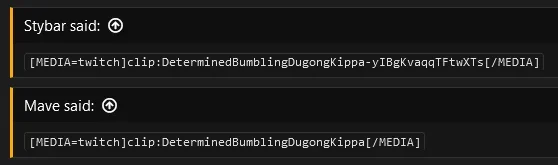
@Mave I can confirm that Twitch clips do not appear to work properly on your website. However, I have also confirmed that Twitch clips work fine on other forums that use this add-on.
This one, for example.
I think it is entirely possible that the issue is limited to your website. Maybe Twitch doesn't like the
.sx TLD (a
Scunthorpe problem) or something like that.
You can try posting Twitch's official embedded player in a static HTML file somewhere on your website if you want to eliminate the add-on as a possible cause:
HTML:
<iframe src="https://clips.twitch.tv/embed?clip=DeterminedBumblingDugongKippa-yIBgKvaqqTFtwXTs&parent=forums.tms.sx" frameborder="0" allowfullscreen="true" scrolling="no" height="378" width="620"></iframe>
If you have alternative domain names for your website, you may try them to see if it's related as well. If nothing works, try contacting Twitch, see if they know what's going on.



 How do I implement this so I can paste a Mega link and it embeds automatically?



 Thanks tho!