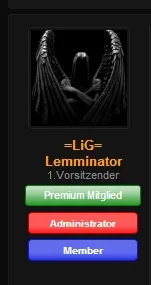
You can name it however you wish - that is the CSS class name.
Ah. So where did your "my-style" class name come from?
(Sorry if this is a stupid question.)
You can name it however you wish - that is the CSS class name.
I called it that.
You just give it any name you want and use the same CSS class name in EXTRA.css.
Look at the main resource content again.
You will see the correlation between that field and what must be entered in EXTRA.css.
You create the class in EXTRA.css.
You apply that class to the user group using the field.
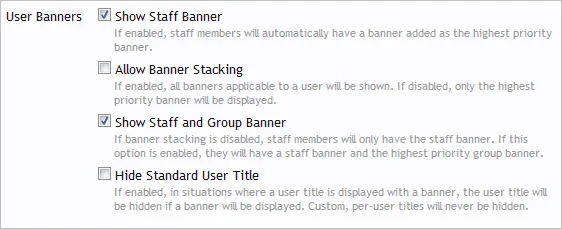
Where is this??Uncheck it:
View attachment 67159
/* Custom Banners */
.userBanner.support
{
color: #FFF;
background-color: #330022;
border-color: #FFF;
}
/* End Custom Banners */
Hmm, hopefully someone can help here. I entered this as my extra.css
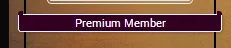
And it works fine, however the upper part of the banner... it's be better to just show you.Code:/* Custom Banners */ .userBanner.support { color: #FFF; background-color: #330022; border-color: #FFF; } /* End Custom Banners */
View attachment 68338
How would I fix this?
Try .userBanner.wrapped span
/* Custom Banners */
.userBanner.support
{
color: #FFF;
background-color: #330022;
border-color: #FFF;
}
/* End Custom Banners */
.userBanner.support span {background-color: #FFF;}
We use essential cookies to make this site work, and optional cookies to enhance your experience.