XF 2.3 Font Awesome icons not working

schizoidnightmares

Member
Licensed customer
The older <i> method does not work. I've tried using the <xf:fa> and that doesn't work either. For example, this produces nothing:
Code:
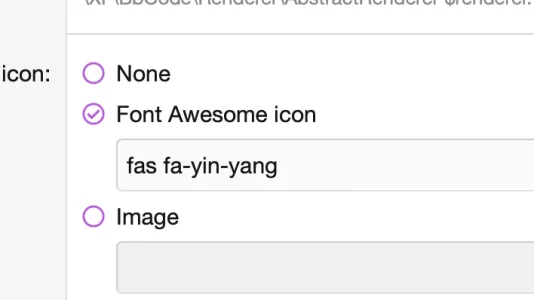
<xf:fa icon="fas fa-yin-yang"></xf:fa>

The above is used in a custom BB code:
Code:
<xf:fa icon="fas fa-{text}" />
 
Oh wait, did you mean as a replacement?

No sorry I thought the normal <xf:fa icon="fas fa-yin-yang" aria-hidden="true" /> would work
 
It doesn't work. Not as an HTML replacement as mentioned in the OP. It doesn't even work when used in custom fields. This all previously worked in 2.2 using the <i> HTML tag.
I agree, and theoretically as it's outputting html I can't see why the standard FA html won't work. Presumably have you tried it with <span>

<span class="fa-solid fa-yin-yang"></span>
 
Bumping this.
Has anyone figured out how to parse FA through custom BBCode's HTML Replacement? The <xf:fa> syntax won't work, neither does the old <i> method.
Maybe this post can help?
 
Maybe this post can help?
That did the trick!

Code:
<i class="fas fa-{text}" data-xf-init="icon"></i>

Thank you very much!

Edit: Funny enough, it won't show up when previewing Posts. But once you submit it, it does. I guess I can live with that.
 
Last edited:
Back
Top Bottom