Closed Editor issue with giphy

beerForo

Well-known member
Licensed customer
Affected version
2.2.7
You can't put text and a Giphy under it, if you put the Giphy first. Whatever you try always puts a line break between. The only way is to edit the line out in bb mode, or write your text first and put in under.
 
Last edited:
I've read this a few times and I have to say I'm not quite clear what you are reporting.

Would you mind posting specific reproduction steps along with the expected and desired behaviour?
 
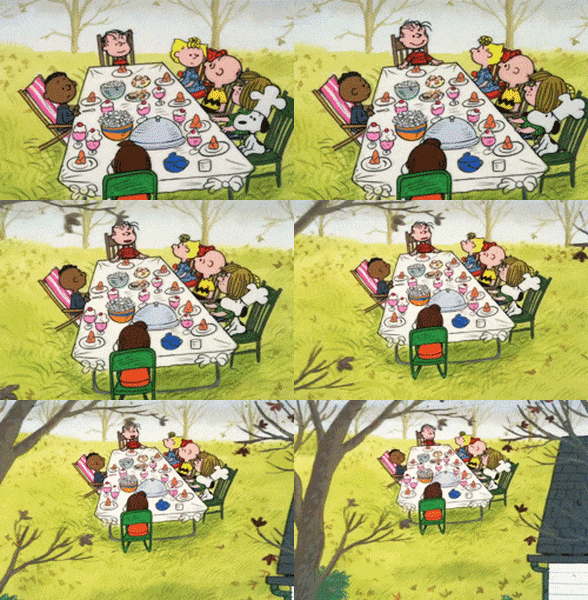
Apologies. I will post the gif below, and see if you can edit out the extra line between the gif and the text using backspace, or enter after the backspace. I have to enter bb mode to do it.
 
test

Charlie Brown Film GIF
 
I can. Although it's worth noting we're using a slightly newer version of the editor since you posted the original bug report.

If you can still reproduce it here we'll need more details, including the exact browser and version, plus worth writing out the reproduction steps specifically in case I'm overlooking something.
 
Yes, here too. I found the way to reproduce. Using latest Chrome and XF 2.2.7.

So type a word and then leave the cursor there and select a giphy so it ends up on the same line, so the text is pushing the giphy out. Now, you want to move it to the next line so you move the cursor to after the word (before the giphy), and press Enter. It creates a new line in between and no matter what you do, you can't get rid of it unless you enter bb mode.

 
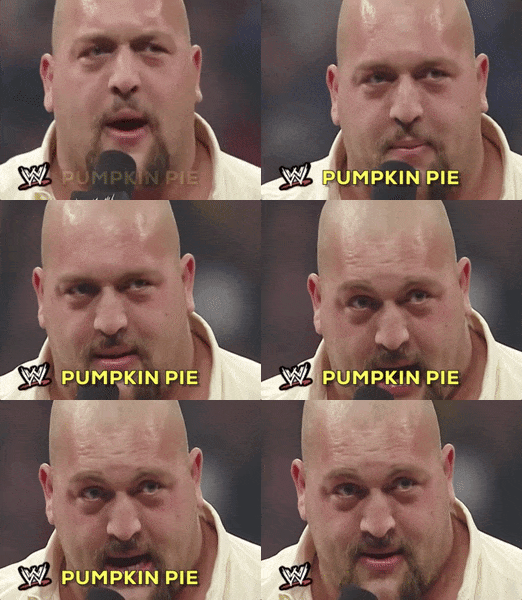
test
Sport Wrestling GIF by WWE


Just hit delete on the blank line before I posted. Using Edge on Win10. So maybe the newer version of Froala has fixed it?
 
Automated triage: Awaiting feedback

We need a little more detail to look into this, as we couldn't tell from the report which steps produce the extra line break.

  • Starting from an empty editor, what exact steps do you follow (insert the GIF, then where you click and what keys you press to add the text) before the line break appears?
  • Do you want the text on the line directly above the GIF with no blank line between them, or on the same line as the GIF?
  • Which browser, version and device are you using, and does this still happen on this forum with the current editor?
  • Does the same thing happen with an ordinary image inserted inline, or only with GIFs inserted from the GIF button?

This is an automated assessment. A member of staff may review and update it.
 
You need feedback from a 2021 bug? I don't even remember this but I posted steps above. What's the deal with the 5 year gap?
 
I just reproduced it using steps in the thread.
Yes, here too. I found the way to reproduce. Using latest Chrome and XF 2.2.7.

So type a word and then leave the cursor there and select a giphy so it ends up on the same line, so the text is pushing the giphy out. Now, you want to move it to the next line so you move the cursor to after the word (before the giphy), and press Enter. It creates a new line in between and no matter what you do, you can't get rid of it unless you enter bb mode.
 
Okay fixed in 2.4 then. If it still reproduces there, it's a browser issue, though you're welcome to re-report it after you've tested it with the new editor.
 
Back
Top Bottom