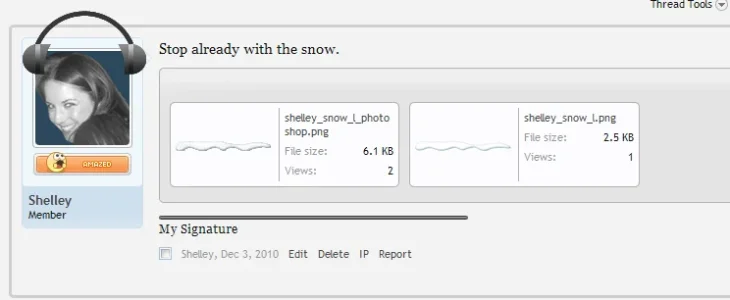
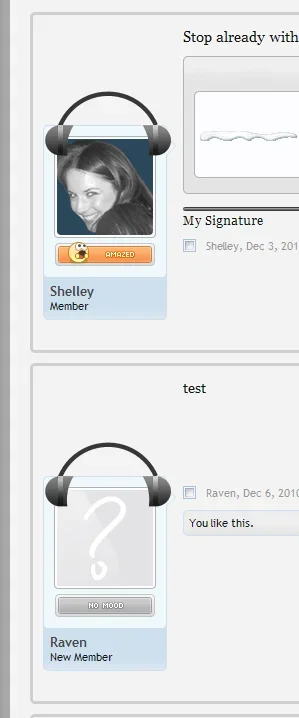
I'd like to use the helper span in message_user_info in my custom style...but I think I missed the explanation on how to use them.  I know how to add images to the navigation bar using them (thanks, Brogan
  ), but can I make a similar edit in EXTRA.css for other helper spans?
Thanks in advance!
I know how to add images to the navigation bar using them (thanks, Brogan ), but can I make a similar edit in EXTRA.css for other helper spans?Thanks in advance!

 Looking at Chrome's editor, I have on my site a span class="helper" right above div class="avatarHolder," but it's not here on XF. If possible, I'd like to have a helper class to put an image (like the snow was placed in the header) over the avatar block. Hopefully that makes sense.