
You are using an out of date browser. It may not display this or other websites correctly.
You should upgrade or use an alternative browser.
You should upgrade or use an alternative browser.
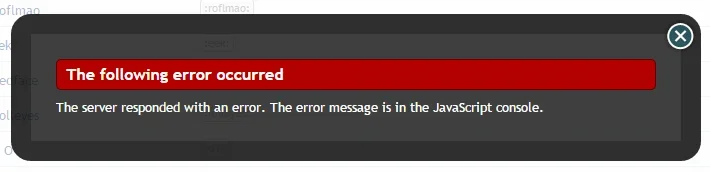
XF 1.4 JavaScript Console Error
- Thread starter TJA
- Start date


Bloody charming, any good?I would have responded but I was watching the first episode of Dominion

TPerry
Well-known member
Hehehehe... the "errors" was the entire page output pretty much. I had ran into this before when I exceeded a certain amount of smilies installed - which is pretty much what happened with @thejackarmy. Once we upped the php.ini setting he denoted it started working hunky-dory.There should be some entries in red text.

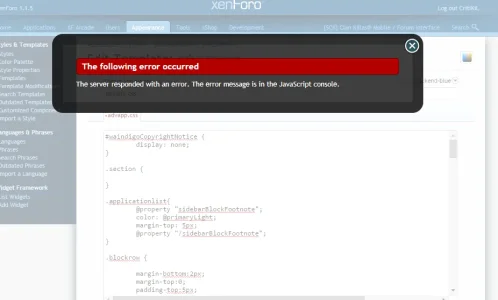
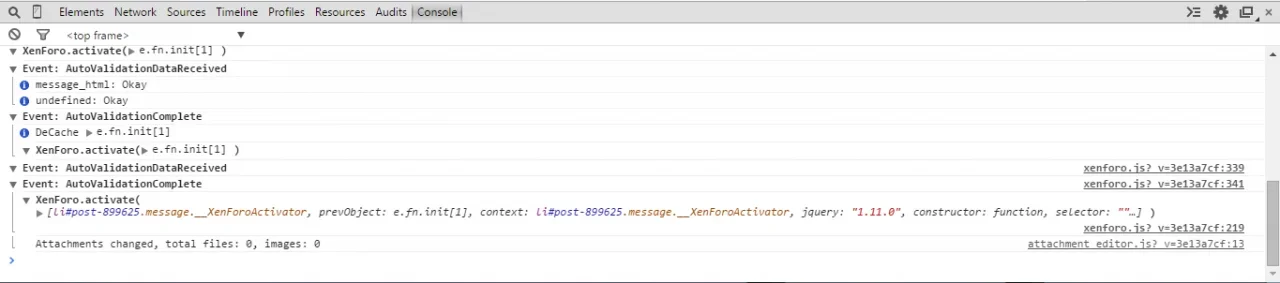
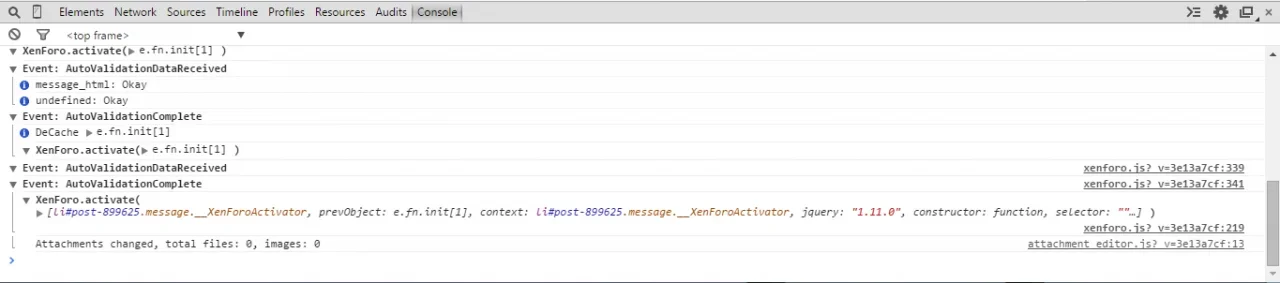
I'm getting this same error whenever I try to 'edit a template' or make a post. And I don't understand: "Right click and enable the browser tools and then select the console tab?" - Thanks in advanceRight click and enable the browser tools, then select the console tab.
Then perform the same action.
PHP:
Failed to load resource: the server responded with a status of 404 (Not Found) http://video.clankillas.net/wallpapers/flashheader1.jpg
Uncaught SyntaxError: Unexpected token < forum.clankillas.net/forumrunner/detect.js:1
Uncaught SyntaxError: Unexpected token < forum.clankillas.net/mobiquo/tapatalkdetect.js:1
XenForo editor ctrl_message, d.fn.d.init[1]
Uncaught SyntaxError: Unexpected token ; forum.clankillas.net/index.php?forums/sigs.73/create-thread:2174
XenForo.activate(#document)
Title Element: d.fn.d.init[1]
flash url: http://forum.clankillas.net/js/swfupload/Flash/swfupload.swf
Attachments changed, total files: 0, images: 0
Unable to find menu for Popup d.fn.d.init[1]
Unable to find menu for Popup d.fn.d.init[1]
Unable to find menu for Popup d.fn.d.init[1]
Unable to find menu for Popup d.fn.d.init[1]
Unable to find menu for Popup d.fn.d.init[1]
Unable to find menu for Popup d.fn.d.init[1]
Unable to find menu for Popup d.fn.d.init[1]
Unable to find menu for Popup d.fn.d.init[1]
XenForo.init() 181ms. jQuery 1.5.2/1.2.6-dev
TWITTER WIDGET: The Twitter API v1.0 is deprecated, and this widget has ceased functioning.
TWITTER WIDGET: You can replace it with a new, upgraded widget from <https://twitter.com/settings/widgets/new/user?screen_name=clankillas>
TWITTER WIDGET: For more information on alternative Twitter tools, see <https://dev.twitter.com/docs/twitter-for-websites>
set prefix 0
Failed to load resource: the server responded with a status of 404 (Not Found) http://video.clankillas.net/wallpapers/flashheader1.jpg
Failed to load resource: net::ERR_BLOCKED_BY_CLIENT http://cdn.viglink.com/images/pixel.gif?ch=2&rn=10.498940291581675
Invalid App Id: Must be a number or numeric string representing the application id.
FB.getLoginStatus() called before calling FB.init().
Consider using 'dppx' units, as in CSS 'dpi' means dots-per-CSS-inch, not dots-per-physical-inch, so does not correspond to the actual 'dpi' of a screen. In media query expression: (-webkit-min-device-pixel-ratio: 1.5), (min-resolution: 144dpi) follow_button.a5bbbb7216610af1306d56b0f28a67d7.en.html:1
SWFUpload successfully initialized (SWFUpload_0)
d.fn.d.init[1] control clicked. NewlyOpened: false, Animated: false
control: d.fn.d.init[1]
Uncaught SecurityError: Failed to read the 'contentDocument' property from 'HTMLIFrameElement': Blocked a frame with origin "http://forum.clankillas.net" from accessing a frame with origin "https://platform.twitter.com".  The frame requesting access has a protocol of "http", the frame being accessed has a protocol of "https". Protocols must match.

set prefix 19
Abort pending field validation...
'Attr.nodeValue' is deprecated. Please use 'value' instead.
PHP <!DOCTYPE html>

<html id="XenForo" lang="en-US" dir="LTR" class="Public LoggedIn Sidebar" xmlns:fb="http://www.facebook.com/2008/fbml">
<head>

<link href="//netdna.bootstrapcdn.com/font-awesome/3.1.1/css/font-awesome.css" rel="stylesheet">
And this is just half of all thats there and in red...
Similar threads
- Question
- Replies
- 1
- Views
- 40

- Replies
- 0
- Views
- 25

- Question
- Replies
- 0
- Views
- 24
- Replies
- 1
- Views
- 58


- Question
- Replies
- 4
- Views
- 50