
Template: navigation.cssHow do we change the Alert/Inbox counter from Blue to Read... I dont like it being blue, it doesn't stand out.
Edit background under:
.navTabs .navLink .itemCount (box)
.navTabs .navLink .itemCount .arrow (arrow)


Template: navigation.cssHow do we change the Alert/Inbox counter from Blue to Read... I dont like it being blue, it doesn't stand out.

According to the Flexile Style Properties, the Alert Baloon is already set to RED... why is it blue on my skin?Template: navigation.css
Edit background under:
.navTabs .navLink .itemCount (box)
.navTabs .navLink .itemCount .arrow (arrow)
I think the .css template overrides the Style Properties, but doesn't change it (mine [not Flexile] are gray, but Style Properties shows red, I think).According to the Flexile Style Properties, the Alert Baloon is already set to RED... why is it blue on my skin?

It should be blue by default.According to the Flexile Style Properties, the Alert Baloon is already set to RED... why is it blue on my skin?


It's actually pretty complicated, but you need to change:Erik, Could you please help me out. I've tried to find this item but to no avail and it's driving me nuts (short trip I know, but still.........)
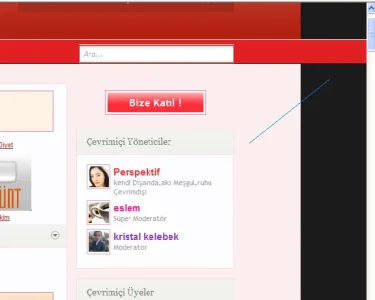
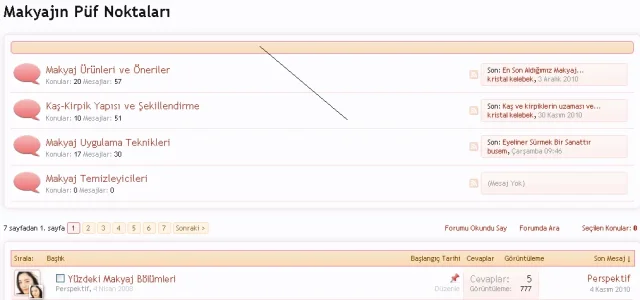
I want to reduce the height of this (where the arrows are pointing), but can't find it!
View attachment 7481
Thanks in advance.

OMG... ugh never mind. Thanks Erik.It's actually pretty complicated, but you need to change:
line-height of .breadcrumb .crust a.crumb
border-width of .breadcrumb .crust .arrow
border-width and top positioning of .breadcrumb .crust .arrow span
margin of .breadcrumb .jumpMenuTrigger
margin and padding of .sidebar .section .primaryContent h3, .sidebar .section .secondaryContent h3 if you want the sidebar headers to match.
Hope this points you in the right direction.
I'm in the middle of updating the style to beta 5, and I decided to add a feature to change the height of the breadcrumb bar using a single value, but I'm running into a problem:OMG... ugh never mind. Thanks Erik.


EXTRA.css is included by xenforo.css so it is always present.Had a few reports of edits to EXTRA.css not showing up. When I took a look, I don't see where that template is included within this style.

EXTRA.css is included by xenforo.css so it is always present.


We use essential cookies to make this site work, and optional cookies to enhance your experience.



