Can anyone explain to me this? I don't understand itThis page for example has 36,311 tabs/carriage returns in the source (which works out to 13.4% of the page source)... which now you have to keep because you lose the ability to do HTML compression

![[DigitalPoint] App for Cloudflare®](/community/data/resource_icons/8/8750.jpg?1692633961)
Can anyone explain to me this? I don't understand itThis page for example has 36,311 tabs/carriage returns in the source (which works out to 13.4% of the page source)... which now you have to keep because you lose the ability to do HTML compression
Copy the page source of this thread, for example:Can anyone explain to me this? I don't understand it
view-source:https://xenforo.com/community/threads/digitalpoint-app-for-cloudflare®.206176/page-90#post-1664342
I can only assume he was talking about when you remove the Cloudflare HTML "Auto Minify" option that your content will be larger, negating the benefits of end-to-end compression, I could be wrong.Can anyone explain to me this? I don't understand it

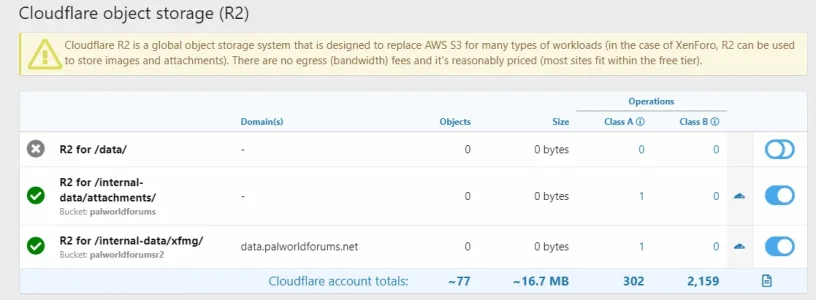
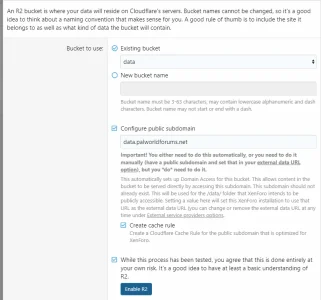


Cool thanks. Was able to enable that. Just to confirm, this is all setup correctly? Because it's still showing broken.Disable the option to create the public domain… it’s already setup on a bucket.
You can ignore the error… it’s just letting you know that the part of creating the public domain didn’t work because it’s already in use (probably on that bucket already if it’s an existing bucket).

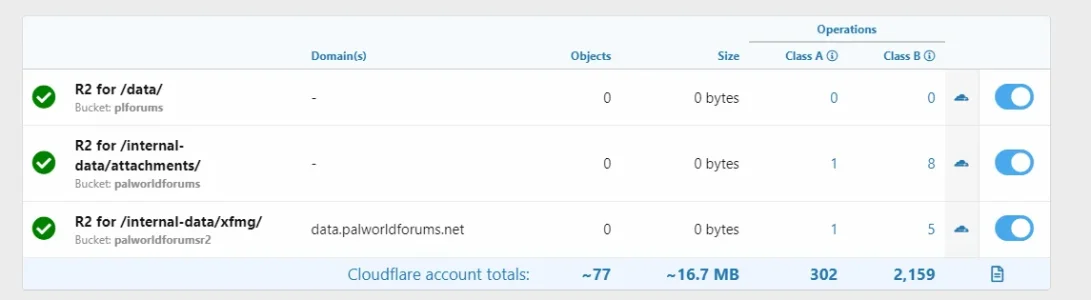
Just an avatar. It's a new forum with little on it so far, still setting up everything. Tried to add a profile banner, but it wasn't showing. Purged the cache, that might've helped I thought but it didn't.Well besides the fact that you don’t have anything in your buckets, it looks okay. Did you upload stuff before you had it setup or after?

Added it back.Well it’s definitely not going to work if you remove the external data URL.
Are you using XF Clooud for hosting by chance? I think they don’t let you use R2 (probably any external storage system).
No error, just doesn't upload.No, should not interfere with any other XF installs. Do you get an error when you upload an avatar?

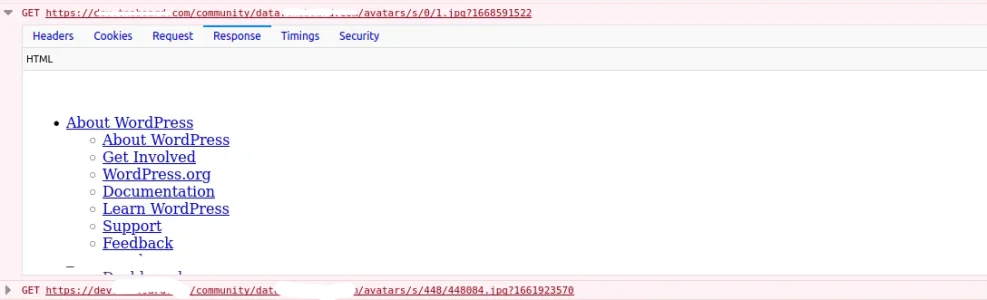
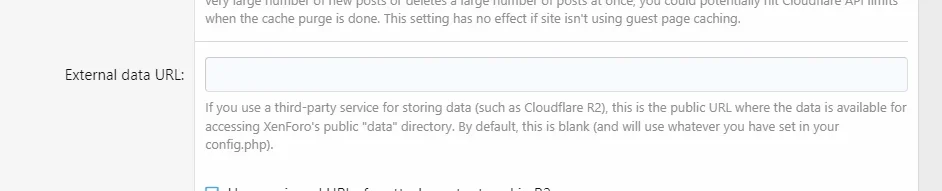
External data URL under Options -> Cloudflare.https://)? If it's not starting with the protocol (https://), XenForo will treat it as a directory.
Yes I just added https:// and images appear however avatars do not.Check yourExternal data URLunder Options -> Cloudflare.
Are you somehow using a relative URL instead of an absolute URL (it should start withhttps://)? If it's not starting with the protocol (https://), XenForo will treat it as a directory.
Beyond that, I can't really tell you much without being able to look at the actual URL...


We use essential cookies to make this site work, and optional cookies to enhance your experience.