XF 2.2 Can not embed images from Smugmug

snoopy5

Well-known member
Licensed customer
Hi,

XF 2.2.15

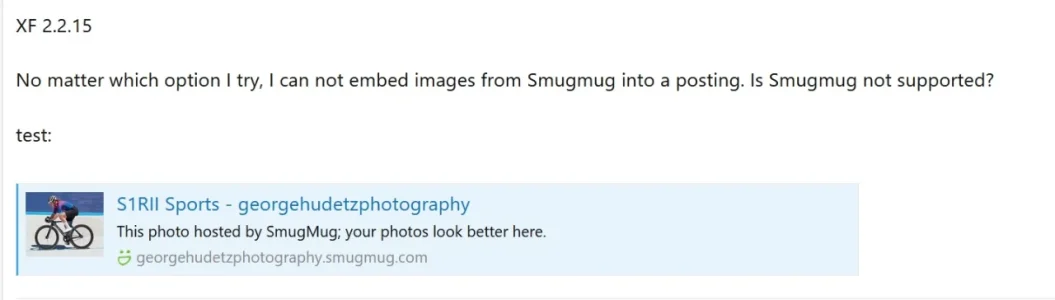
No matter which option I try, I can not embed images from Smugmug into a posting. Is Smugmug not supported?
 
Solution
update. I found the reason. I created a test account with smugmug and tested it (I did not know smugmug before).

The user had the wrong link. He gave me the URL to the image on his smugmug account. But this is not how it works.

Instruction on how to embed images from SmugMug:

  1. Login to SmugMug and go to your library
  2. select the image you want to embed into your posting
  3. Click on the left menu "share photo"
  4. Click on "embed", select the size and click on BBcode
  5. Copy that code and insert it in your posting
That's all.

The image should display as a real images, not like the thumbnail + text link like below. Here in the support forum it is the same problem.

smugmug_inXF.webp
 
update. I found the reason. I created a test account with smugmug and tested it (I did not know smugmug before).

The user had the wrong link. He gave me the URL to the image on his smugmug account. But this is not how it works.

Instruction on how to embed images from SmugMug:

  1. Login to SmugMug and go to your library
  2. select the image you want to embed into your posting
  3. Click on the left menu "share photo"
  4. Click on "embed", select the size and click on BBcode
  5. Copy that code and insert it in your posting
That's all.
 
Solution
Back
Top Bottom