Advanced Bb Codes Pack

Advanced Bb Codes Pack [Paid] 1.19.9

No permission to buy ($35.00)
The fullscreen button icon seems to be invisible.

1784916029026.webp
The functionality is fine, and the other version of this icon for turning fullscreen off displays fine too (though it does seem to use a different colour than the rest)

1784916211628.webp

Peeking at the HTML, it looks like the shadow root that would normally contain the icon is just empty:
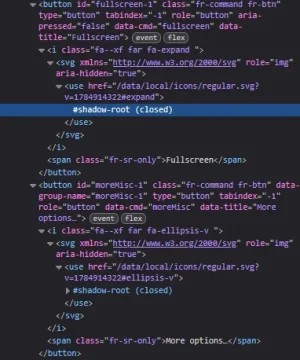
1784916707474.webp

Every other button added by this extension works fine.
 
The fullscreen button icon seems to be invisible.
View attachment 341798
The functionality is fine, and the other version of this icon for turning fullscreen off displays fine too (though it does seem to use a different colour than the rest)
View attachment 341799

Peeking at the HTML, it looks like the shadow root that would normally contain the icon is just empty:
View attachment 341800

Every other button added by this extension works fine.
Did this occur after updating XenForo? Please try rebuilding the add-on or running the Tools => Rebuild caches => Rebuild icon usage
 
Did this occur after updating XenForo? Please try rebuilding the add-on or running the Tools => Rebuild caches => Rebuild icon usage
i reported this 2 years ago fwiw...

 
Yes, it was fixed nearly two years ago for the cases reported. Additionally that issue was an XF2.3 bug, it was reported to XF.

The question is if this is a weakness of how XF does upgrades interacting with add-ons which use font-awesome icons registered via the icon usage system
 
I do hava bit of an issue wit the "Article" code which I only discovered recently but like very much as it makes quoting from external sources a breeze, allows longer quotes being visible and is easy to distinguish from internal quotes.

However: When posting the content into the popup window and saving, every line break and paragraph is stripped from the quote and you end up with a wall of text w/o any layout. Most of the times (but not always) headline tags like H1 or things like "bold" are stripped as well.

Example: When quoting from this article:


Bildschirmfoto 2026-07-26 um 10.54.36.webp

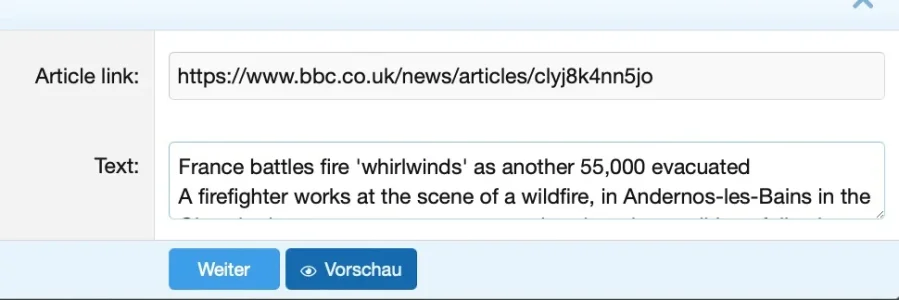
it looks like that in the popup window:

Bildschirmfoto 2026-07-26 um 10.55.30.webp

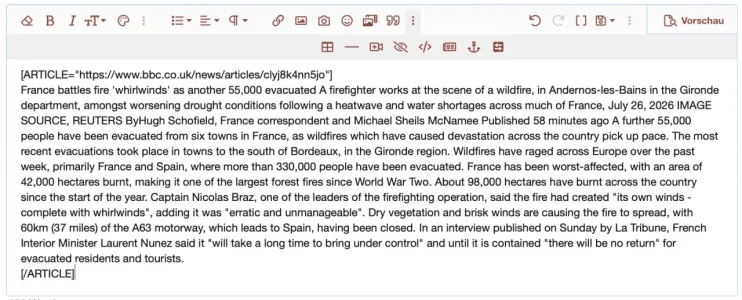
like this in the editor itself:

Bildschirmfoto 2026-07-26 um 10.55.56.webp

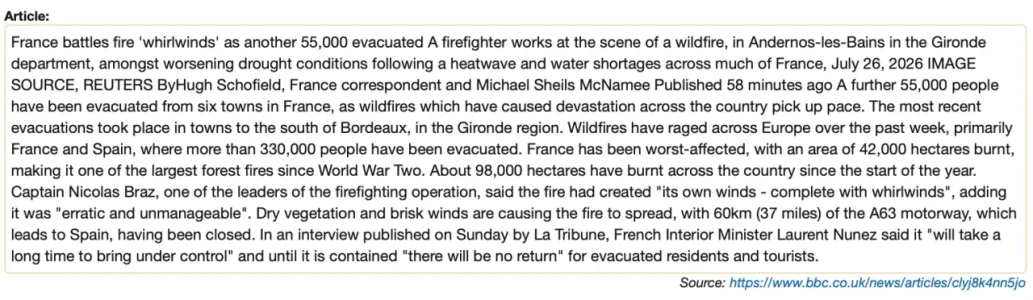
and like that when finally saved:

Bildschirmfoto 2026-07-26 um 10.56.14.webp

Which means: One has to manually insert paragraphs and line breaks that were there before.

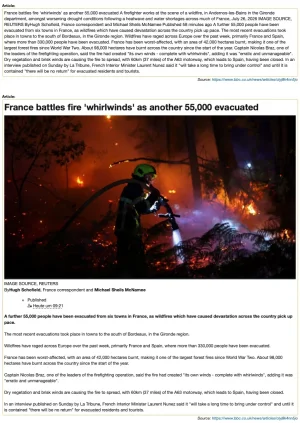
The workaround is to use a placeholder only like "." in the editor popup, safe it and then paste the quote directly within the editor. This way everything is preserved (including pictures). Comparison of pasting the same content in the popup or directly into the editor:

Bildschirmfoto 2026-07-26 um 10.57.46.webp

So while there is a working workaround for this problem one has to know how to do it and it is a bit awkward. The typical forum user would not know about it and run into issues.
 
Xon updated Advanced Bb Codes Pack with a new update entry:

1.19.5

  • Fix "Allow users to convert transparent colored post text into an inline-spoiler" option didn't add the role=button attribute to the dynamic inline spoiler for [color=transparent] tags
  • Fix copy & paste of [color=transparent] could result in it being rendered as plain text or an inline spoiler depending on options
  • Allow copy & paste of [color=xxx] rendered bb-code would get stripped for XF2.3+
  • Allow copy & paste of...

Read the rest of this update entry...
 
There is a compatibility issue with the recent XenForo updates, I'll work on this ASAP.
 
Back
Top Bottom