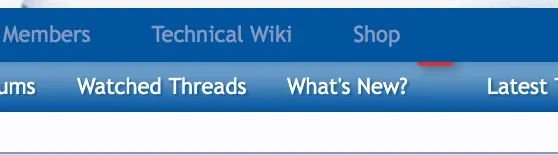
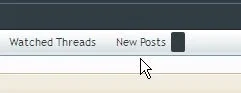
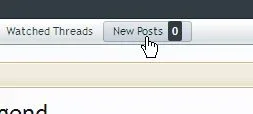
I need to "move" the red bubble up a bit to align with "new posts" text. Where is the setting for postion? has anyone renamed the new posts - perhaps unread posts? @Chris Deeming do you know how I can accomplish moving this alert bubble?
I've just switched to Windows 8 with IE10. Was just testing something else across browsers and noticed this. Works fine on Chrome (default browser) and every other browser I have installed...
I've tried the IE10 compatibility malarkey, but refuses to display any differently irrespective of what I choose!
XF1.2 (I renamed the phrase for New Posts back to What's New)
A number of people kindly helped by suggesting some CSS tweaks. I think this update (which I actually worked on over a month ago) contains some suggested CSS from netrix (thank you).



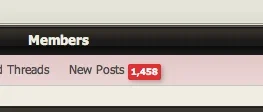

 with IE10. Was just testing something else across browsers and noticed this. Works fine on Chrome (default browser) and every other browser I have installed...