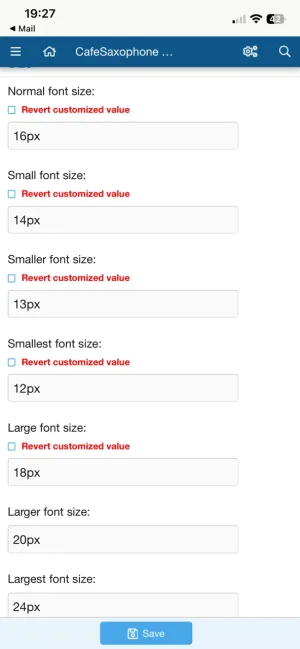
Since the BBCode doesn't get labelled in the resulting HTML with a class (which is a shame) you'll have to replace the existing
[size=n] BBCode with your own version that does this. We do this loads on our sites where we don't want users splashing colours or various font sizes all over the place.
So in the ACP go to
Content -
Custom BB codes and
Add BB Code.
Fill it in something like:
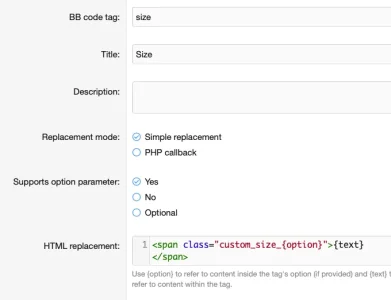
Don't forget to add a regex in the
advanced options to restrict the option parameter to something simple to prevent anyone injecting anything nasty - so for instance say
/^[0-5]$/ to limit it to 0-5 for instance. Obviously you might want to do a proper job and fill in the description and examples for usage and so forth.
Then in your
extra.css (
Appearance -
Templates) we can add the classes for our new "size" elements:
CSS:
.custom_size_0 { font-size: 20%; }
.custom_size_1 { font-size: 50%; }
.custom_size_2 { font-size: 90%; }
.custom_size_3 { font-size: 100%; }
.custom_size_4 { font-size: 130%; }
.custom_size_5 { font-size: 150%; }
Setting those to be whatever you want for your site, be that percentages,
ems, pixels, whatever and allowing you to easily adjust it in the future. Something roughly like this should allow you to effectively set the size to something more suited to your site.