Remove the text-align I gave you and try adding this:
Code:.sidebar .visitorPanel .avatar { margin-bottom: 10px;}
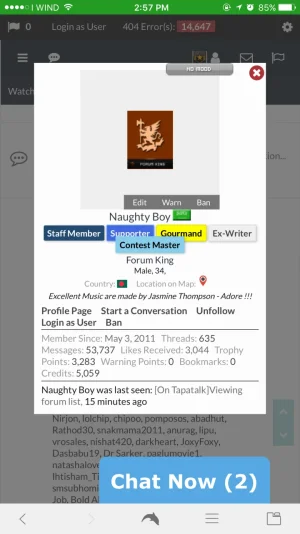
Now under the avatar, not to the under stats. Also how to showing Thread Starter markup icon? do you need add CSS code to extra.css?

Remove the text-align I gave you and try adding this:
Code:.sidebar .visitorPanel .avatar { margin-bottom: 10px;}

Try increasing the margin-bottom I gave you to like 30px, see if that helps.


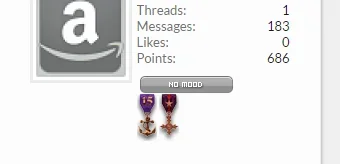
@Russ How to showing Trophies Awarded icon (Center) under User banner icon ? Please let me know this CSS.

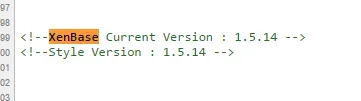
.messageUserInfo .medals { text-align: center;}Hello everyone, we've pushed our 1.5.14 updates out recently. You'll be able to download it immediately with an active license via your licenses area.
Please backup your current styles prior to upgrading.
For a full list of changes and links to instructions on upgrading and further support see the release thread here:...

.xenOverlay .subHeading a:hover {
    color: #FFF;
}
.XenBase body {
    overflow-y: visible;
}
I was cleaning up extra.css today and I found this:
I can't remember why I added it, what is it for?Code:.xenOverlay .subHeading a:hover { color: #FFF; } .XenBase body { overflow-y: visible; }

We use essential cookies to make this site work, and optional cookies to enhance your experience.