No idea. I will look if I can reproduce this. You don't have any error in your apache log?How to fix this?


No idea. I will look if I can reproduce this. You don't have any error in your apache log?How to fix this?
I've tried on my dev board, I don't have any problem. May be you were using a former version of the addon which had a bug.The bugs seems not always happens, it's hard to reproduce bug, it doesn't happened anymore after reinstall.
It does.Installed this on XF 1.4, but it just doesn't seem to work?
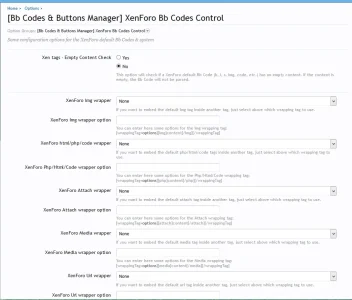
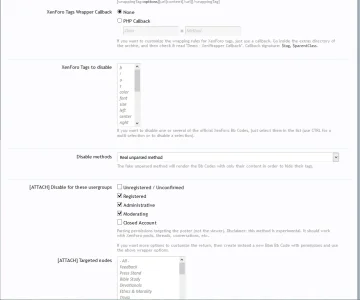
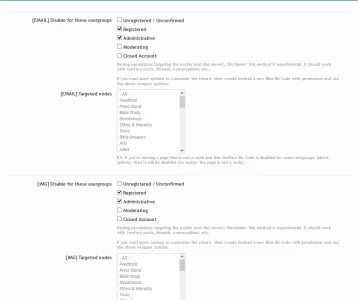
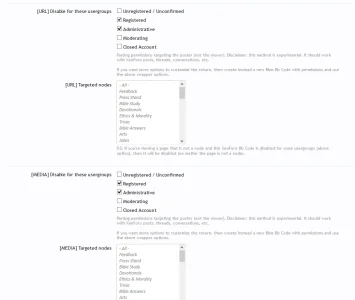
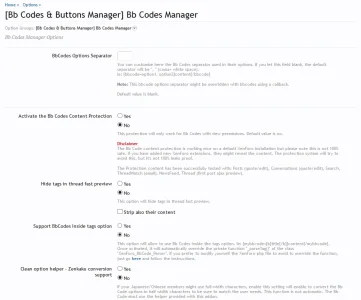
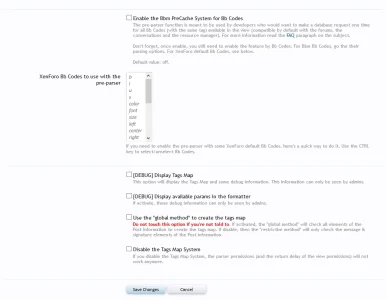
Yes, look at this addon options, there's a section where you can customize the default XenForo Bb Codes.If I want to disable IMG, URL, Media for registered usergroup, how do I do that?
I've added a 12th paragraph to the FAQ. Be sure to read it first please ; thanks. If it still doesn't work, contact me by pm.Hence, it's not working as I stated. For example, I included my admin group in the disable media, img bbcodes under the BB Codes Options (XEN) area. Hard refreshed the page on the forum side, both bbcodes still appear.
I've added a 12th paragraph to the FAQ. Be sure to read it first please ; thanks. If it still doesn't work, contact me by pm.
@Chad
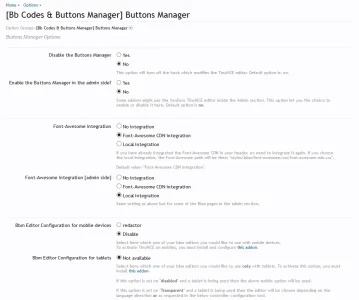
I don't understand, you want to configure Bb Codes or Buttons ? For buttons, simply use the Buttons Manager and take out the buttons you want from the editor.
For buttons, this feature is only available for Bbm Bb Codes, not default buttons, but I guess I could add it: once the Bb Code is disabled (combination of parsing permissions with the visitor objet), the button will be hidden too. I need to check the code to see if it doesn't interfere with other functions.Yes, but I want to set this per usergroup not globally.
Actually it's already there, but what you want is to hide XenForo official buttons by usergroups.Thanks man I'd appreciate if you add the per usergroup posting bbcode feature.
Hide XenForo button when its XenForo Bb Code parsing permission (based on the Visitor object) is disabled. Only works with the following Bb Codes : email, url, img & media. The "targeted nodes" option is ignored (can get node information in this part of the script).
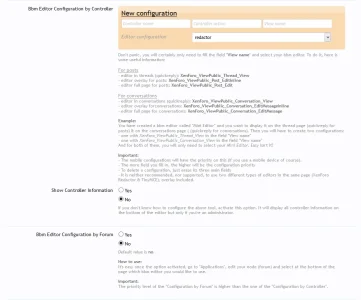
It's probably because your buttons config is blanked, try to edit the Redactor config (even without modifying anything) and save it. It should work. I will look at this later.Hey thinks for the update. Still doesn't seem to work though? I updated the php file with your new version and then disabled img, email, media for admin group. When back, hard refreshed page and the icons are still there in the toolbar.

I don't understand, could you rephrase your question please ? Thanks.hey is it possible to introduce the marquee HTML tag using this?
I don't understand, could you rephrase your question please ? Thanks.
We use essential cookies to make this site work, and optional cookies to enhance your experience.