[TH] Covers [Deleted]

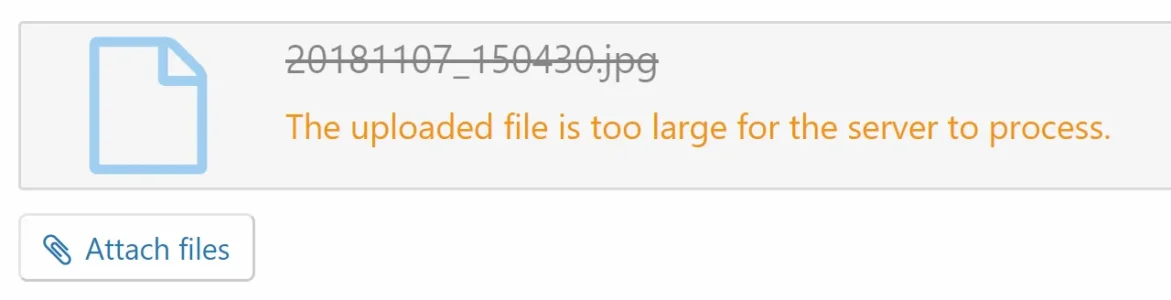
That limit can be configured, the error is coming from the Upload limit on our NGINX configuration, just isn’t something Xenforo is able to catch. You’ll likely see the same thing happen with attachments if you upload the same file
From the same TH demo...
191362
 
How is this looking for 2.1 support, does it work or do we need to wait for an update?
 
Would pull the trigger on this one ASAP (playing with demo now) if either TH added og:image and og:image:height / og:image:width (original dimensions) for the cover [Facebook] and twitter:image / twitter:card (summary_large_image) [Twitter] or point me in the right direction to the template where the attachment URL is pulled so I can attempt to put it in those tags for social sharing in xf:macro metadata myself.

It would be much more eye appealing if shared on Facebook/Twitter with those settings to draw even more social traffic by displaying the cover of threads in the feeds.
 
Can someone please take a look at my ticket? I can't remove branding with the provided instructions on 2.1. Does it need to be at the top of the file or can it be below? It's below the cache stuff, but I flushed it, and the branding is still there.

Edit: I even went further to comment out the branding lines in the php files, but it still shows up. I dunno what's going on.
 
Can someone please take a look at my ticket? I can't remove branding with the provided instructions on 2.1. Does it need to be at the top of the file or can it be below? It's below the cache stuff, but I flushed it, and the branding is still there.
Hello, I recently replied to your ticket! Hope to hear back from you soon ;)
 
Just tested myself and can't see any issues with running Covers on XF 2.1. Let me know if you come across any.
I may be being dim, but what is the "Visitor Menu"? Struggling to see any change whether this option is on or off..
 
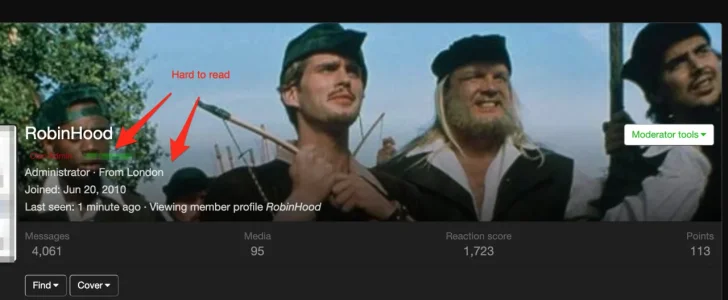
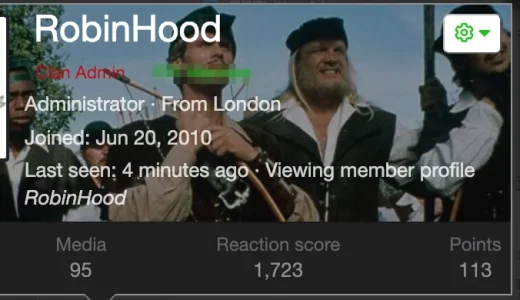
Could you please add extra positioning options for the covers on the Membercard and the Member Profile?

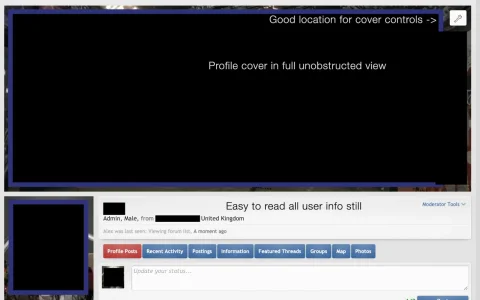
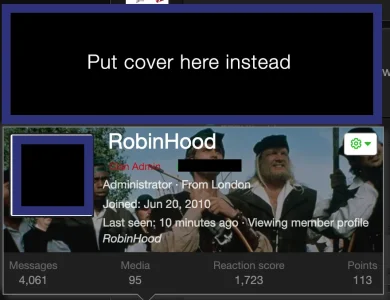
So that the cover is in its own standalone block above the other info?

As it stands, it can be really difficult to read any content overlayed on the cover, plus it's then also hard to enjoy the content of the cover itself.

195243

195244


This is how it's done on an XF1 site of mine using another cover add on and it's much more clear

195246


195249

Thanks

EDIT: For reference https://nobita.me/resources/profile-cover.41/
 
Last edited:
I get errors when I try to upload large images (this is for thread covers, not tested the other cover areas)

195432


The same image uploads just fine to posts, can you have it so that it automatically resizes on upload like post attachments so that users don't get errors with large images?
 
Last edited:
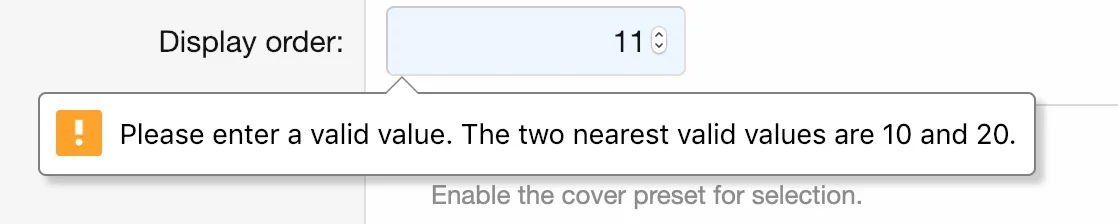
I'm getting console and browser with the display order too on the preset banners. Seems to be restricting the values I can use? Only multiples of 10?


195435
 
Back
Top Bottom