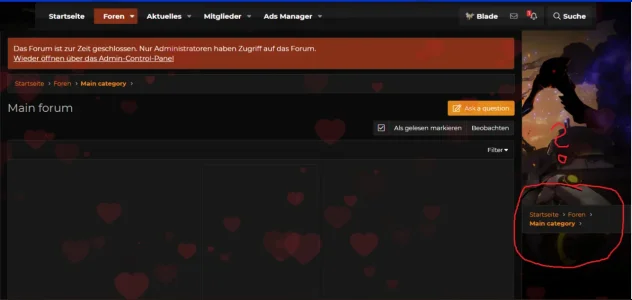
Tried adding it in the extra.less and the page template. Couldn't get it to work. I'm pretty new to this, would any care to explain exactly how to put this in?
Tried adding it in the extra.less and the page template. Couldn't get it to work. I'm pretty new to this, would any care to explain exactly how to put this in?
Yep, I tried to wrap it in there but kept getting an error for invalid syntax. Probably just missing something simple but I can't seem to find anything on how to wrap it correctly.
Thanks so much! that worked like a charm. I was missing the css part behind the xf. I am going to have to go and find some tutorial talking about the way to use the xf: better.