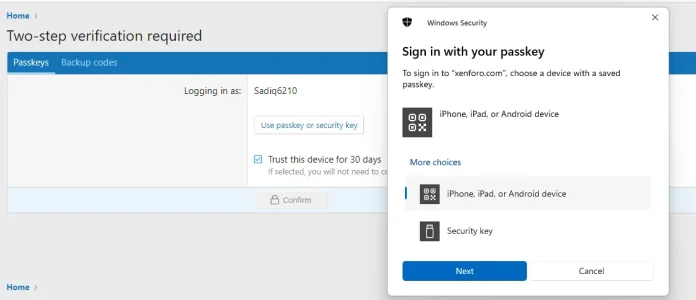
To get the existing credentials perform an login with username and password.
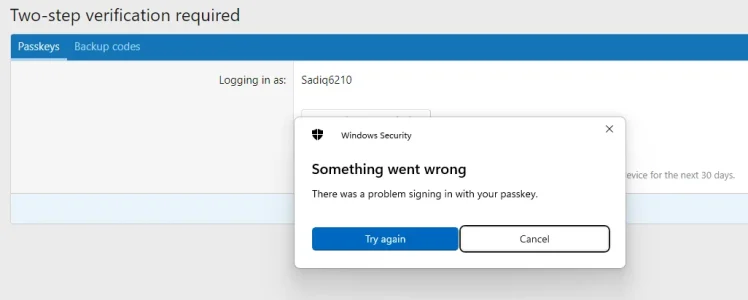
When asked for 2FA via Passkey abort the dialog.
On the
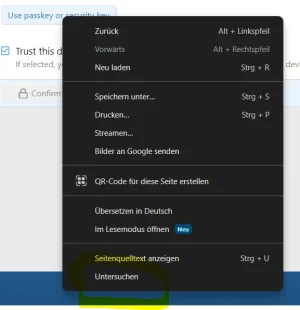
Passkeys tab right-click on button
Use passkey or security key and click
Inspect from the context menu in Chrome (Untersuchen = Inspect, sorry for the german browser

)
View attachment 300634
This should open browser developer tools and show smth. similar like in the following screenshot:
Copy the value of attribute
data-existing-credentials into clipboard and paste into an editor (Notepad, etc.)
Navigate somwhere to make sure you are not logged in (or log out if you are logged in).
Now click on
Log in again to open the login overlay.
Right-click on the
Passkey button and select Inspect from the context menu.
This should show smth. like this in the inspector
View attachment 300640
Navigate to the
<form> element and press F2.
Select all text and copy to clipboard.
Navigate to the closing
</form> and paste the copied code.
Navigate up again to the opening
<form> of the copy-pasted code and insert attribute
data-existing-credentials.
It should now look similar to
View attachment 300638
Make sure the
<form> with the added attribute is selected.
Now click on
Console, enter
XF.activate($0); and press enter
View attachment 300639
Click on the second
Passkey button (the one you just created) and test if you can login with one of the YubiKeys.
It's not really much JavaScript tempering (if fact only the activate call to activate the handler on the cloned form), mostly it is just modifying HTML.