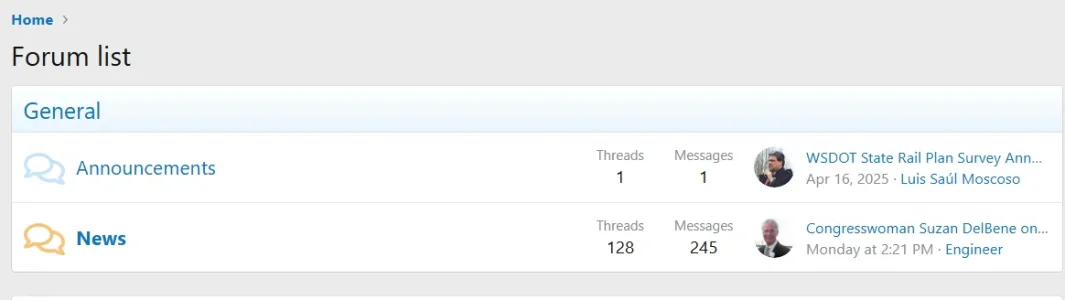
Code edit of the template
extra.less
This will center the titles, and is safe for if you want to keep a left aligned description (if there or added later):
CSS:
.block--category1 .block-header > a
{
    display: block;
    text-align: center;
}
But, this would work with just titles (no description, or else it will align the description center, too):
CSS:
.block--category1 .block-header
{
    text-align: center;
}
Examples doing this with two categories (1 and 4):
CSS:
.block--category1 .block-header > a,
.block--category4 .block-header > a
{
    display: block;
    text-align: center;
}
CSS:
.block--category1 .block-header,
.block--category4 .block-header
{
    display: block;
    text-align: center;
}
To hit...