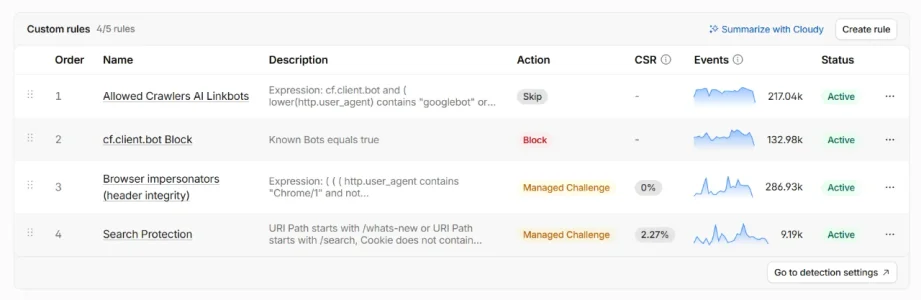
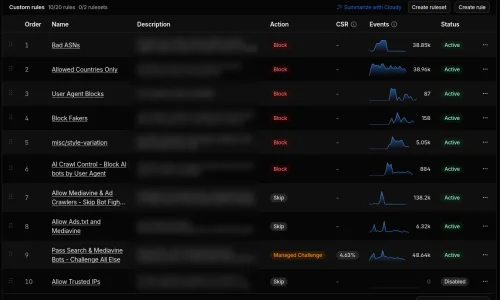
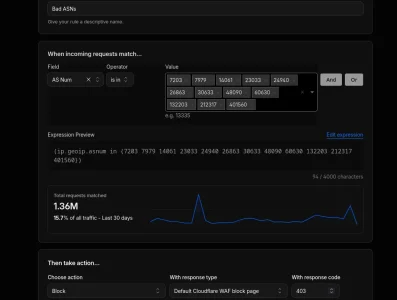
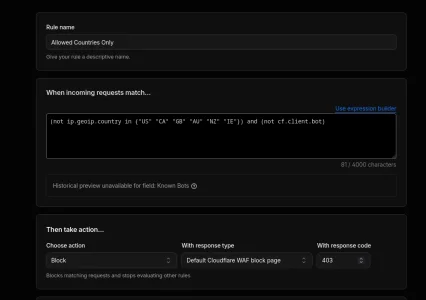
The latest Versions of IP Threat Monitor do check the ASN locally via the free Maxmind Lite DB and write it to the log. If you use Proxycheck with it this results in new, unblocked nasty ASNs (and basically only those) popping up in the proxycheck Dashboard. You can filter the logs in ACP pretty well now (including searching for ASNs) and also download them as csv for a deeper analysis. On a not too busy forum filtering the list in ACP and doing a very rough scrolling is enough to show if something uncommon is going on. If you have a solid set of blocked ASNs and countries API requests to proxycheck are relatively low and, on a small forum, possibly below the free 1000 per day mark: One API request per IP that is not handeled locally already (so neither whitelisted not blacklisted by IP, ASN or country, not iCloud Private relay and neither belonging to any of the published search engine crawler ranges nor used by a logged in member). So the number of API calls really depends from the number of unblocked guests and from how long you preserve the automatically built up blacklist and access list. API requests are pretty cheap anyway, so a paid account does not hurt financially.On that point: what would be the low hanging fruit to gather some sort of daily statistics/analytics about previous day's visitors, grouped by number of requests per ASN? I'd like to be able to check in the morning if there are some new major sources of traffic from some datacenter or VPN and add it to the block rule, without digging through logs manually. I'm not a master of the free CF analytics but they'd have the ability to derive ASNs; the shared hosting has its own limitations for configuration and logging (partial anonymizing of IPs) to avoid the privacy obligations in GDPR, and a XF plugin would need to query some public service to find the ASN of every visitor's IP and still fit within the reasonable limits of a free service.
Combined with the free Bot Guard add on you have a pretty good setup for shared hosting (and not only for shared hosting): Threat Monitor does the rough filtering and reduces the bad traffic massively while Bot Guard does the more clever bits after that and stopps a vast amount of bots that are left from ASNs you don't want to block. Through the traffic reduction by the first filter stage by bot guard this leaves server load painless.
The combination of both add ons is a pretty nice setup, easy to use, runs on shared hosting and w/o cloudflare. The only active work is to build up your filter list of countries and ASNs as well as your whitelist in the IP Threat Monitor configuration. You can howeve combine both tools with CF as well if you want.
Last edited: