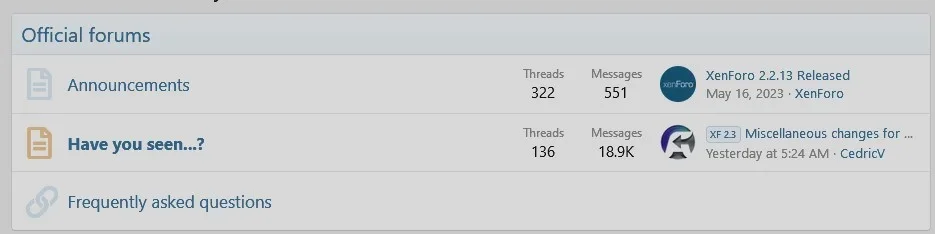
Change Node List height

mrb1972

Active member
Licensed customer
Hi,

Whats the best way to change height of the Node list on the forum home pages?

Thanks
 
The Node List will change height depending on how many nodes you add to it. So I don't understand your question yet.

Which exact height do you want to change?
Category bars?
The Description blocks?

Maybe try a screenshot with an arrow to tell us?
 
I'm quite sure it's the following insert into your extra.css template with 40px being your preferred height

Code:
.nodeList .categoryStrip {
height: 40px;
}
 
It's so long since I did any editing I've forgotten a lot. I'm trying to remove most of the space at the bottom of the node strips.
I put the code snip above in EXTRA but it doesn't have any result.
I tried reducing the px number - 40 to 35 to 25 - it has no effect.

http://www.mabinogistudy.com/forums/

Code:
/* NODE LIST ITEM HEIGHT */
.nodeList .categoryStrip {
height: 25px;
}

/* NODE GAP */
.nodeList {
    margin-bottom: -15px;
}
I tried removing the NODE GAP code but it makes no difference.
 
Back
Top Bottom