/*** Article Forum Symmetrical Grid Layout with Equal Grid - Fixed Footer ***/
[data-container-key="node-77"], // Change Haberler forum design
[data-container-key="node-136"] // Change Firma Tanıtımları forum design
{
@media (min-width: @xf-responsiveMedium)
{
    @__ctaArticleFooter: 40px;

    .block.block--articles.block--previews .block-body {
        display: grid;
        grid-template-columns: repeat(auto-fill, minmax(350px, 1fr));
        gap: 15px;
        align-items: stretch;
    }

    .block.block--articles.block--previews .block-body .message--articlePreview {
        margin-top: 0;

        &:nth-of-type(n) {
            grid-area: unset;

            & .articlePreview {
                &-main {
                    flex-direction: column;
                    min-height: 100%;
                    padding-bottom: @__ctaArticleFooter;
                }

                &-image {
                    width: 100%;
                    height: 180px; // Fixed height for consistency
                    overflow: hidden;
                    position: relative;

                    img {
                        width: 100%;
                        height: 100%;
                        object-fit: contain; // Crop excess while keeping aspect ratio
                        display: block;
                    }
                }

                &-title {
                    font-size: @xf-fontSizeLarger;
                }

                &-content {
                    margin-bottom: -@__ctaArticleFooter;

                    .bbWrapper {
                        display: -webkit-box;
                        -webkit-line-clamp: 3; // Limit to 3 lines
                        -webkit-box-orient: vertical;
                        overflow: hidden;
                    }
                }

                &-footer {
                    position: relative;
                    bottom: @__ctaArticleFooter;
                }

                &-meta {
                    border-top: solid 1px @xf-borderColor;

                    & .articlePreview-by {
                        display: none;
                    }
                }
            }
        }
    }
}

.message--articlePreview .articlePreview-image+.articlePreview-text .bbWrapper:after {
    background: none;
}
}

/*** === NEW: Specific Default Images === ***/

// Default image for Haberler (node-77)
[data-container-key="node-77"] .articlePreview-image:empty {
    background: url('/styles/isgtr/sunum/isg_haberler.png') center center / cover no-repeat;
    width: 100%;
    height: 180px;
    display: block;
}

// Default image for Firma Tanıtımları (node-136)
[data-container-key="node-136"] .articlePreview-image:empty {
    background: url('/styles/isgtr/sunum/firma_tanitim.png') center center / cover no-repeat;
    width: 100%;
    height: 180px;
    display: block;
}
/*** Article Forum Symmetrical Grid Layout with Equal Grid - Fixed Footer ***/



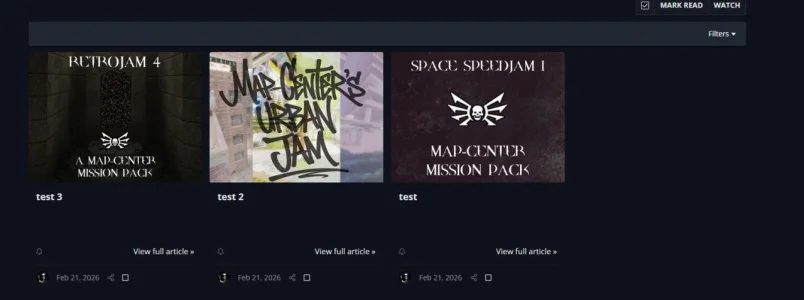


 )
)