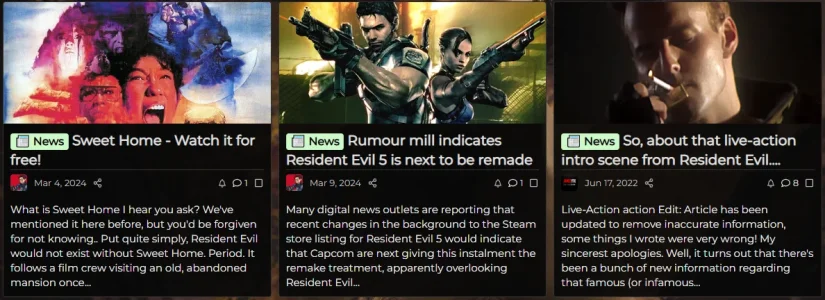
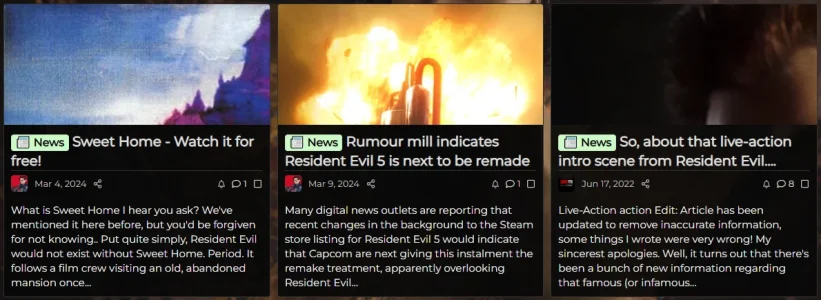
I wonder if there an "article forum in preview mode" widget?


Seems to be fine with a small correction...@Paul B any update for 2.3.x on this, it's a big miss for making the article layout look great. With thanks
I've added this to my forum:Still broken in 2.3.0 RC4
.block--previews .block-body>.message--articlePreview:first-of-type .articlePreview-image {
    height: auto;
}

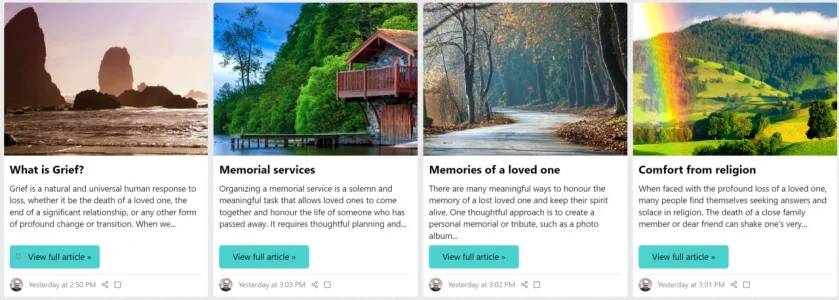


<xf:if is="$thread.cover_image">
                <a href="{$linkUnread}" class="articlePreview-image" tabindex="-1">
                <img src="{$thread.cover_image}" alt="{$thread.title}" loading="lazy" />
                </a>
            <xf:elseif is="$forum.node_id == 77" />
                <a href="{$linkUnread}" class="articlePreview-image" tabindex="-1">
                <img src="{{ {$xf.options.boardUrl}.'/styles/isgtr/sunum/guncel_haberler.jpg' }}" alt="{$thread.title}" loading="lazy" />
                </a>
            </xf:if>


@media (min-width: @xf-responsiveMedium)
{
@__ctaArticleFooter: 40px;
.block--previews .block-body>.message--articlePreview:first-of-type .articlePreview-image {
height: auto;
}
.block.block--articles.block--previews .block-body .message--articlePreview
{
margin-top: 0;
&:nth-of-type
{
grid-area: unset;
& .articlePreview
{
&-main
{
flex-direction: column;
min-height: 100%;
padding-bottom: @__ctaArticleFooter;
}
&-image
{
width: 100%;
}
&-title
{
font-size: @xf-fontSizeLarger;
}
&-content
{
margin-bottom: -@__ctaArticleFooter;
}
&-footer
{
position: relative;
bottom: @__ctaArticleFooter;
}
&-meta
{
border-top: solid 1px @xf-borderColor;
& .articlePreview-by
{
display: none;
}
}
}
}
}
}
.message--articlePreview .articlePreview-image+.articlePreview-text .bbWrapper:after
{
background: none;
}
I think the reason of this problem is image height. you should give fixed image height.I keep running into a problem which I sadly haven't fixed yet. I'm using the Equal Grid - Fixed Footer code, but not everything lined up so - based on the comments here - I added a little bit of code and now it's almost perfect, except for one post that seemingly doesn't want to align at all.
View attachment 330362
This is the complete code I'm now using, what am I missing here for that one post not to line up? Here's my code:
Thank you for the quick reply. I'm new to all of this, including CSS code. Google tells me that fixed height may cause problems which may stretch or squash images that have a different aspect ratio than your with/height defines. I'm fine with using a specific size of image for the thumbnails (I can make them myself) but then I'm not sure where in the code I should specify that?I think the reason of this problem is image height. you should give fixed image height.


.message--articlePreview .articlePreview-image>img {
    aspect-ratio: 5 / 3;
}.message--articlePreview .articlePreview-image>img {
aspect-ratio: 4 / 3 !important;
}@Sprony @Wildcat Media
Code:.message--articlePreview .articlePreview-image>img { aspect-ratio: 5 / 3; }
or
Code:.message--articlePreview .articlePreview-image>img { aspect-ratio: 4 / 3 !important; }
Yeah, I have a bunch of code in that, but I figured I need to change the existing code, but you can just add it as it's own thing and it works like a charm, thanks!In extra.less template
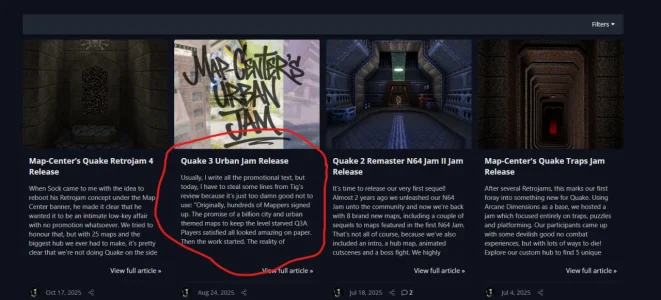
/*** Article Forum Symmetrical Grid Layout with Equal Grid - Fixed Footer ***/
[data-container-key="node-77"], // Change Haberler forum design
[data-container-key="node-136"] // Change Firma Tanıtımları forum design
{
@media (min-width: @xf-responsiveMedium)
{
    @__ctaArticleFooter: 40px;

    .block.block--articles.block--previews .block-body {
        display: grid;
        grid-template-columns: repeat(auto-fill, minmax(350px, 1fr));
        gap: 15px;
        align-items: stretch;
    }

    .block.block--articles.block--previews .block-body .message--articlePreview {
        margin-top: 0;

        &:nth-of-type(n) {
            grid-area: unset;

            & .articlePreview {
                &-main {
                    flex-direction: column;
                    min-height: 100%;
                    padding-bottom: @__ctaArticleFooter;
                }

                &-image {
                    width: 100%;
                    height: 180px; // Fixed height for consistency
                    overflow: hidden;
                    position: relative;

                    img {
                        width: 100%;
                        height: 100%;
                        object-fit: contain; // Crop excess while keeping aspect ratio
                        display: block;
                    }
                }

                &-title {
                    font-size: @xf-fontSizeLarger;
                }

                &-content {
                    margin-bottom: -@__ctaArticleFooter;

                    .bbWrapper {
                        display: -webkit-box;
                        -webkit-line-clamp: 3; // Limit to 3 lines
                        -webkit-box-orient: vertical;
                        overflow: hidden;
                    }
                }

                &-footer {
                    position: relative;
                    bottom: @__ctaArticleFooter;
                }

                &-meta {
                    border-top: solid 1px @xf-borderColor;

                    & .articlePreview-by {
                        display: none;
                    }
                }
            }
        }
    }
}

.message--articlePreview .articlePreview-image+.articlePreview-text .bbWrapper:after {
    background: none;
}
}

/*** === NEW: Specific Default Images === ***/

// Default image for Haberler (node-77)
[data-container-key="node-77"] .articlePreview-image:empty {
    background: url('/styles/isgtr/sunum/isg_haberler.png') center center / cover no-repeat;
    width: 100%;
    height: 180px;
    display: block;
}

// Default image for Firma Tanıtımları (node-136)
[data-container-key="node-136"] .articlePreview-image:empty {
    background: url('/styles/isgtr/sunum/firma_tanitim.png') center center / cover no-repeat;
    width: 100%;
    height: 180px;
    display: block;
}
/*** Article Forum Symmetrical Grid Layout with Equal Grid - Fixed Footer ***/Hi @Paul B
How can I relocate the prefix to upleft side or any other position?
View attachment 330447
                    <h2 class="articlePreview-title">
                        <xf:if is="$thread.discussion_state == 'moderated'">
                            <i class="structItem-status structItem-status--moderated" aria-hidden="true" title="{{ phrase('awaiting_approval')|for_attr }}"></i>
                            <span class="u-srOnly">{{ phrase('awaiting_approval') }}</span>
                        <xf:elseif is="$thread.discussion_state == 'deleted'" />
                            <i class="structItem-status structItem-status--deleted" aria-hidden="true" title="{{ phrase('deleted')|for_attr }}"></i>
                            <span class="u-srOnly">{{ phrase('deleted') }}</span>
                        </xf:if>
                        <xf:if is="$thread.prefix_id">
                            <xf:if is="$forum">
                                <a href="{{ link('forums', $forum, {'prefix_id': $thread.prefix_id}) }}" class="labelLink" rel="nofollow">{{ prefix('thread', $thread, 'html', '') }}</a>
                                <xf:else />
                                {{ prefix('thread', $thread, 'html', '') }}
                            </xf:if>
                        </xf:if>
                        <a href="{$linkUnread}">{$thread.title}</a>
</h2><xf:if is="$thread.cover_image"> which doesn't seem too out of proportion, standard 4:3. Why is it showing all 9:16-like?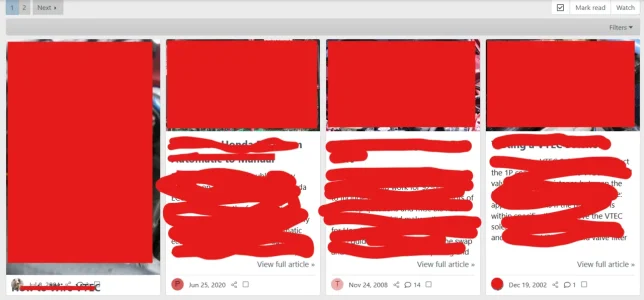
We use essential cookies to make this site work, and optional cookies to enhance your experience.