- Compatible XF 2.x versions
- 2.3
- Additional requirements
- XenForo 2.3.12 or newer. No other add-on required. Resource Manager is optional and only read if you use the import.
- License
- Commercial. One licence per XenForo installation (plus its staging copy). Digital product, no refunds. No call-home, no encoded files, no kill switch.
- Updates duration
- 12 months of updates included. Renewal for another 12 months: 19 EUR.
- Visible branding
- No
XFDM is a complete download manager for XenForo 2.3. It does what you know from Resource Manager - categories, versions, reviews, custom fields - and then keeps going: you can sell files with update periods, put gates and limits in front of a download, deliver files by e-mail, and give every file its own comments and its own question-and-answer board. Every download and every blocked attempt lands in an audit log.
It is a stand-alone add-on. It does not extend Resource Manager and does not need it - but if you run Resource Manager today, XFDM can take your content over in one click.
Live demo: https://www.forumino.com/downloads/ (default XenForo style, real content, nothing hidden)
Why XFDM
- Everything lives on the file page. Overview, updates, reviews, comments, questions, version history, FAQ, rules, licence and "your limits" are tabs of the same page - not threads scattered across your forum.
- Your download rules are permissions, not code. Daily quota, waiting time, countdown, rate limit, reaction requirement and hotlink protection are set per user group, with a bypass permission for each.
- Members see why. A download that is blocked never ends in a bare error. The Limits tab shows each rule as a card: what applies to you, what you have used, when it resets.
- Made to be sold. Paid files use XenForo's own payment profiles, with lifetime, time-limited or no update access. Buyers whose update period ran out keep the version they paid for, see everything they bought on one page and renew at a discount.
- No strings attached. No licence server, no callbacks, no obfuscated code. White-label friendly.
Features
Files and versions
- Five file types: uploaded file, external download link, external purchase, paid product and file-less article
- Several files per version (for example an Excel and a LibreOffice edition) - members pick the one they need
- Full version history with per-version download counts; older versions stay downloadable
- Updates with their own text, attachments and reactions - with or without a new version
- SHA-256 checksum shown on the file page
- Icon, tag line, prefixes, custom fields, tags, featured flag
- Gallery with uploaded screenshots and embedded videos
- Team members: several people can maintain one file
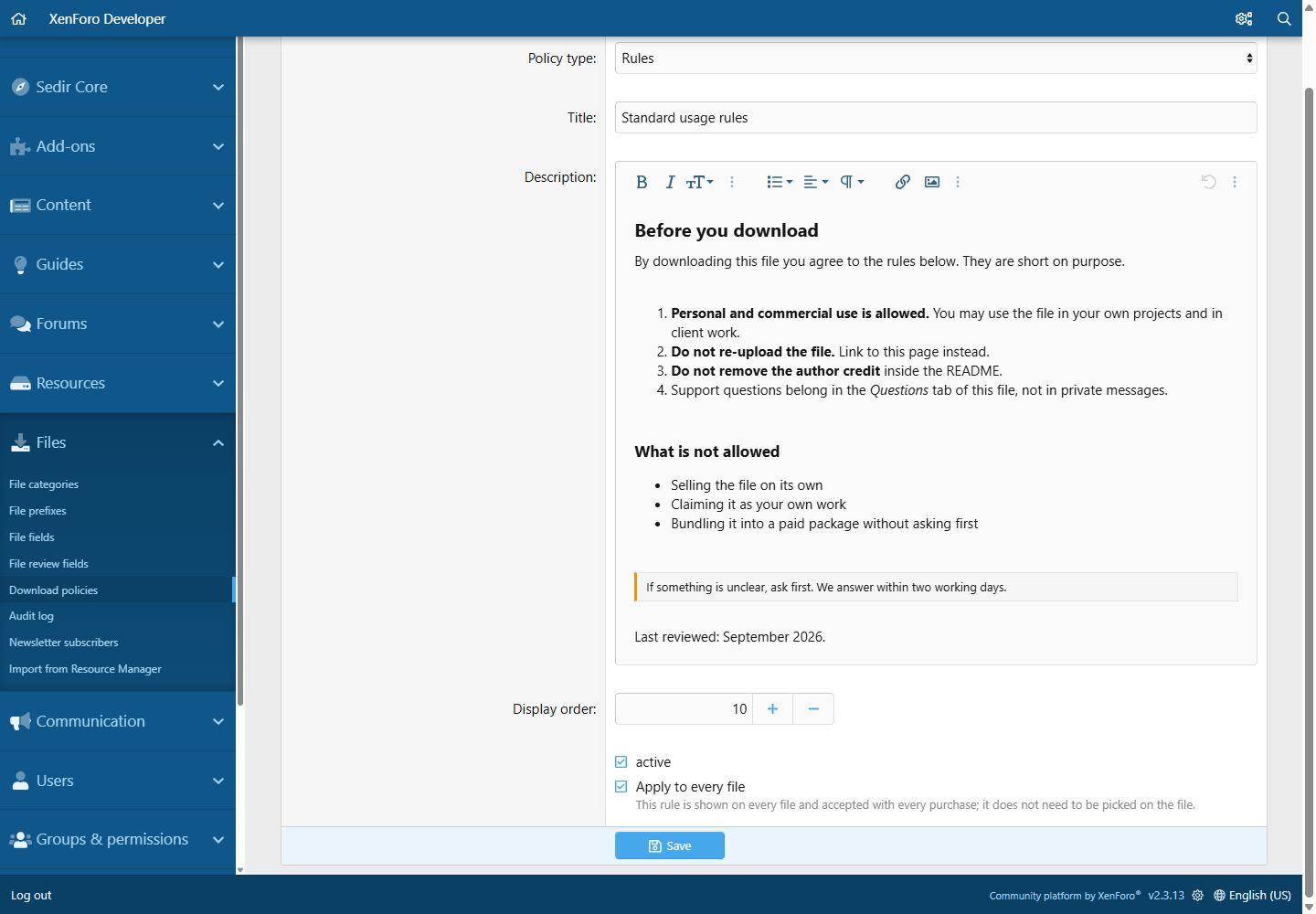
- Per-file FAQ tab, plus reusable Rules and Licence / copyright policies you write once in the admin panel. A file can carry several rules; a rule can be marked apply to every file ("no refunds"), the others are picked per file ("needs Excel 2019"). Paid products always require at least one rule; for free files that is an option
Selling files
- Paid products through XenForo payment profiles, in any currency you enable
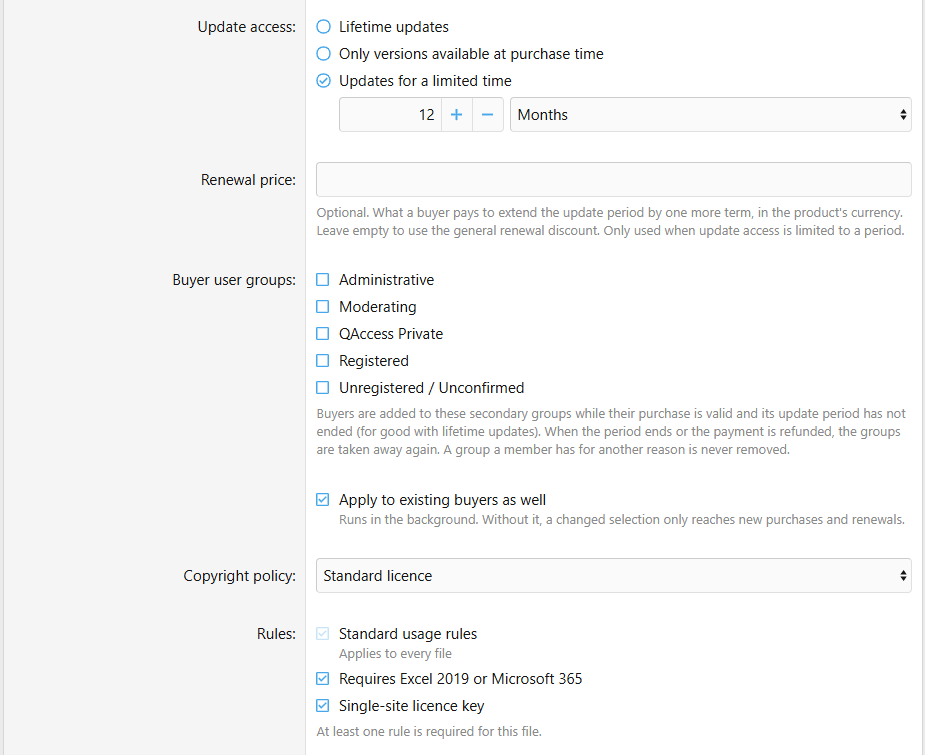
- Update access per product: lifetime, limited (for example 12 months) or none
- After the update period ends the buyer still gets "Download your version" - and a renewal button next to it
- Refunds and reversals close access automatically; a reinstated payment opens it again
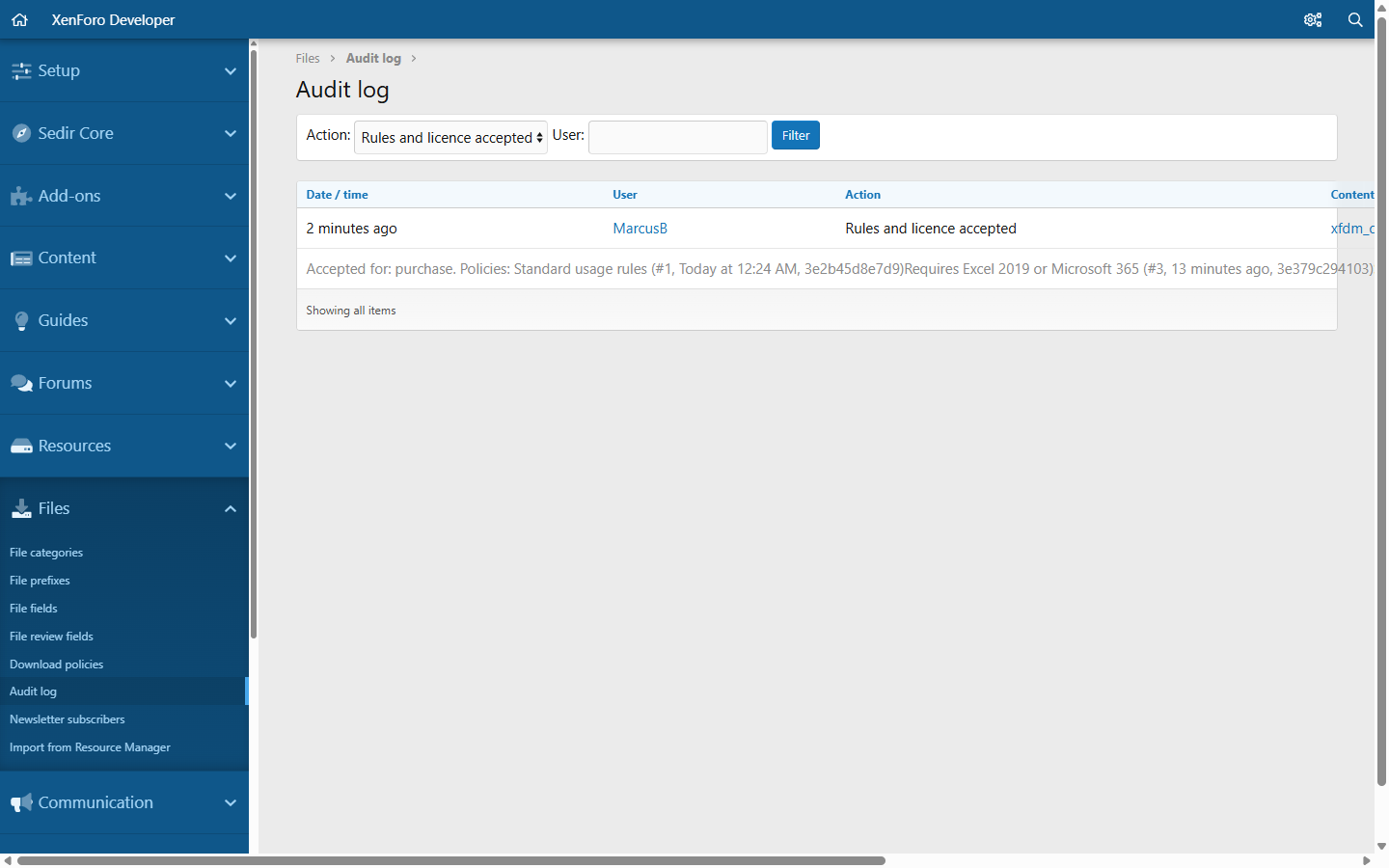
- Proof of consent: before paying, the buyer has to accept the rules and licence of the file. Date, IP address and the exact version of the accepted policies are stored with the purchase and in the audit log
- Buyers are never slowed down: quota, waiting time and countdown do not apply to a file someone paid for
- Your purchases page for every member: what they bought, how long updates run, the purchase key, download and renew buttons
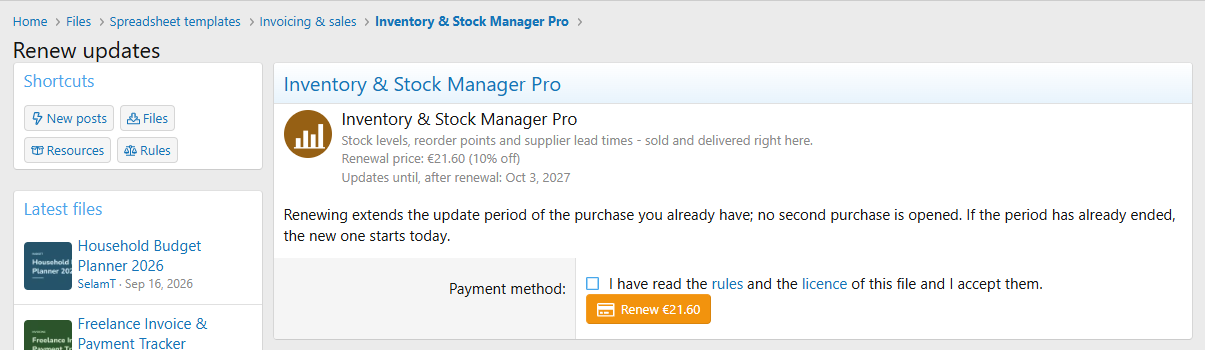
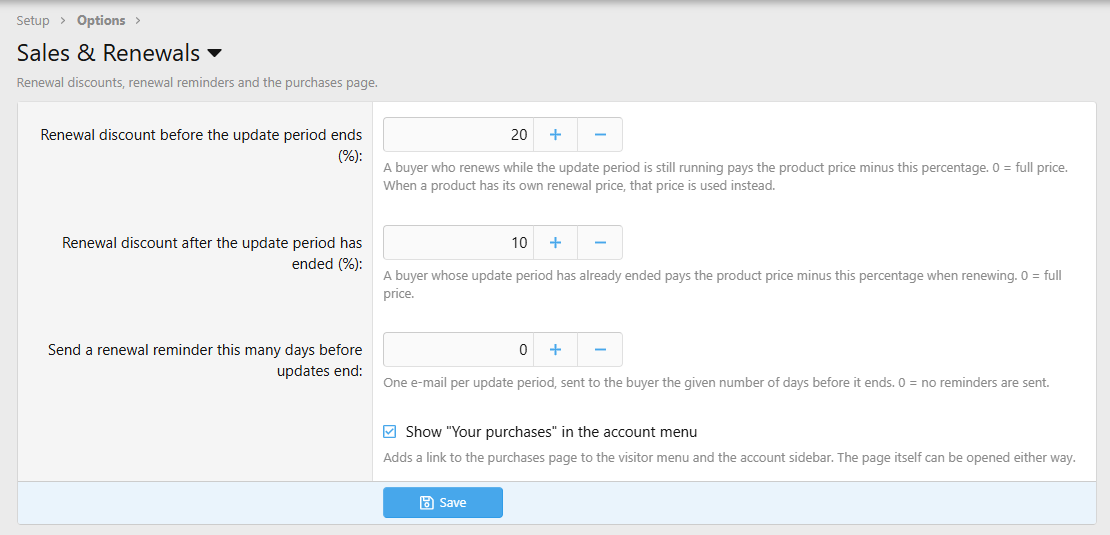
- Renewals at a discount: renewing extends the same purchase by one more term - never a second purchase. Separate discounts before and after the period ends, or a fixed renewal price per product
- Buyer user groups: buyers join the groups you pick while their update period runs and leave them when it ends or the payment is refunded; a renewal brings them back
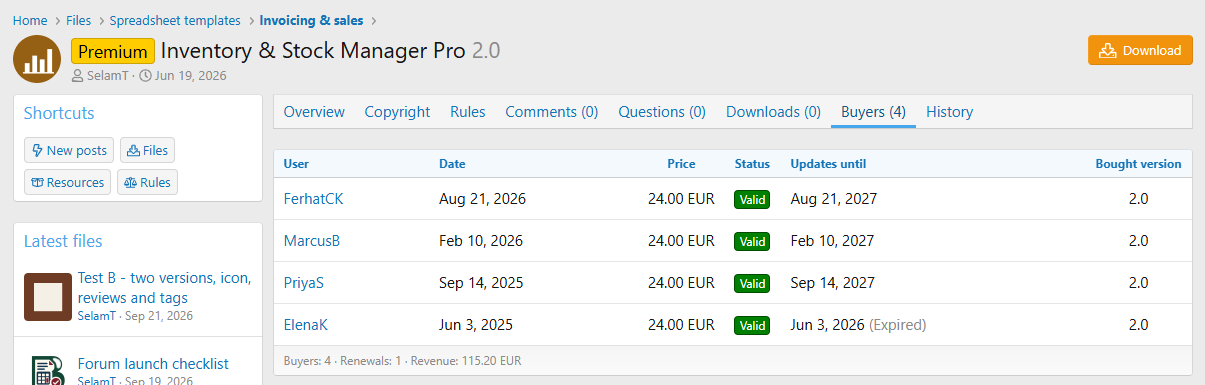
- Buyers tab on every product with totals and revenue per currency. The seller sees it - and the purchases of their own products - without any group permission
- External purchase type for files you sell somewhere else
Download gates and limits
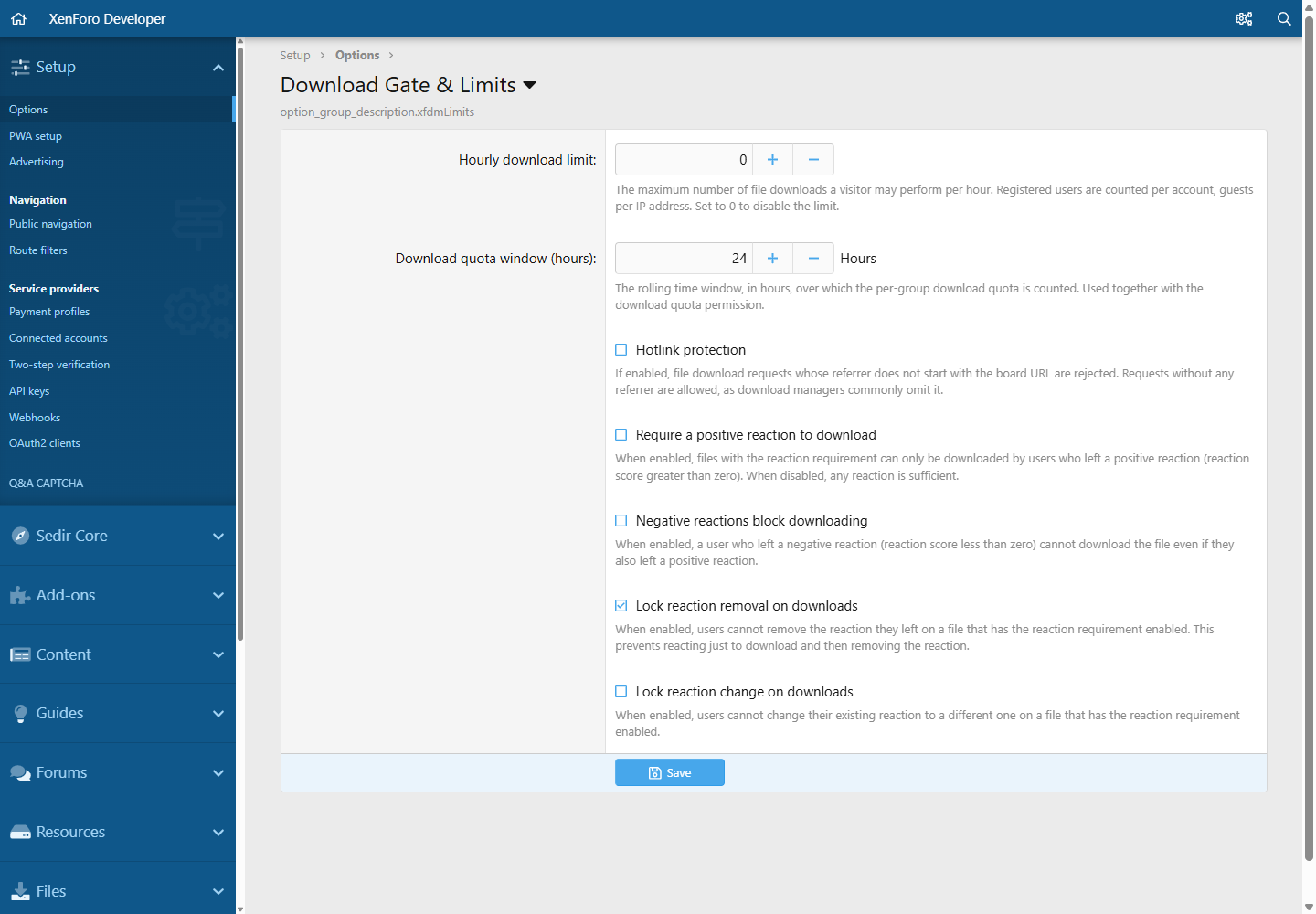
- Daily quota per user group, with a configurable window
- Waiting time between two downloads
- Countdown before the download starts - the button turns into a progress bar with a seconds ring
- Rate limit per hour
- Reaction gate: members have to react to the file before downloading; removing or changing the reaction can be locked
- Hotlink protection
- A bypass permission for every single gate
- All checks run on the server; the button is only the friendly face
- Limits tab and an optional info bar explain every rule to the member
E-mail delivery and newsletter
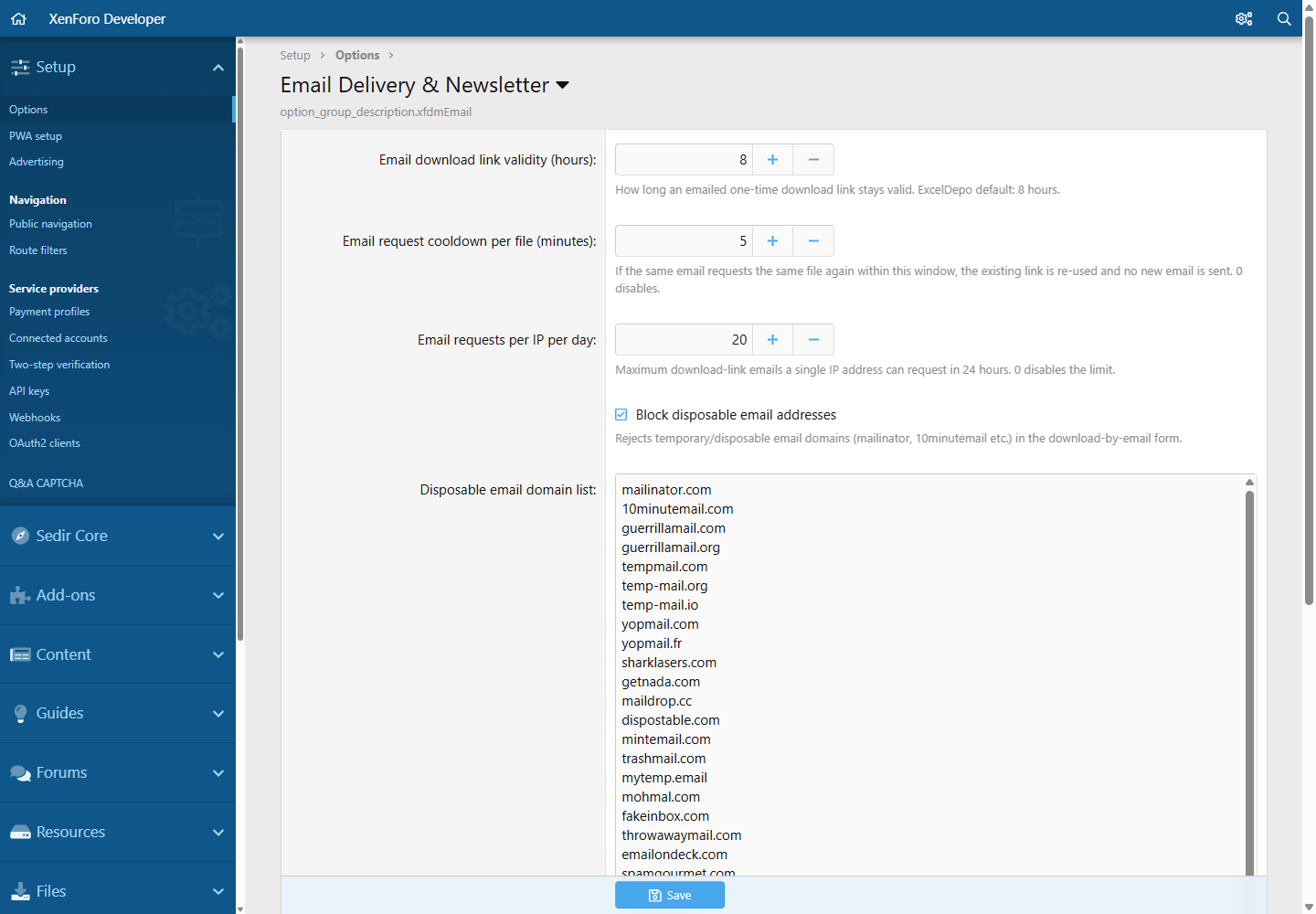
- Groups without download permission (guests, for example) can get a file by e-mail instead
- One-time, expiring links; the token is claimed atomically and cannot be reused
- Protection against bots, temp-mail domains, resend abuse and per-IP flooding
- Paid files can never be delivered this way
- Optional newsletter opt-in, confirmed when the link is opened; subscriber list with CSV export in the admin panel, one-click unsubscribe
Community on every file
- Questions: a Q&A board per file with answers, up / down votes, sort by votes, solution marking, locking and private questions only the asker and the file team can see
- Comments with reactions and votes
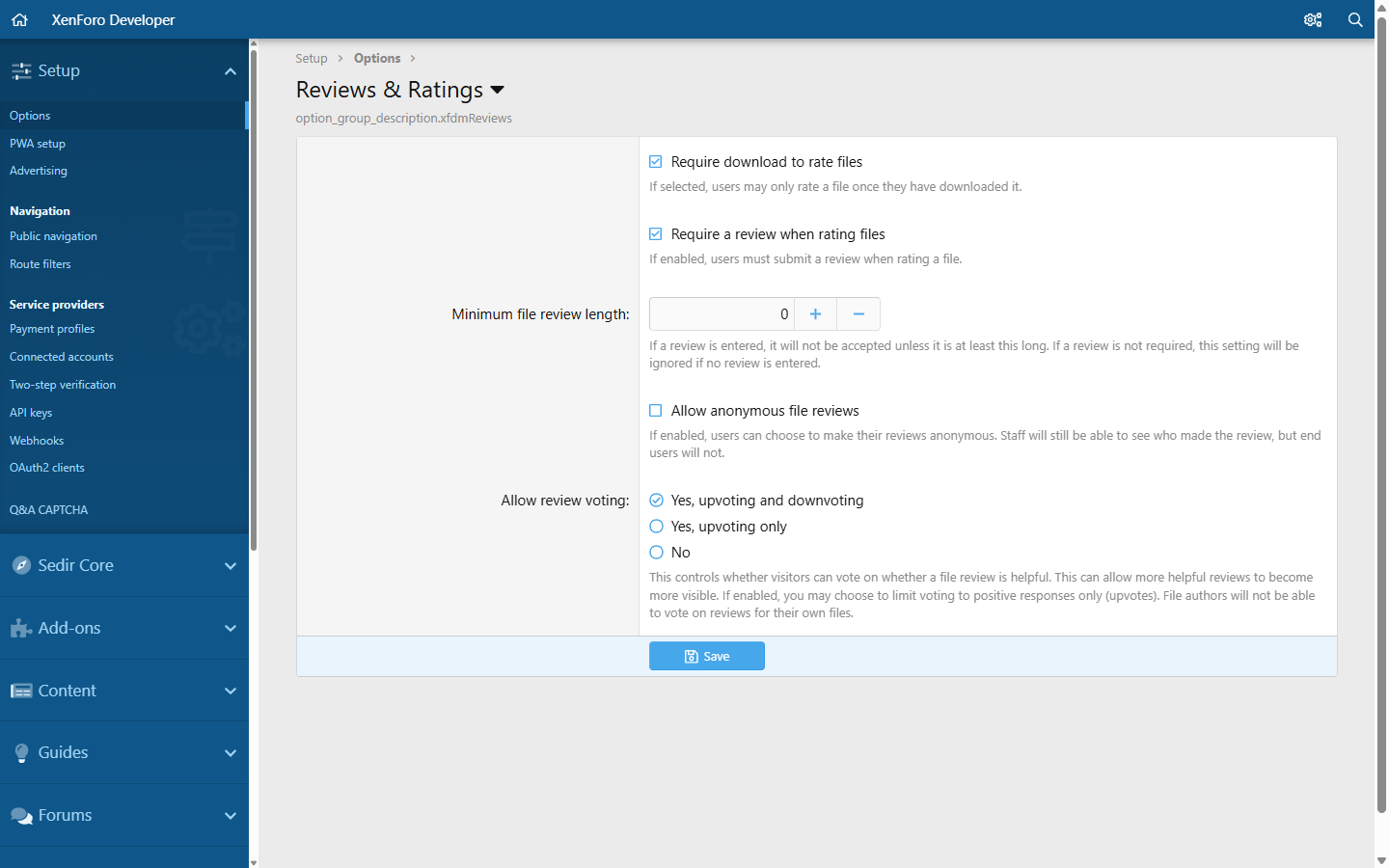
- Reviews with star ratings, optional custom review fields, helpful-votes, anonymous reviews and an author reply
- Downloads tab: who downloaded what and when (permission based)
- Mentions, embeds, alerts and watch e-mails everywhere
- Approval queue, reports, warnings, spam cleaner, inline moderation and moderator log for every content type
Move over from Resource Manager
- Convert to file in the tools menu of any Resource Manager resource - one click, one resource, permission based
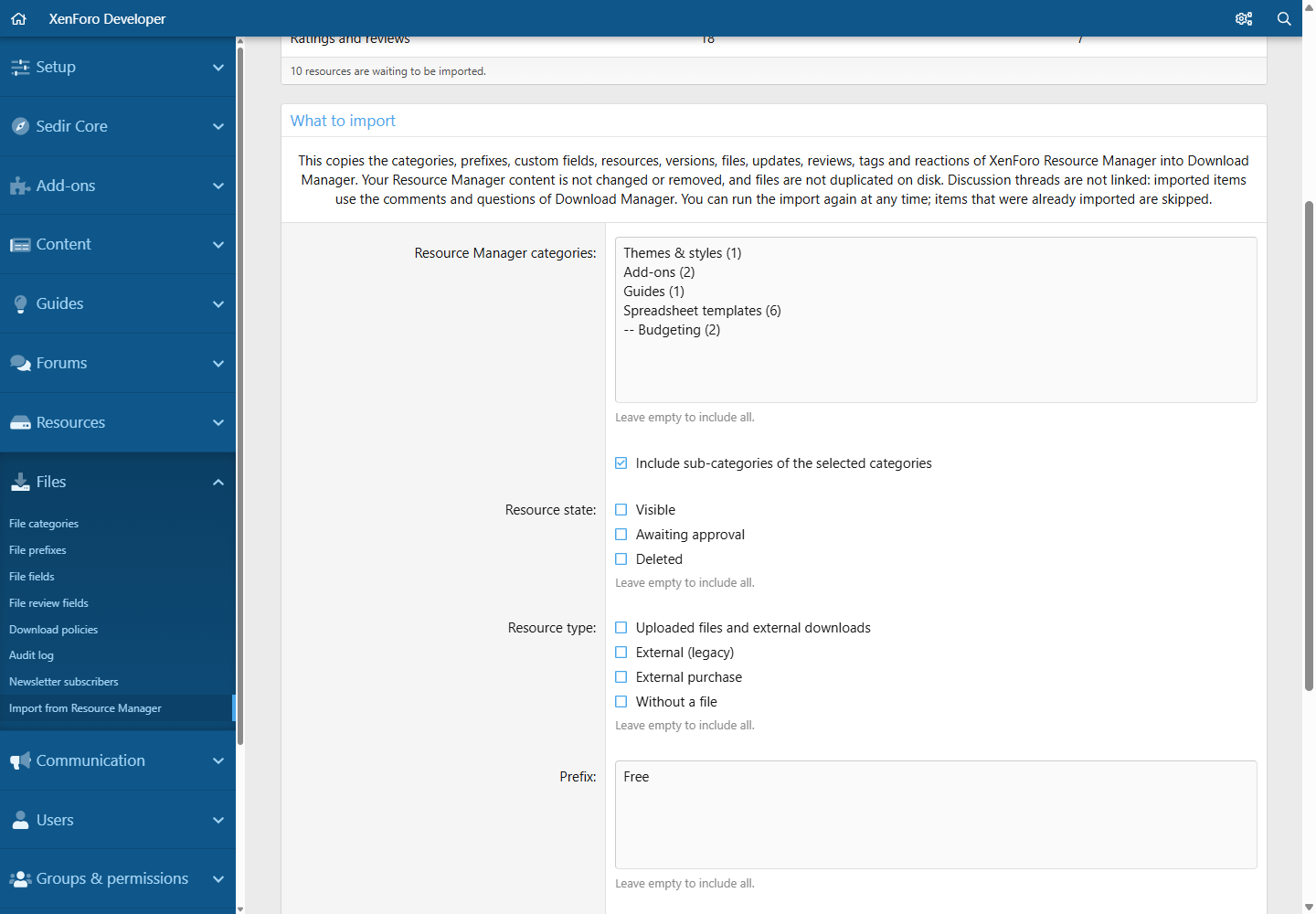
- Bulk import in the admin panel with criteria: categories (with sub-categories), state, type, prefix, author, date range
- Keep your category tree or put everything into one category
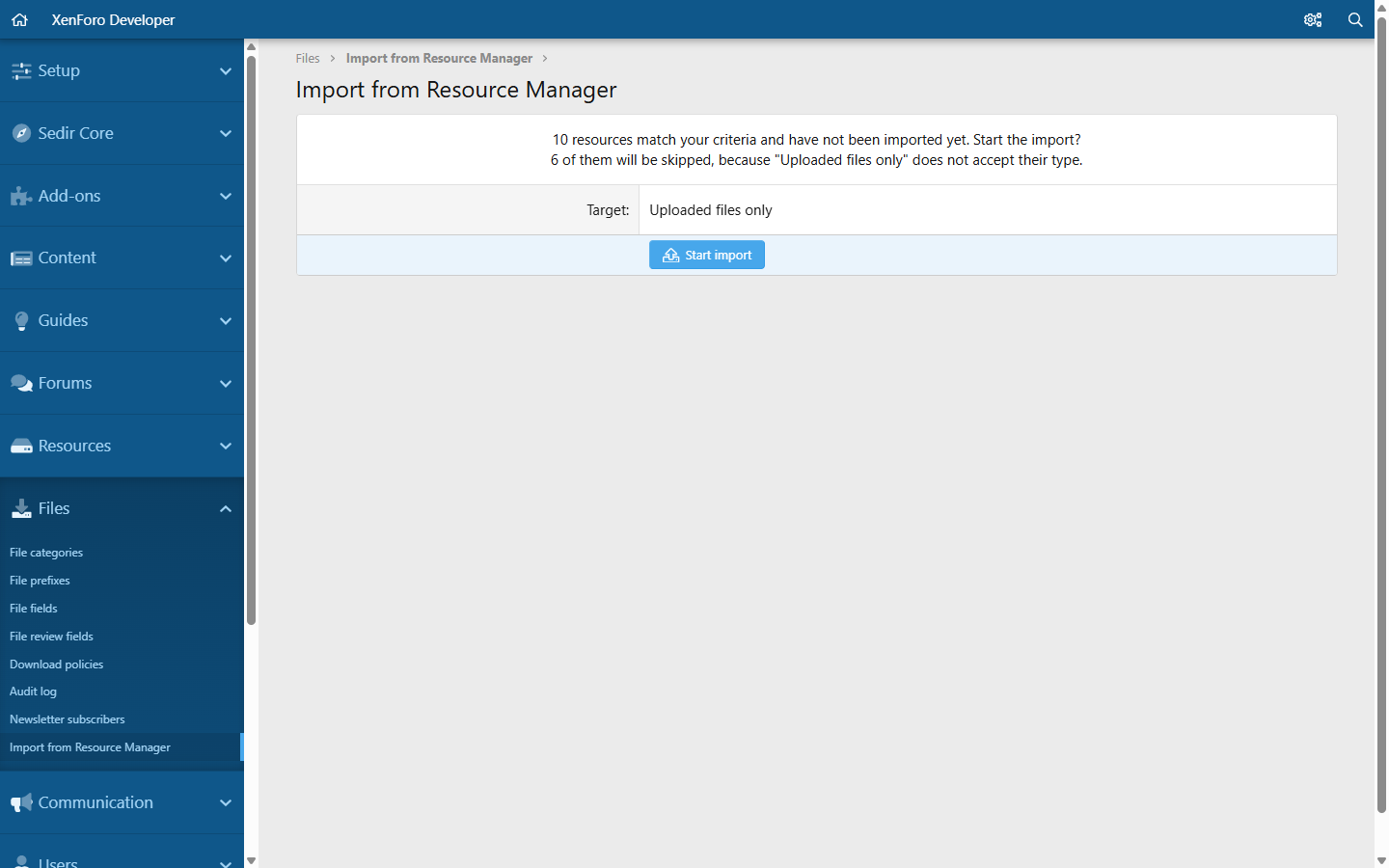
- Preview before anything is copied: how many resources match, and how many would be skipped because the target category does not accept their type
- Copies categories, permissions, prefixes, custom fields, versions, files, updates, reviews, review fields, tags, reactions, bookmarks, watchers and icons
- Your Resource Manager content is never changed; files are not duplicated on disk
- Runs as a background job, can be stopped and resumed, never imports the same resource twice
- Optionally remove or permanently delete the original afterwards - the files stay available in XFDM
Move over from DragonByte eCommerce
- One command copies products, releases, licences, renewal history, ratings, watchers, tags and download history into XFDM - on the same installation; DragonByte data is only read
- Licences become purchases with the same buyer, date, key and end of updates; expired licences can renew
- Dry run by default, a per-product report, a status view and a full rollback; running it again never duplicates anything
- After the switch the old store addresses answer with permanent redirects to the matching XFDM pages
Administration
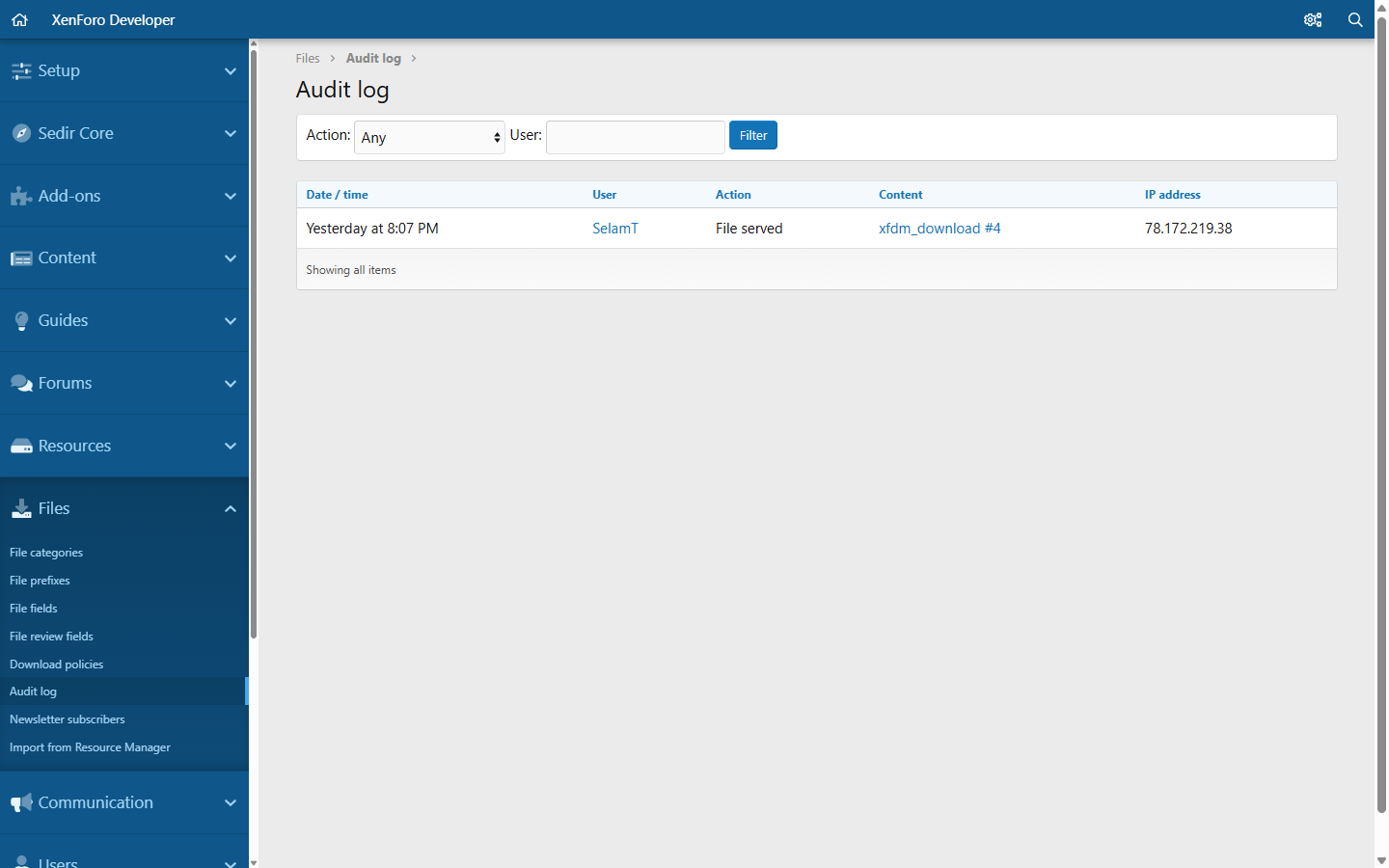
- Audit log of downloads, blocked attempts and accepted terms, with a retention setting
- More than 60 permissions in two tidy groups, all of them per user group and per category
- Options in seven groups: downloads, display, reviews, limits, e-mail, sales and renewals, maintenance
- Widgets: new files, top files, latest reviews, statistics - plus XenForo's featured and trending content widgets
- What's new tab, search, tags, sitemap, news feed, activity summary e-mail, member statistics
- Clean SEO: slug URLs, JSON-LD with aggregate rating,
noindexon utility pages - REST API endpoints for categories, files, versions, updates and reviews
- English and Turkish included; every text is a phrase
Built to be safe
XFDM handles paid files, so it was audited like it: two independent security reviews of the purchase and delivery paths, followed by a penetration test of every new entry point (permissions, CSRF, forced form values, SQL injection, XSS, race conditions).Requirements
- XenForo 2.3.12 or newer
- Any PHP version XenForo 2.3 supports (developed and tested on PHP 8.4)
- Resource Manager is not required. It is only read if you use the import.
Installation
- Admin panel > Add-ons > Install from archive, and upload the zip.
- Set the permissions of your user groups. Staff groups get full access on install; every other group starts with sensible defaults (10 downloads a day, 5 minutes between downloads, 30 second countdown) that you can change or remove.
- Create your categories and add your first file.
Licence and refunds
One licence covers one XenForo installation and its staging copy. XFDM is a digital product that is delivered instantly, so purchases cannot be refunded. Try the live demo first - it runs the exact build you would buy.Support
Questions and bug reports are answered in the discussion thread of this resource and on the product page. Feature requests are welcome - several features above started as one.Screenshots
All screenshots were taken on the default XenForo style.Files index with categories, filters and sidebar statistics
File page: overview tab, download button, version and checksum
Gallery with screenshots and embedded video
Several files in one version - the member picks the edition
Updates tab with reactions
Version history with per-version download counts
Reviews with star ratings, helpful votes and author reply
Comments with reactions and votes
Question-and-answer board of a file
A question marked as solved
Per-file FAQ tab
Rules tab: several rules on one file
Limits tab - every rule explained as a card
Countdown before the download starts
Paid product page with update period
Purchase dialog with mandatory acceptance of rules and licence
External purchase type
File-less article type
Guest asks for a file by e-mail
Resource Manager: "Convert to file" dialog
Your purchases: every product a member bought, with download and renew buttons

Renewing at a discount extends the same purchase
Buyers tab with totals and revenue
Admin panel
Permissions: more than 60 permissions in two groups, per user group and per category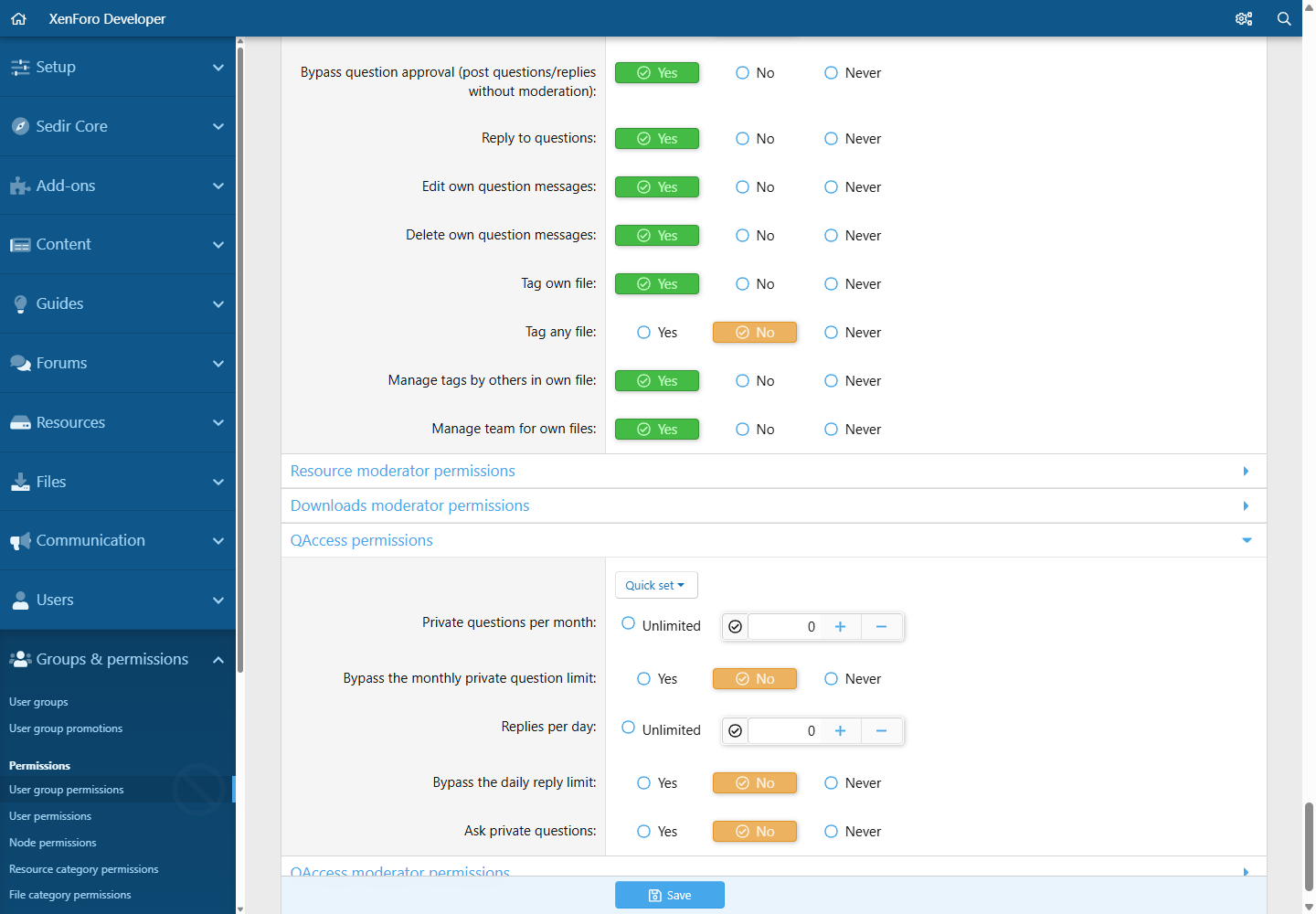
Options: download limits (quota, waiting time, countdown, rate limit)
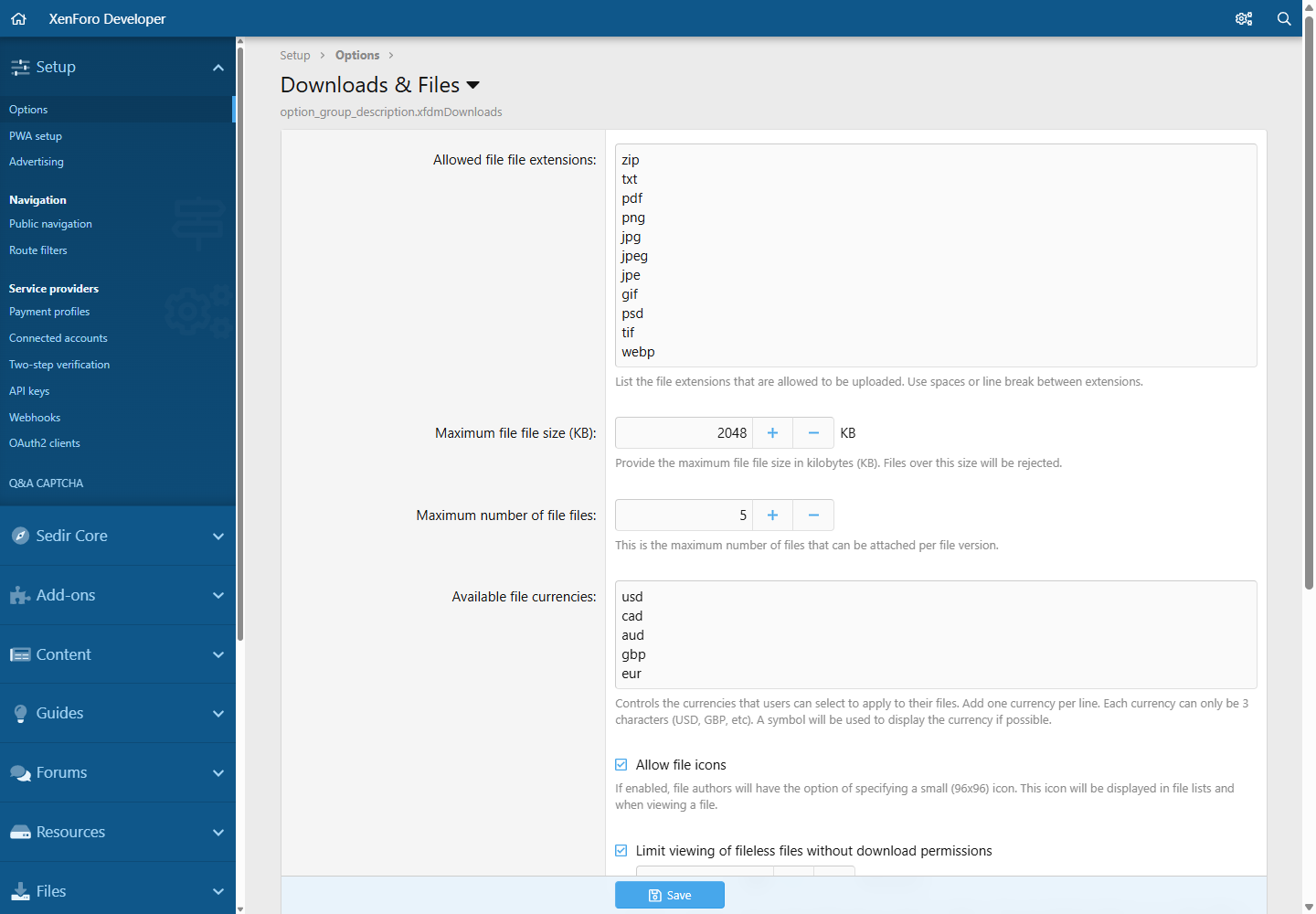
Options: downloads
Options: reviews
Options: e-mail delivery and newsletter
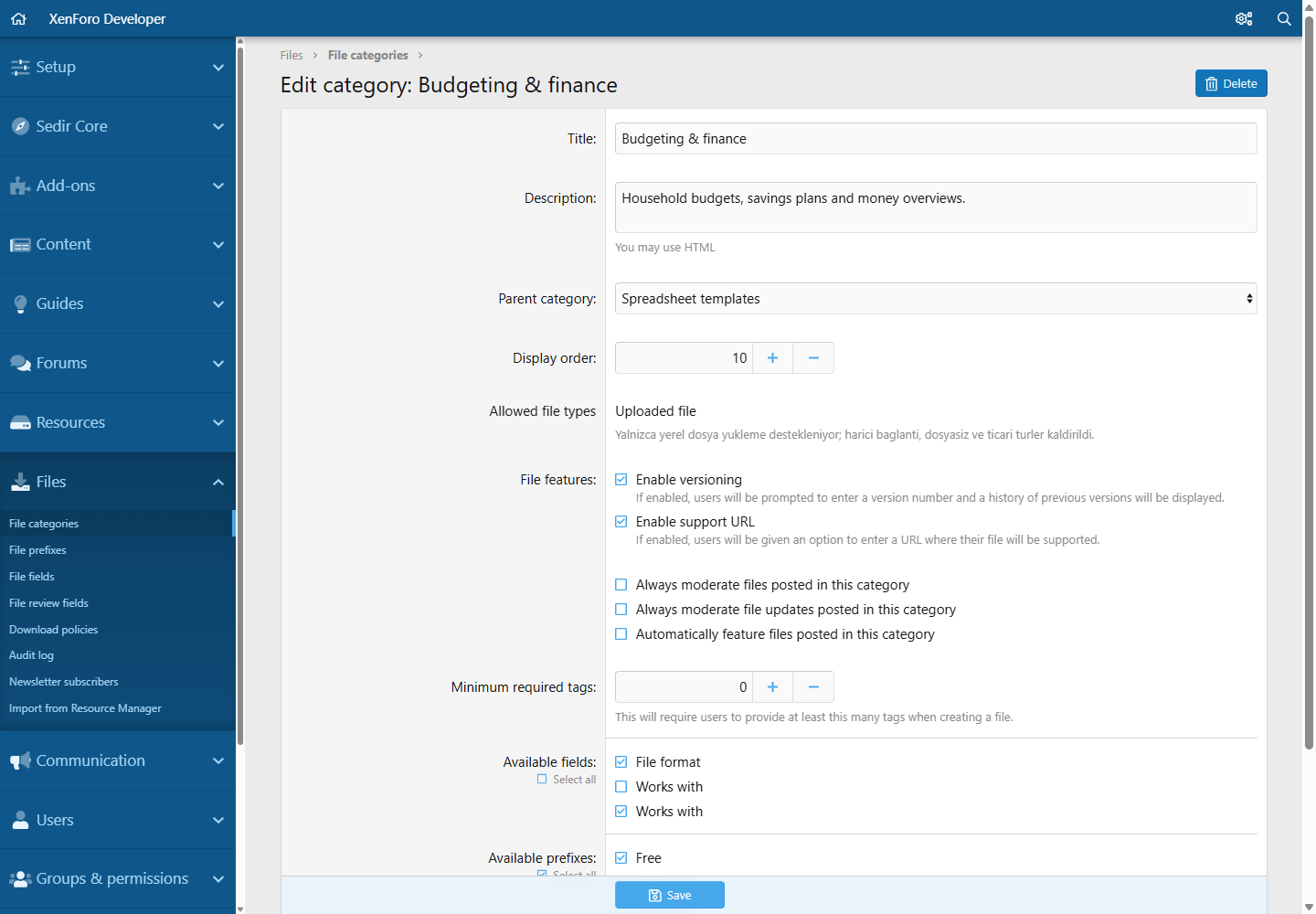
Category editor with allowed file types
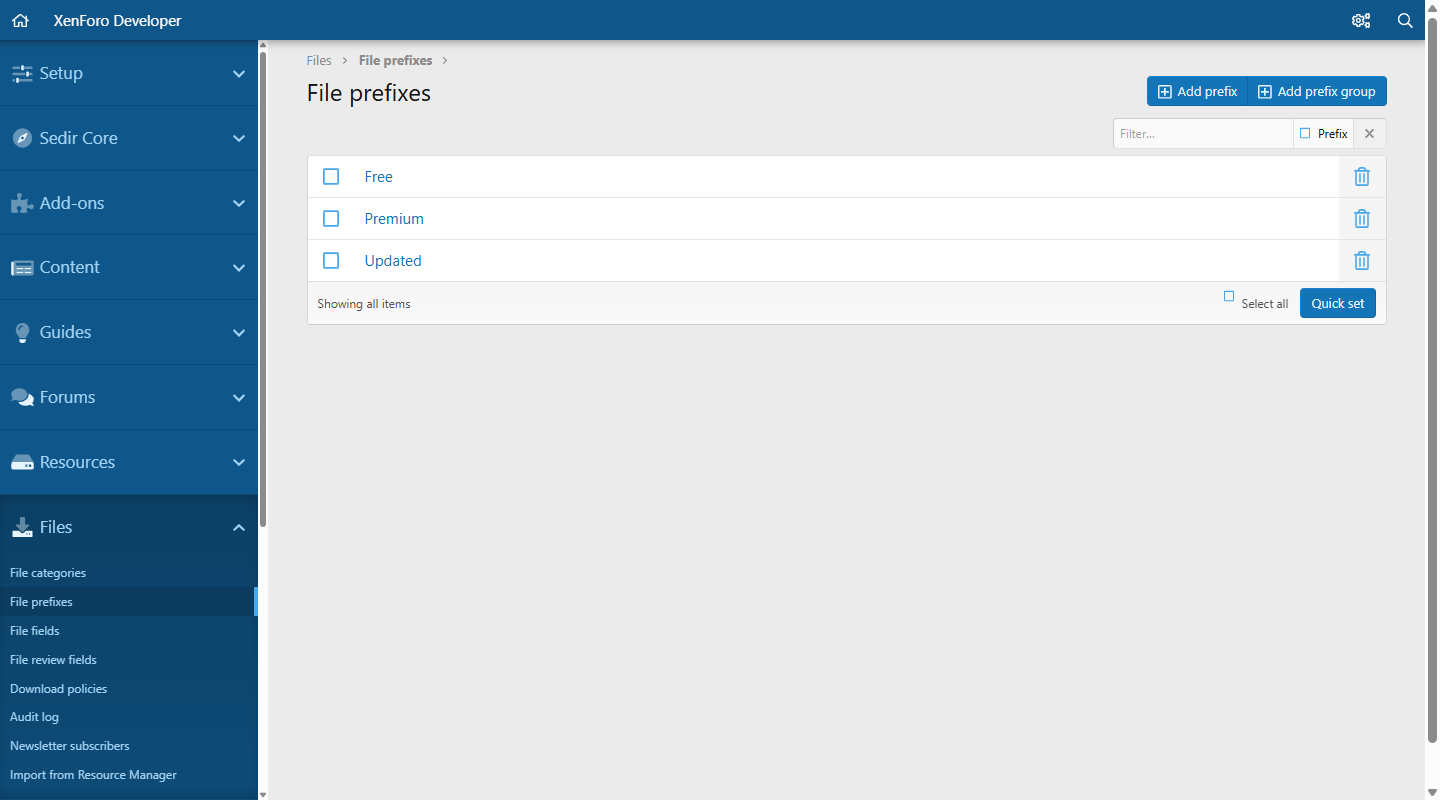
Prefixes
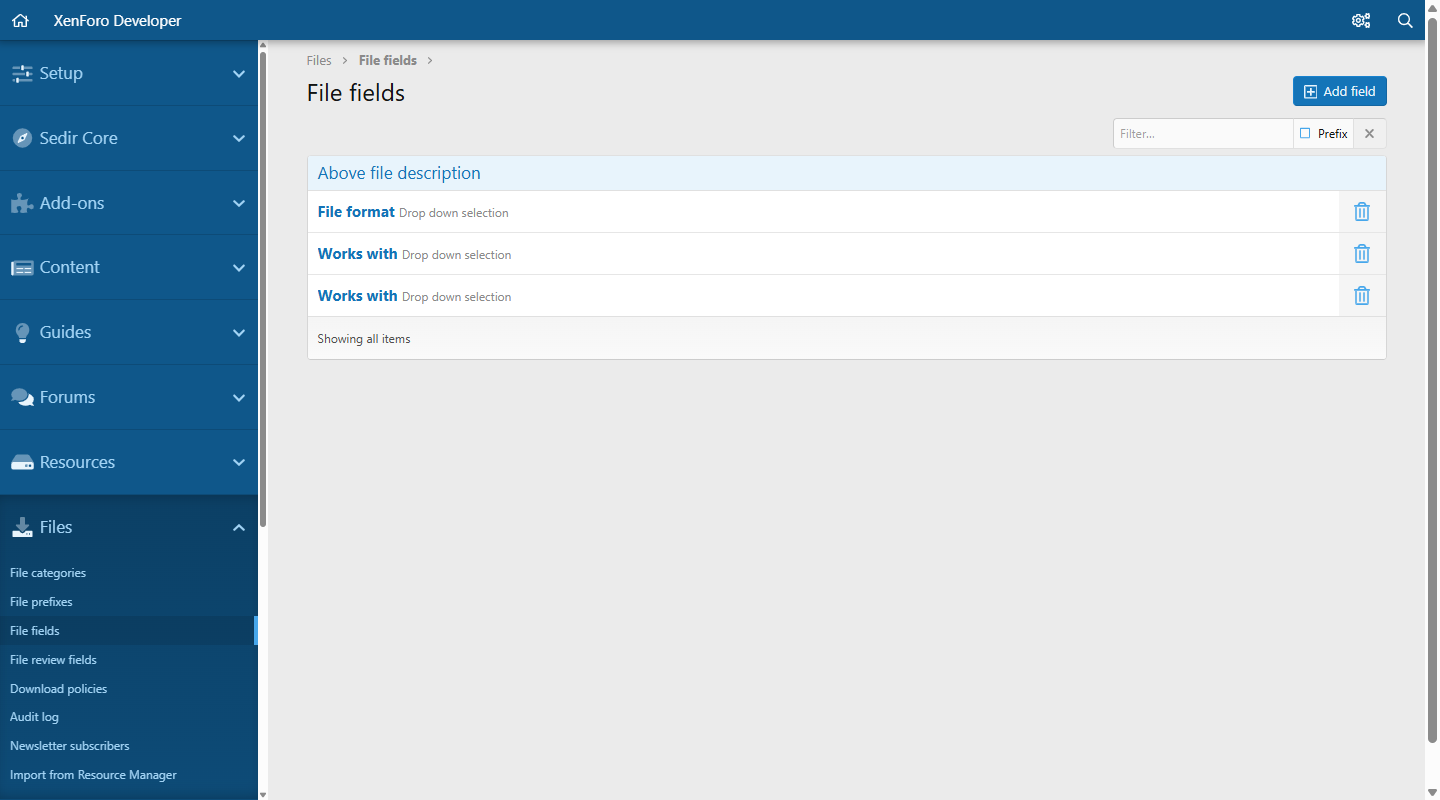
Custom fields
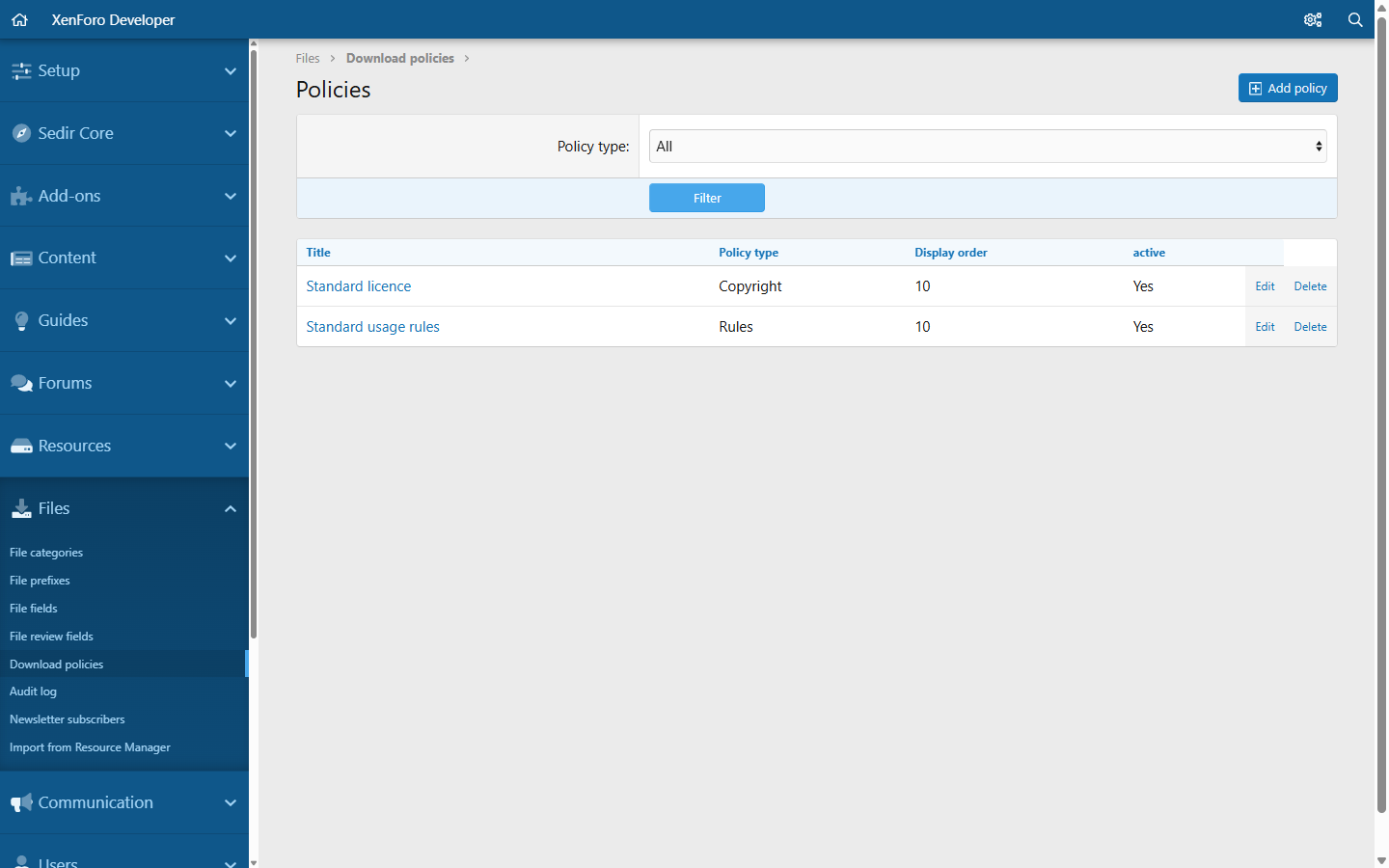
Rules and licence policies
Editing a rule - "apply to every file" switch
Audit log: downloads and blocked attempts
Audit log: accepted terms with policy versions
Newsletter subscribers with CSV export

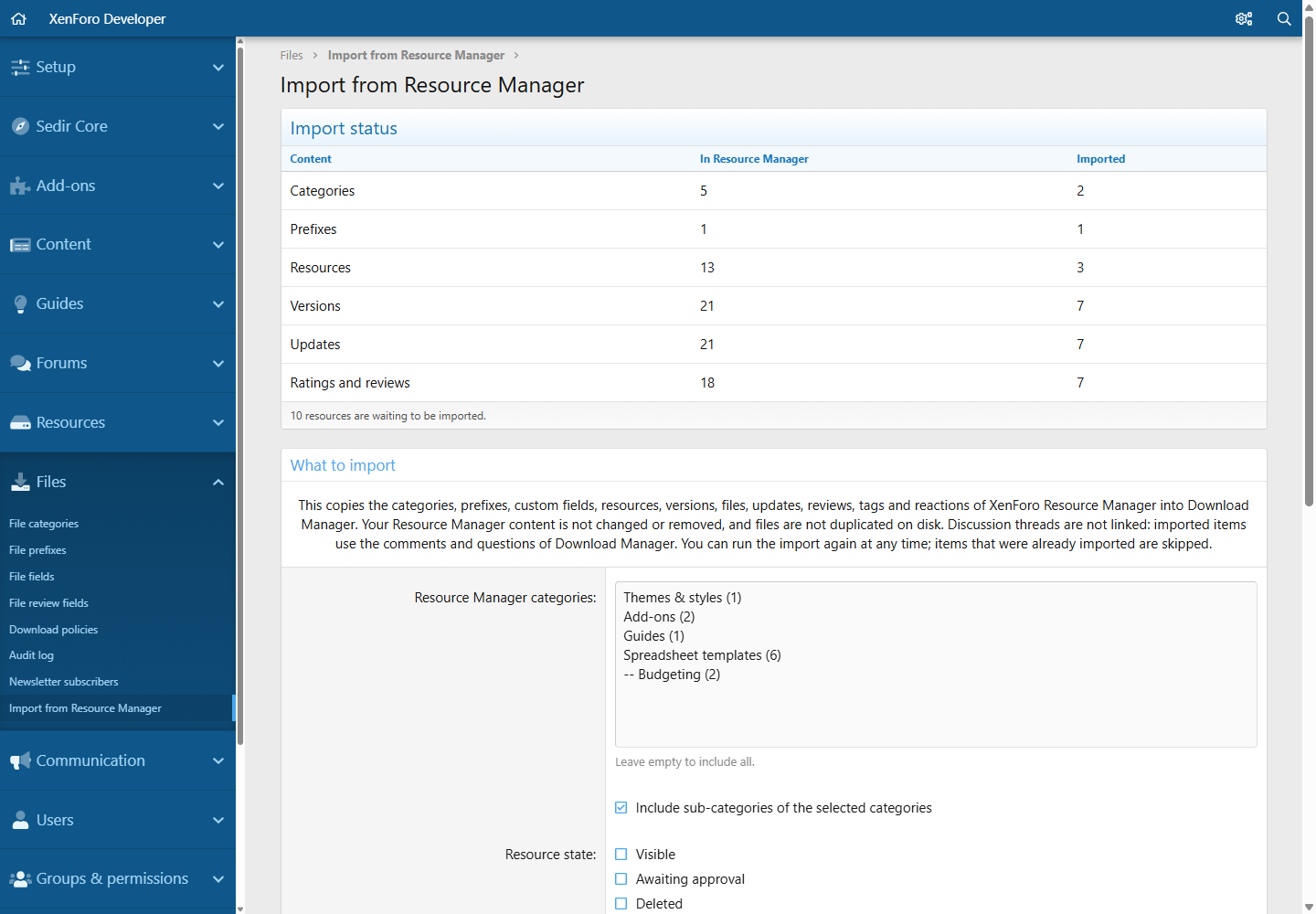
Resource Manager import: status
Resource Manager import: criteria
Resource Manager import: preview before anything is copied
Options: Sales & Renewals
Product form: renewal price and buyer user groups