
![[XB] Xmas Garland](/community/data/resource_icons/9/9714.jpg?1735002953)

Painbaker submitted a new resource:
[XB] Xmas Garland - Interactive holiday decorations to enhance the seasonal atmosphere for your community.
Read more about this resource...
[XB] Xmas Garland - Interactive holiday decorations to enhance the seasonal atmosphere for your community.
Interactive holiday decorations to enhance the seasonal atmosphere for your community.
View attachment 316367
Read more about this resource...


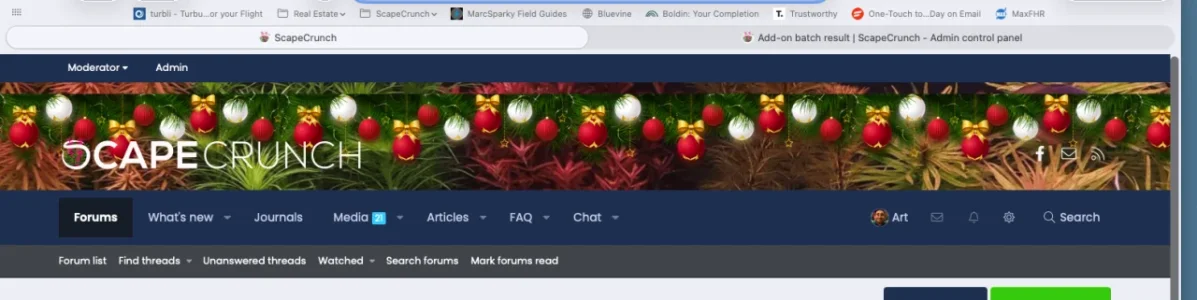




 I use Pixel Exit Xenbase and all is fine - I thought it might cover part of my logo which is large and central, but it doesn't - thanks for this