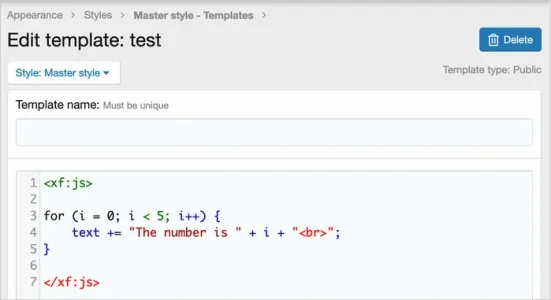
It's a known issue but not one that we're able to resolve simply, at this point. A previous attempt was made to resolve it but it had to be rolled back as it caused more issues with syntax highlighting.
For many reasons, we'd generally strongly discourage the use of inline JavaScript but if you have to use it some tips to lessen the impact of syntax highlighting are:
1. Always put the <xf:js> code last in the template so only the subsequent syntax highlighting is affected without affecting the whole template
2. Always put the <xf:js> code in a separate template that you call
3. Not a workaround I'd recommend exactly but you can trick it into doing the correct syntax highlighting like this:
HTML:
<xf:js>
    // <script>
    for (i = 0; i < 5; i++)
    {
        var y = i + 10;
    }
    // </script>
</xf:js>