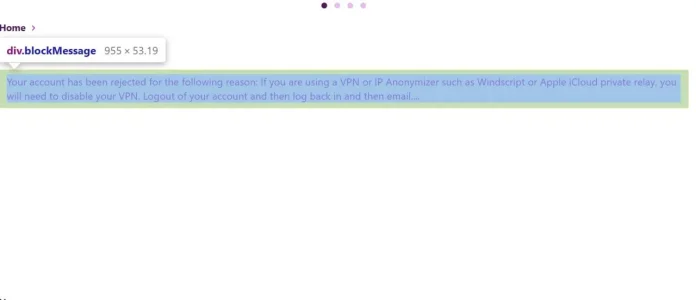
It's a notice message when they register and the registration is rejected.How did you configure this notice? I'm not sure what functionality you're using here.
.blockMessage--limited {
max-height: 100px;
max-height: 25vh;
overflow: auto;
-webkit-overflow-scrolling: touch;
}
extra.less template i guess. Set the height as you wish..blockMessage--limited {
max-height: 400px;
max-height: 100vh;
}

I noticed that earlier and edited the core_blockmessage.less directly and it had no effect. I reverted that file and Just tried adding your code to the extra.less and it did not change for some reason.This is the class that limit the content :
Less:.blockMessage--limited { max-height: 100px; max-height: 25vh; overflow: auto; -webkit-overflow-scrolling: touch; }
You can adjust this contrait by adding this in yourextra.lesstemplate i guess. Set the height as you wish.
Less:.blockMessage--limited { max-height: 400px; max-height: 100vh; }

.blockMessage.blockMessage--limited {
max-height: 400px;
max-height: 100vh;
}
OR
.blockMessage .blockMessage--limited {
max-height: 400px;
max-height: 100vh;
}
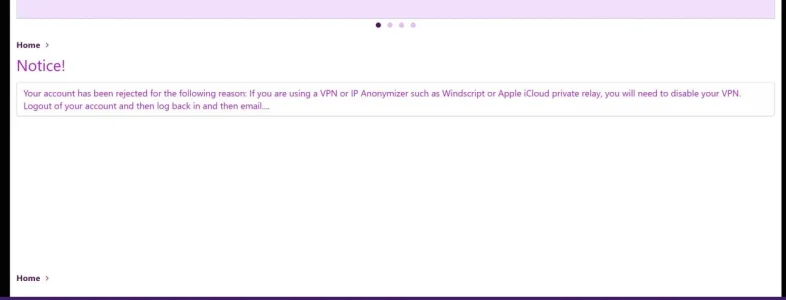
Thanks for the confirmation. As you said, altering the CSS did nothing.Create a demo here and repro the notice and I can take a look: https://xenforo.com/demo/
We use essential cookies to make this site work, and optional cookies to enhance your experience.