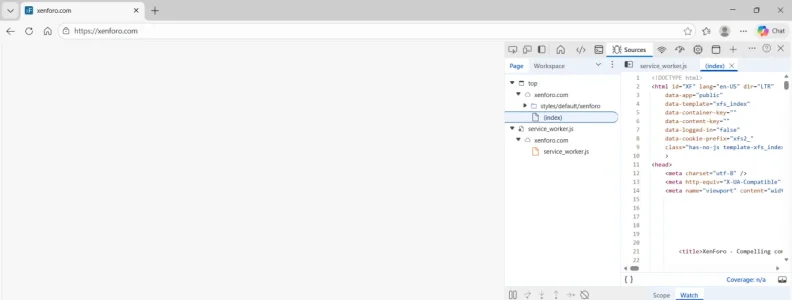
We have a member on our site reporting 2 different XF sites freeze at a blank white page when he uses MS Edge browser bookmarks.
User deleted all browser history. No change. Deleted everything except cookies. No change. Deleted cookies - the sites loaded fine temporarily.
User gave this rundown:
Anyone have any suggestions / confirmations from users experiencing similar?
User deleted all browser history. No change. Deleted everything except cookies. No change. Deleted cookies - the sites loaded fine temporarily.
User gave this rundown:
The problem is as follows:
I click the link in my Favorites list and it opens up a blank webpage with the address of the site in the address block. And then it just stalls and nothing happens. (I was going to go thru the process and take a screen shot to show you, but of course, now it won't do it, and it has done it all day whenever I sat down at my computer.)
So, I copy the address already in the address bar, go to my Google homepage, put the address in the search box and it then bring up the site as part of the search results. I click the link in the search results and the site opens instantly.
I also tried copying the address and pasting it back into the address bar and that works fine as well.
On my phone, I go to my favorites and click the link and the site opens up immediately.
Same thing happens with the two sites that use the same web software. None of my other favorite links do this. The sites all pop up instantly. I wonder if the software does not like MS Edge browser.
I just went into my favorites and clicked on a number of links to other sites. They all popped up immediately. I then clicked the link to here and got the same blank screen with the address in the URL box. I think the software of this site does not get along with MS Edge. And I believe my MS Edge was recently updated.
Anyone have any suggestions / confirmations from users experiencing similar?