XF 2.0 How to remove attachment icons?

Fastline

Active member
Licensed customer
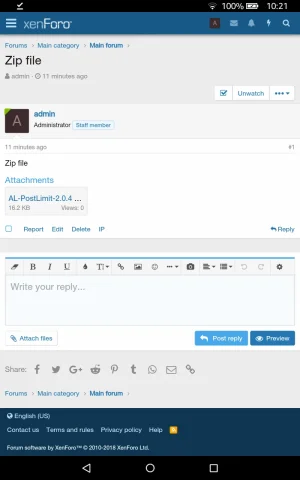
By default, XF 2 uses a icon for the attachments, in black color. How can i remove that icon for the attachment of .zip files?
And is there any way to use custom icons there?
 
Are we talking about this?
44570854061_3d236be4a9_o.png
 
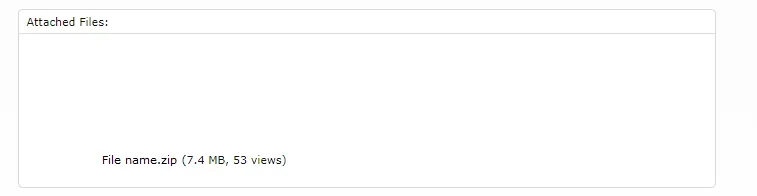
Just a question what if i need to replace the entire icons for all the extensions? Or simply want it to be the file names instead of those icons?
 
Remove the [data-extension="zip"] part.
File name makes no sense since it's shown in the line below. You could simply hide the icon with only adding content: ''; and nothing else.
 
This is also good for me. But i do really like the previous attachment styles. The reason is it was clean, took less space and looked organised.
 
Try this in your Extra.less, not sure about the XF1 way.

CSS:
.attachment-icon[data-extension="zip"] i::before {
    content: '';
    background: none;
}
 
Thanks. S Thomas mentioned it but i couldn't get it. Now it works. Will try to get the first style. Any way to show Attached Files: instead of Attachments?

 
Back
Top Bottom