
XF 2.3 Bounce email setup - Oops! We ran into some problems

nodle

Well-known member
I keep getting this message, and can't seem to figure it out. I have created a bounce@mydomain.com email and added and saved it to the bounce email address. Then I got to Setup>Options>Email options>Automated bounced email handler and clicked on Enable. It brings up some selections, and I have tried both IMAP and POP3, but when I punch in my info, this is the message I get. When I close out of the window, I have no server error messages either. I have tried this using either the Xenforo PHP sending method or the SMTP sending method for the mail delivery system, and both produce the same results. I have checked my credentials and have even deleted/recreated the mailbox. I have tried both on my home computer and office computer with the same results. Any ideas?
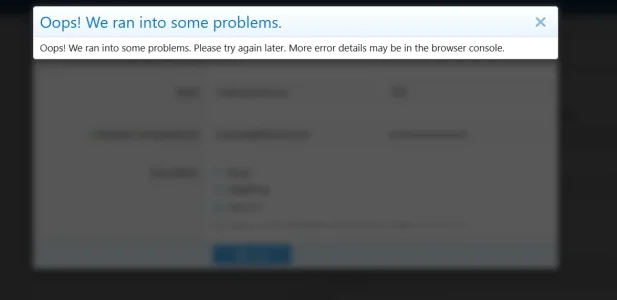
Screenshot 2026-01-12 102903.webp


Looking at the console, it says: /admin.php?options/emailBounceHandler/email-handler-server:1 Failed to load resource: the server responded with a status of 403

 
Looking at the console, it says: /admin.php?options/emailBounceHandler/email-handler-server:1 Failed to load resource: the server responded with a status of 403

That’s the problem. Find out why you are getting a 403 (ModSecurity? Cloudflare? You should be able to get more info by inspecting the response in network tab) and fix that.
 
Your last screenshot somewhat hints that you are using Cloudflare.

If this is the case:
Check the response headers, get the Ray ID and check Cloudflare logs.
 
Your last screenshot somewhat hints that you are using Cloudflare.

If this is the case:
Check the response headers, get the Ray ID and check Cloudflare logs.
Thanks for trying to help. I paused Cloudflare to let everything bypass, and still nothing. I guess I will wait for the next update to see if it fixes it. I don't really know what's left to try. I even dropped back down from PHP 8.3 to PHP 8.3, thinking that might work, still always the same.
 
I got this fixed; I was able to enable it by disabling Modsecurity, getting it to save, then re-enabling Modsecurity. In case others run into this in the future.

Thanks for the help @Kirby .
 
Back
Top Bottom