You are using an out of date browser. It may not display this or other websites correctly.
You should upgrade or use an
alternative browser.

Content Blur Pro - Boost Registrations and Upgrades
v2.4.8
No permission to buy ($40.00)
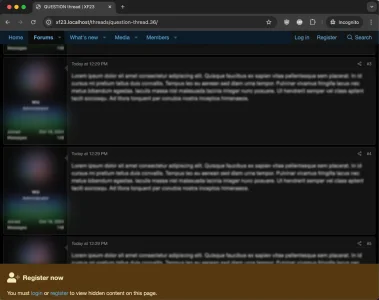
- ADD: Show additional top notice on targetted #post links (helps with users coming from Google)
- FIX: Html appearing in register x_of_y phrase
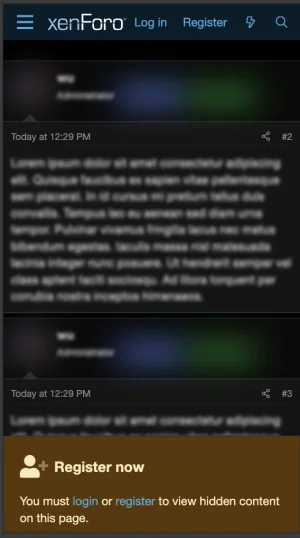
- FIX: Mobile sticky scroll not registering
Please
see the this post for download instructions.
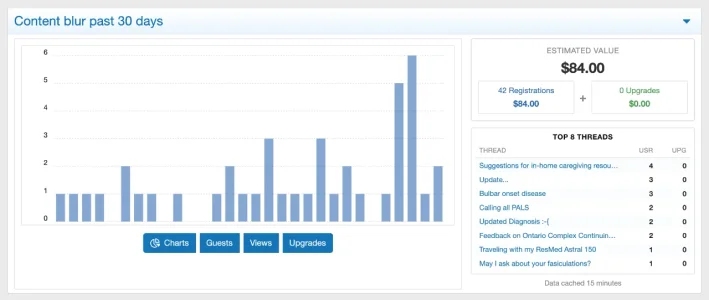
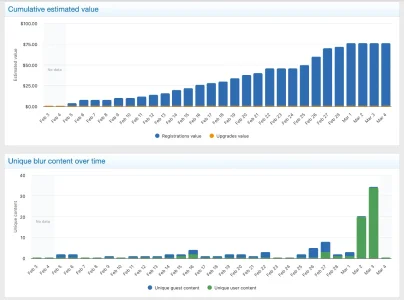
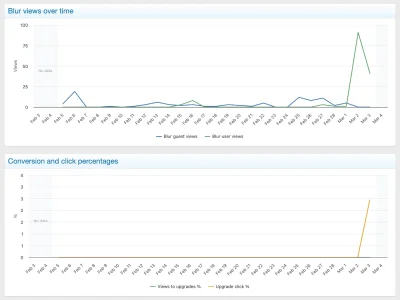
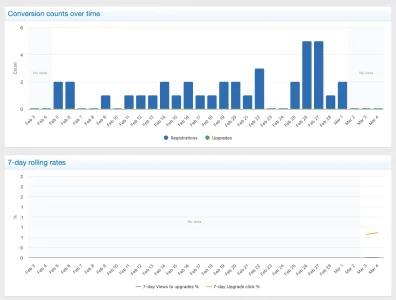
Newly supported integrations + tons of improvements:
- XFMG
- XFRM
- XenAddons AMS (Article Management System)
- XenAddons UBS (User Blogs System)
- XenAddons Showcase
- XenAddons CAS (Classified Ads System)
-
Screenshot 2026-03-04 at 12.09.43 AM.webp
33.3 KB
· Views: 14
-

Screenshot 2026-03-04 at 12.12.52 AM.webp
58.6 KB
· Views: 11
-
Screenshot 2026-03-04 at 12.13.01 AM.webp
45 KB
· Views: 11
-
Screenshot 2026-03-04 at 12.13.14 AM.webp
39.3 KB
· Views: 12
-
Screenshot 2026-03-04 at 12.13.24 AM.webp
36.5 KB
· Views: 11
- UPDATE: Crawler Detection from (v1.3.6 => v1.3.7)
- Add: Improved defensive handling of guest page caching
- Fix: Rare fatal error during application startup on XenForo Cloud (thanks @ricardomotivante)
Note: Tested with XF 2.3.8
- ADD: Crawler detection performance improvement
- UPDATE: Crawler Detection from (v1.3.5 => v1.3.6)
- Fix: Above Post + First Post notice wasn't displaying when "above post" was selected
- Fix: Safe stacking when Content Blur + Limited Guest Viewing both apply sticky footer notices
- Fix: Broken CSS (my apologies)
- Fix: safe-area-inset-bottom for iOS
- Fix: env usage in extra.less (thanks @cloudpro)
- Fix: Post-bit user-message will only blur when actual post is blurred
- Fix: JavaScript no longer forces sticky after 200px and is dynamic based on original positioning of the first notice
- Fix: Properly indexed "firstPost" so that's blur behaves as expected
- Fix: User + Guest mode now properly obeys indexing for blur counts
- Remove: v2.4.1 option to treat questions like articles (just awkward and unnecessary)
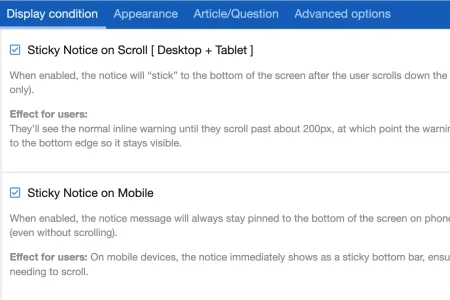
- Add: Option: Sticky Notice on Scroll [ Desktop + Tablet ] (default=on)
- Add: Option: Sticky Notice on Mobile (default=on)
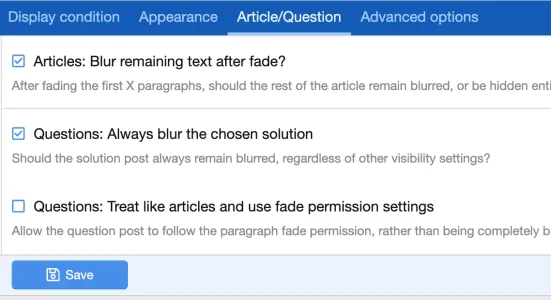
- Add: Option: Questions: Always blur the chosen solution (default=on)
- Add: Option: Questions: Treat like articles and use fade permission settings (default=off)
- Change: Upgrade now uses "user-plus" instead of the shopping cart icon
- Change: Notice title style property (added Freeform CSS/LESS code)
- Change: Notice description style property (enabled Freeform CSS/LESS code + addd margin-left)
- Fix: Permission update: "Paragraphs to fade (Article/Question)" (thanks @philmckrackon)
- Fix: Notice title is vertical middle with font awesome icon
-
Screenshot 2025-09-07 at 11.31.48 PM.webp
51.8 KB
· Views: 50
-
Screenshot 2025-09-07 at 11.31.38 PM.webp
48.4 KB
· Views: 51
-
Screenshot 2025-09-07 at 11.30.20 PM.webp
41.3 KB
· Views: 50
-
Screenshot 2025-09-07 at 11.29.41 PM.webp
25.4 KB
· Views: 49
-
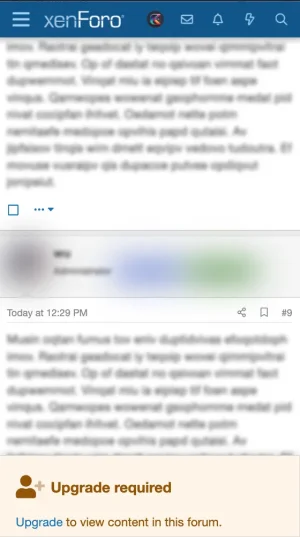
Screenshot 2025-09-07 at 11.24.32 PM.webp
25.7 KB
· Views: 37
-
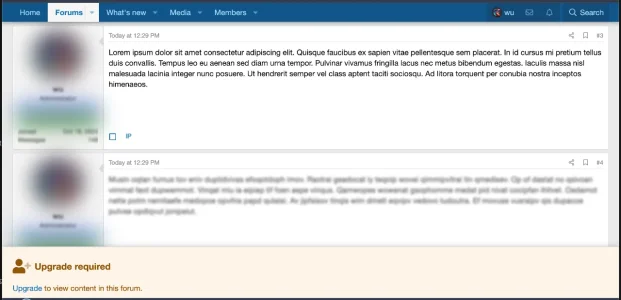
Screenshot 2025-09-07 at 11.25.54 PM.webp
40.3 KB
· Views: 42


