
Duplicate Video previews thumb nails are wrong aspect ratio and don’t indicate that they’re videos

RobinHood

Well-known member
Licensed customer
Affected version
2.3
Reading through the recent HYS about the TipTap editor I nearly skipped the videos as they seemed simply like incorrect aspect ratio static images.

It was only upon tapping that I realised they were video.

This could really do with a better preview UI
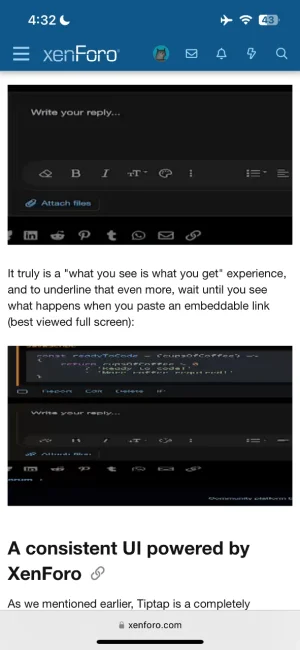

IMG_2837.webp

Additionally when swiping away the video, the thumbnail ends up off set to the right for some reason. iOS 18 on iPhone 13 Pro
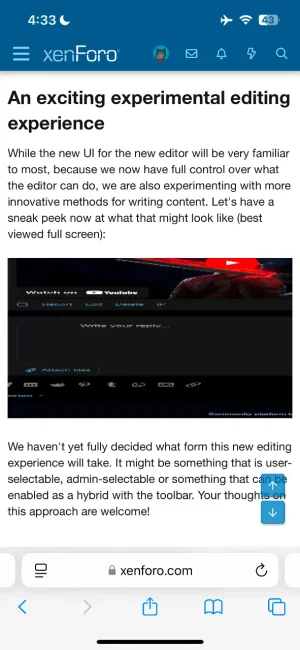
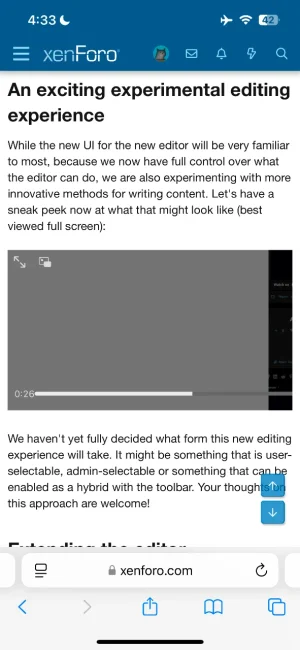
IMG_2838.webp


IMG_2839.webp
 
It looks like videos on a Windows 10 desktop but I originally checked it with my Android and there was no play button. But I could drag the bar to see the video content (but just couldn't play it).
 
Same here, also on Android, but when I turn my phone into landscape mode the videos have the play button.
 
Automated triage: Duplicate

Thank you for reporting this issue. The stretched video preview on iOS is the same problem as an earlier report. It was fixed in 2.3.7, where the preview now uses the video's own dimensions. The missing play button and the offset after leaving a video come from the phone browser's own video player.

Duplicate of: https://xenforo.com/community/threads/209439/

This is an automated assessment. A member of staff may review and update it.
 
Back
Top Bottom