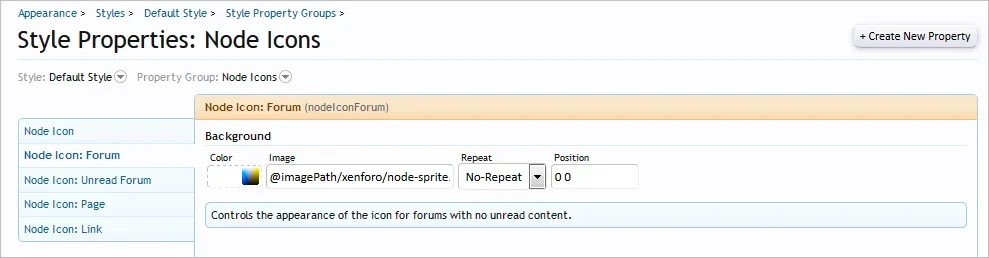
As you can see the images next to the subforum's are not appearing. The only way I can fix this is by copying everything in the xenforo style folder into the default style folder. Is there anyway to set the path for these?


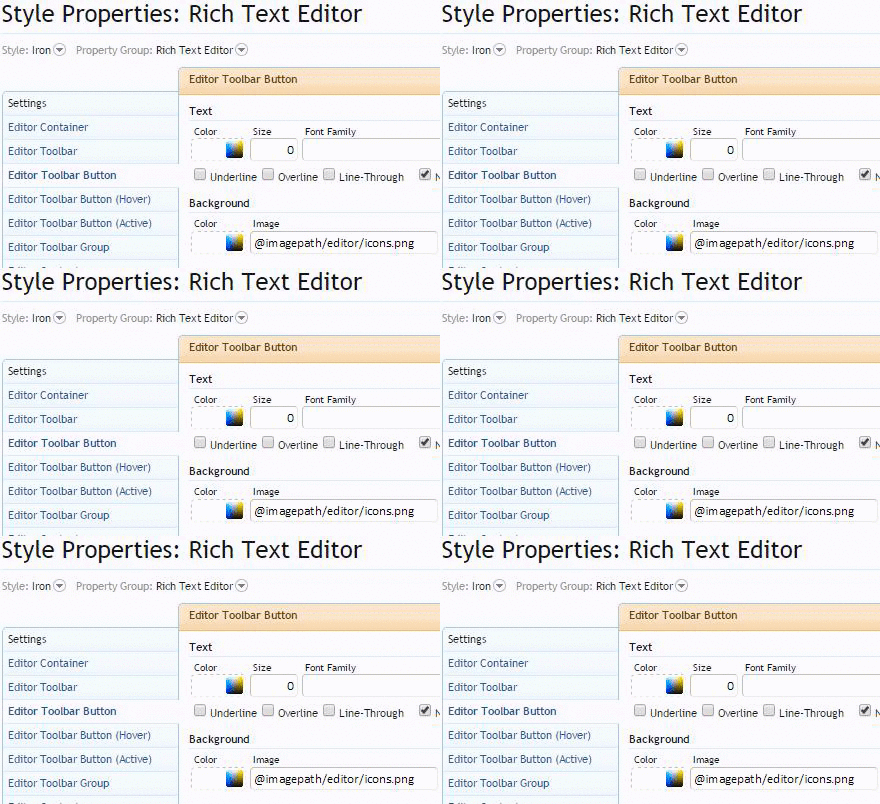

Ive done exactly this and it will not workAll you need to do when manually adding a new style is to create the folder on the server, copy all of the files from the default style folder, create the style in the ACP, set the image path.
All other paths are relative so work out of the box.

I found a very strange fix.. Set the ImagePath variable to styles/default instead of styles/default/xenforo then go into the text editor images and remove the xenforo/ after @imagepathYou're using a third party style so you may need to contact the designer if those steps don't work.
The correct path is styles/default, as shown in the image I posted earlier: https://xenforo.com/community/threads/styles-error.93424/#post-902099Set the ImagePath variable to styles/default instead of styles/default/xenforo
I know but like I said earlier, all images are in styles/default/xenforoThe correct path is styles/default, as shown in the image I posted earlier: https://xenforo.com/community/threads/styles-error.93424/#post-902099

All you need to do when manually adding a new style is to create the folder on the server, copy all of the files from the default style folder, create the style in the ACP, set the image path.
All other paths are relative so work out of the box.


We use essential cookies to make this site work, and optional cookies to enhance your experience.