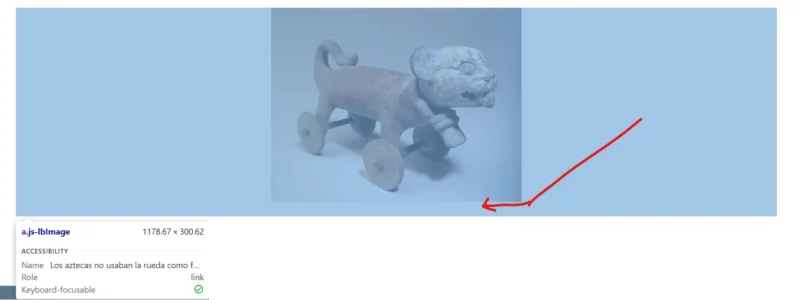
The margin-bottom: 0px probably isn't working because the space comes from padding on the attachment container rather than a margin on the image itself.
Try targeting the attachment container in your extra.less:
To find the exact element causing the space, right-click on the gap area, choose "Inspect", and look at which element has the margin or padding applied. The browser's box model diagram (bottom of the Styles panel) makes it easy to spot.
One thing to keep in mind — if these are inline attachments inserted into the post body, the spacing might be coming from a <p> or <br> tag added by the editor rather than actual CSS on the attachment.