XF 1.4 Move Whats New?

Travis

Active member
Licensed customer
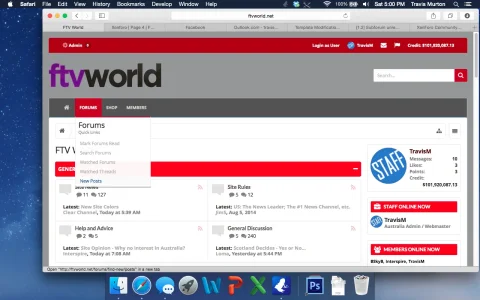
Is there anyway to move the Whats New Link from the sub-menu (pictured):

Screen Shot 2014-09-20 at 5.00.54 PM.webp

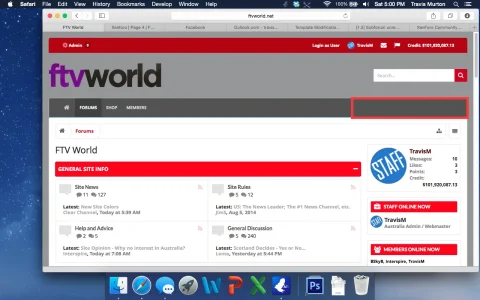
to this spot on the navbar:

Screen Shot 2014-09-20 at 5.00.38 PM.webp
 
You know there's an option in Audentio styles to have it show normally, instead of in a menu right? :D
Yeah, I know that. But for me it looks too clunky, especially when the navbar stays with you as you scroll down. The rest of the links are fine in a submenu, just not Whats New
 
I haven't looked too deeply, but find

Code:
<li><a href="{xen:link 'find-new/posts'}" rel="nofollow">{xen:if $visitor.user_id, {xen:phrase new_posts}, {xen:phrase recent_posts}}</a></li>

And shift that around in the navigation template.
 
Bumping this. Anyone able to help me with this? I have it on a style, but I can't work out how I did it and now i need to replicate this on a new style.

 
Back
Top Bottom