
lms submitted a new resource: lms Footer Pie - XenFácil
Footer style XenForo's Footer with links
Read more
Footer style XenForo's Footer with links
Read more


I got it working now. It wasn't working the way I needed to before because I did not check 'Use Customizable Style' in AdminCP/Options8thos, are you using a custom style or default?
I was going to try this one on the default style, but am holding off until I hear from you
Yes same question... I'm not sure how to set this up since I can't read it XDHow to import english language?
I put the add-On so you can use the AddOn Installer (xx-xxx-AIC.zip).
This release can be upgraded using the Add-On Installer by Chris Deeming Please consider donating if you find this add-on useful.
Salud2


In an upcoming release that will not be soon. I have a very busy Christmas work.how to put forum stats, most read messages, most viewed profiles in this nice footer?

I will look into this, but in my site looks likeI like that footer and would also like to use it, but how to make it responsive ready?
If you have a look at xenfacil´s "Demo" you will see the problem while smaller the Page.
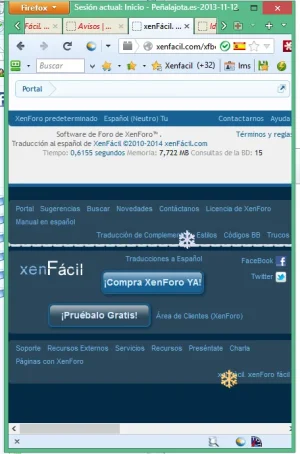
Bugs fixed.
Design responsive added.
Salud2

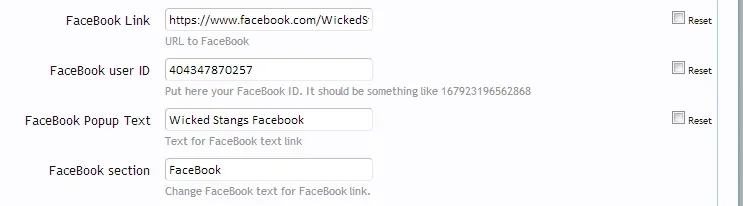



<a href="{xen:property lms_FooterPie_FacebookLink} {xen:property lms_FooterPie_FaceBookID}" target="_blank" roperty lms_FooterPie_FacebookLink} and {xenroperty lms_FooterPie_FaceBookID}
<a href="{xen:property lms_FooterPie_FacebookLink}{xen:property lms_FooterPie_FaceBookID}" target="_blank"https://www.facebook.com/WickedStangsMustangClubWe use essential cookies to make this site work, and optional cookies to enhance your experience.


