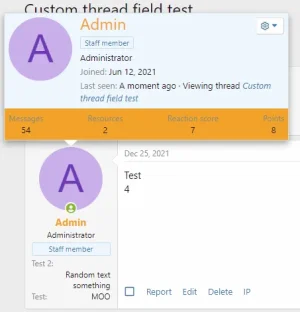
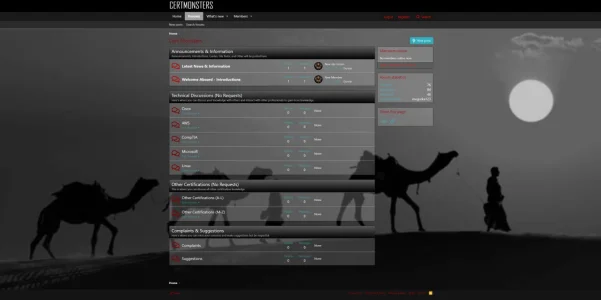
Working on custom template but having issue with where to edit color for bottom on memberInfo tooltip dialog that pops up when hovering over a member's username.
Not sure if this can be edited in the template editor or custom edit needs done elsewhere.
I can set the background-color: #000; for memberInfo and it works in Chrome's inspector.
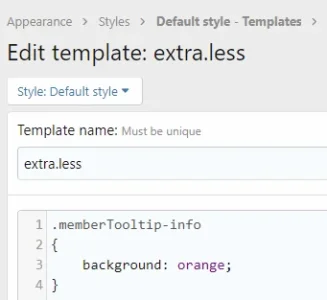
I've tried custom CSS editor in the tooltips section of the template editor but does seem to work
memberTooltip-Info { background-color: #000; }
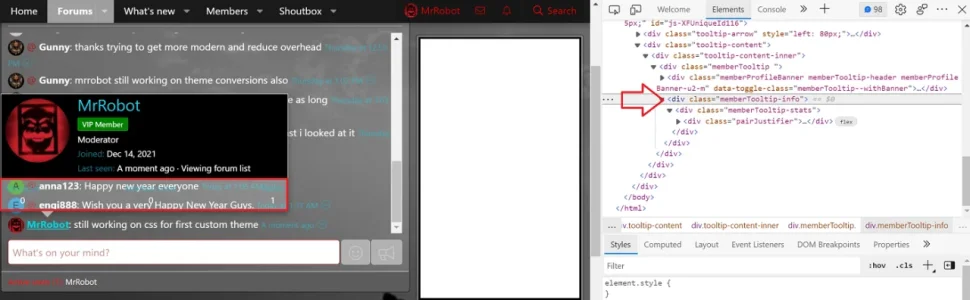
Highlighted area in red having issue with. It's transparent there because I have the background customized with transparency and the dialog is inheriting it.
Not sure if this can be edited in the template editor or custom edit needs done elsewhere.
I can set the background-color: #000; for memberInfo and it works in Chrome's inspector.
I've tried custom CSS editor in the tooltips section of the template editor but does seem to work
memberTooltip-Info { background-color: #000; }
Highlighted area in red having issue with. It's transparent there because I have the background customized with transparency and the dialog is inheriting it.