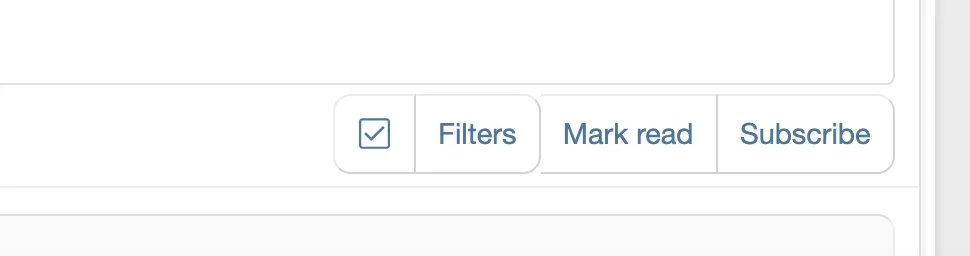
Yes, you can target just the Subscribe button with CSS. The trick is to use the button's specific data attribute or class to isolate it from the other buttons.
First, inspect the Subscribe button in your browser (right-click > Inspect) to find its unique selector. It will typically have something like data-xf-click="watch" or a specific class.
If the button doesn't have a unique data attribute, you can target it by its position or by matching the button text. For a more reliable approach, inspect the actual HTML and look for the button's wrapper or unique class. Common selectors for the forum subscribe/watch button include:
The :last-child approach is fragile though — if the button order ever changes, it'll break. The data attribute selector is more reliable. Share the actual HTML of the button (from dev tools) and I can give you the exact selector.