
- Compatible XF 2.x versions
- 2.3
Overview:
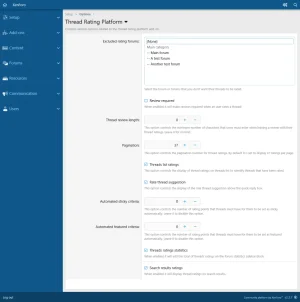
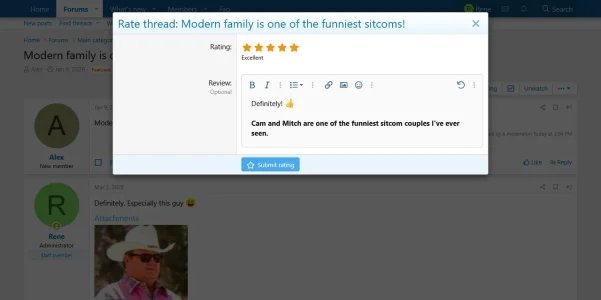
- This add-on adds a rating and review system for threads. The rating is based on stars and the review is based on comments. The comments can be set either as optional or required and a minimum number of characters is also available to protect against short and useless comments. If someone is ignoring an user the ignored user won't be able to rate and review their threads. Forums can be excluded from having their threads rated and reviewed.
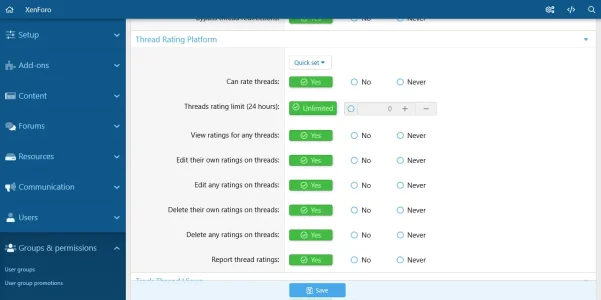
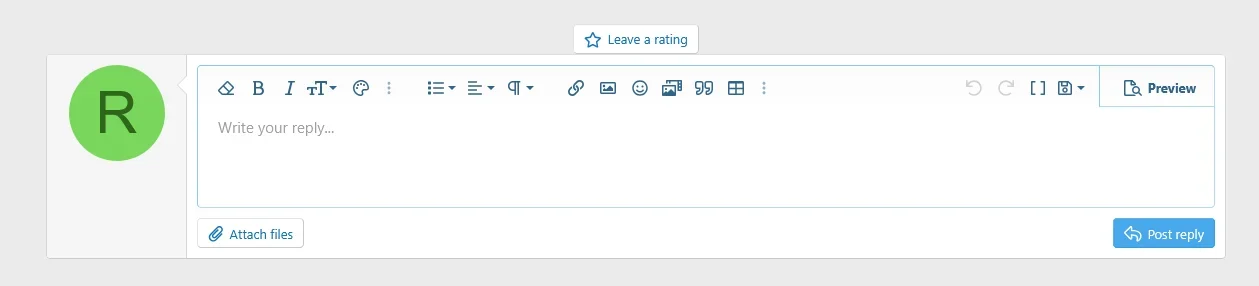
- Based on their permissions users can rate and review threads.
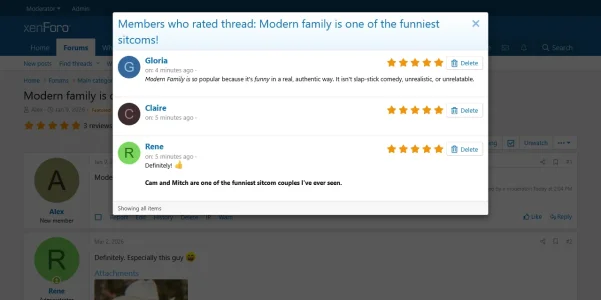
- Users will be able to see who rated their own threads by default. A permission to view all ratings is also available.
- Users can edit their own ratings or all ratings.
- Users can delete their own ratings or all ratings.
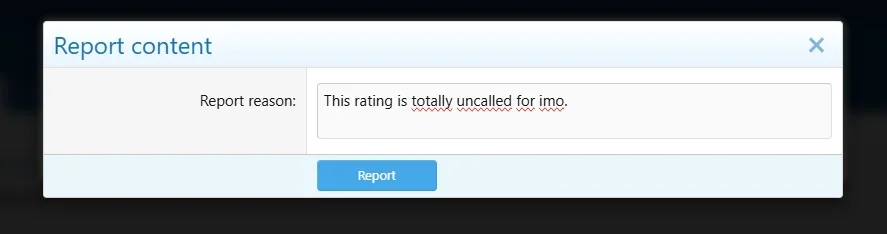
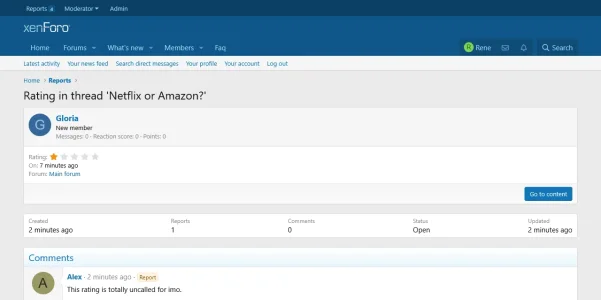
- users can report ratings.
- Users can make use of the Rich text editor when leaving reviews.
- A limit on how many threads can be rated in a 24 hours period can be set for groups.
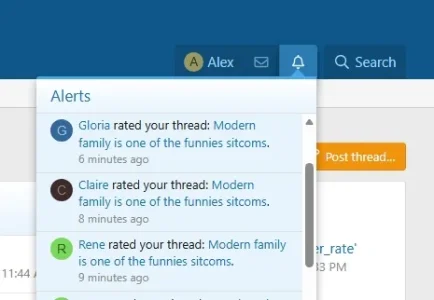
- Whenever someone rates and reviews a thread, the thread starter of said thread will receive an alert letting them know that one of their threads has been rated. The same goes when someone edits a rating.
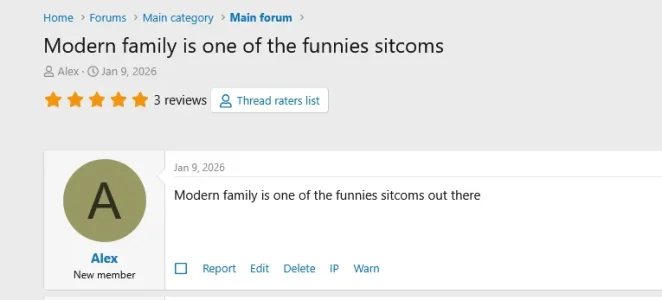
- After a thread has been rated the rating score will be displayed on thread view along with the link that shows members who rated and reviewed said thread.
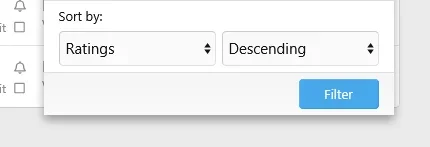
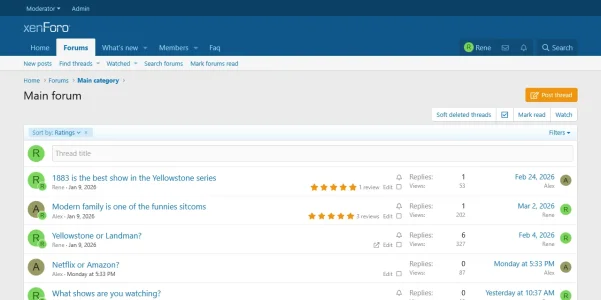
- An option to sort threads based on their rating score has been added in the filter options on thread view list.
- Most recent rated threads.
- Best rated threads.
- Most rated threads.
- A option to display threads rating score is available in the add-on 's options.
- An option to display threads overall rating score on thread search results is available in the add-on 's settings.
- An option to display threads overall rating score on thread search results is available in the add-on 's settings.
- Threads that receive a certain number of ratings set by the admin can be set as sticky automatically.
- Threads that receive a certain number of ratings set by the admin can be set as featured automatically.
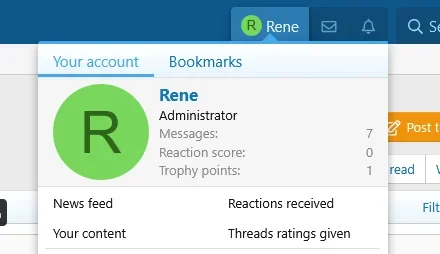
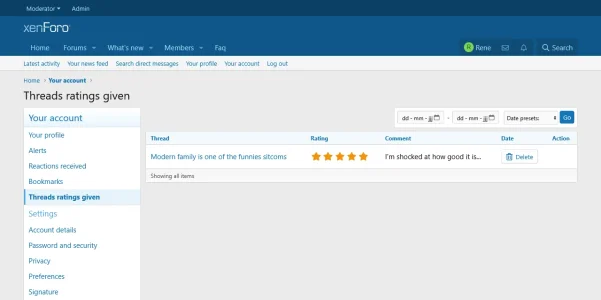
- Users can see all threads that they have rated and reviewed from their account panel settings.
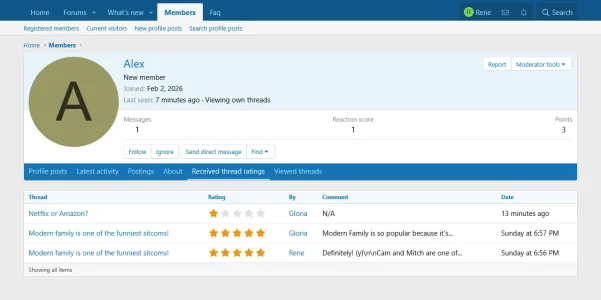
- A list of all users rated threads is added on their profiles. Users with permissions to view all ratings can view it for all profiles. Users will always be able to view it on their own profiles.
- Users can report ratings on threads.
- Users with permissions to view all ratings can view threads ratings in the Moderator panel.
- They can search for ratings given by users and all ratings given within a time frame.
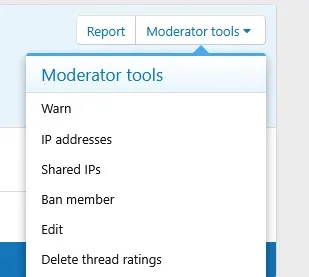
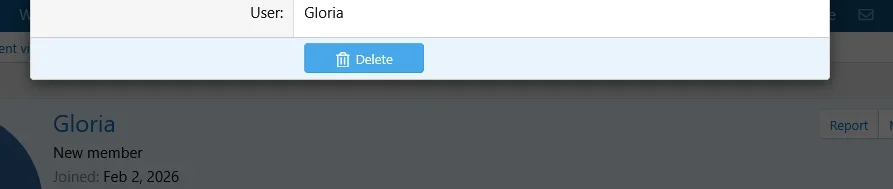
- A link to delete all threads ratings from an user is added on users profiles under the Moderator tools link. Users who have the permission to delete all ratings will be able to run this tool.
- Anytime someone edits or deletes a thread rating that action will be logged and displayed in the Moderator logs page.
- Thread ratings can be recounted and rebuild from the Tools section in the Admin panel.
-
 1_permissions.webp
 -
 2_settings.webp
 -
 3_rating_star_icon.webp
 -
 3-b_quick_reply_rating.webp
 -
 4_rating_thread_form.webp
 -
 5_ratings_display_thread.webp
 -
 6_raters.webp
 -
 7_alerts.webp
 -
 8_sort.webp
 -
 9_sorted_by_ratings.webp
 -
 10_my_ratings_link.webp
 -
 11_given_ratings_panel.webp
 -
 12_received_ratings_profile.webp
 -
 13_report_link.webp
 -
 14_report_reason.webp
 -
 15_report_display.webp
 -
 16_delete_user_ratings_link.webp
 -
 17_delete_users_ratings_form.webp
 -
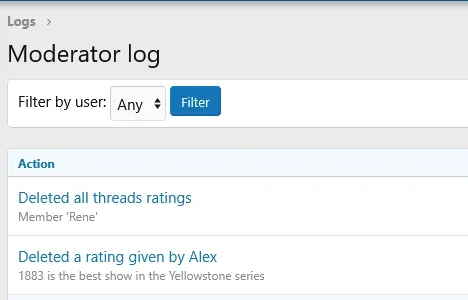 18_moderator_logs_actions.webp
 -
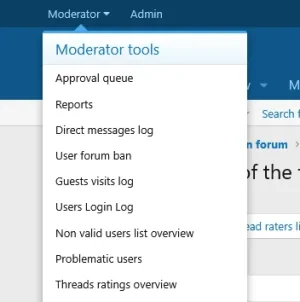 19_moderator_panel_link.webp
