
- Compatible XF 2.x versions
- 2.3
Overview:
- This add-on will give your staff member the ability to mark users as community experts as a way to recognize and showcase your community's most knowledgeable members.
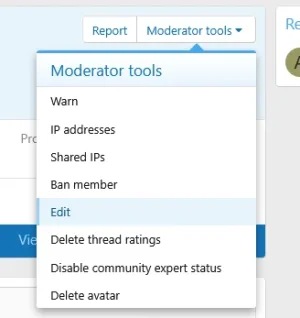
- Users with the permissions to manage community experts can promote users to community experts from their profiles.
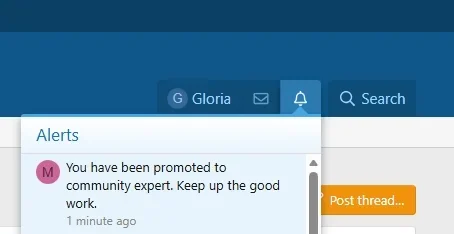
- When an user is promoted to a community expert they will receive an alert. The alert will be sent simply from staff without any recognized user as sender.
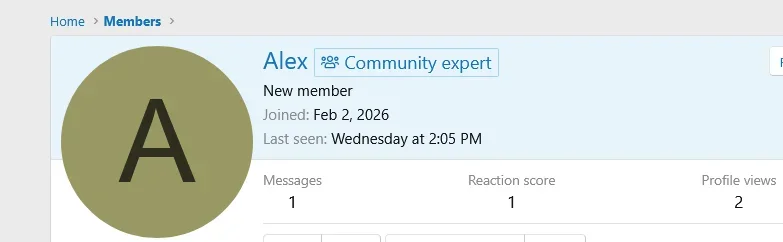
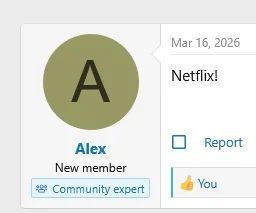
- Community users will have a badge under their names when hoovering over their usernames, on profile view as well as on their postbits.
- Style property integration. Community experts badges can be styled with ease from the Community experts badge in the style property section.
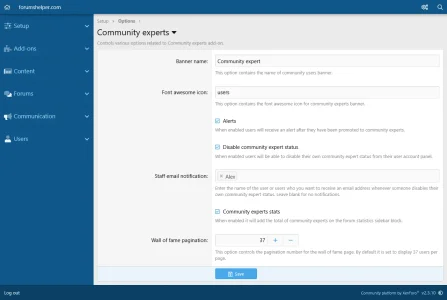
- You can use font awesome icons to appear in their badges.
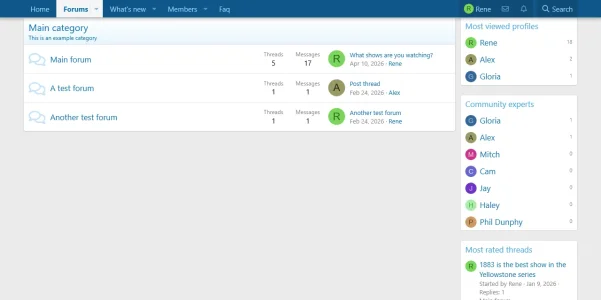
- A widget containing x number of community experts is available.
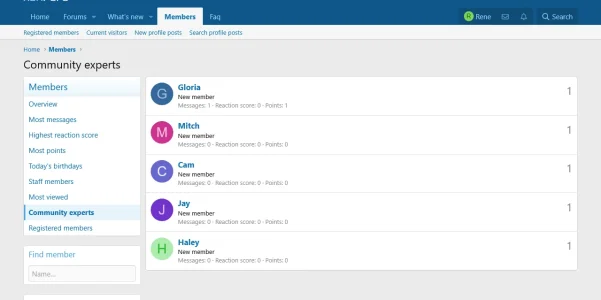
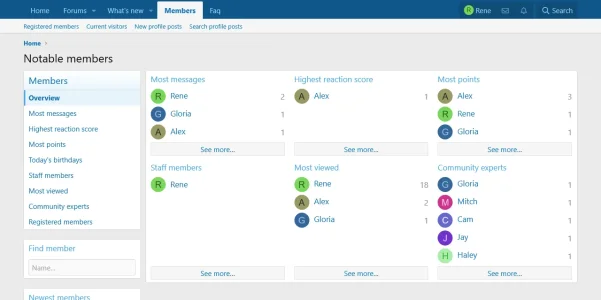
- A new section containing the community experts has been added to the notable page.
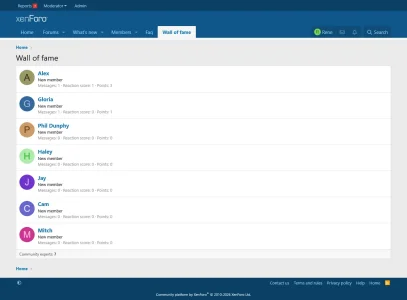
- Community experts will be shown on a wall of fame page as a way of recognition of their valued contributions.
- The total of community experts is added to the Forum statistics sidebar block. This can be enabled / disabled from the add-on settings page.
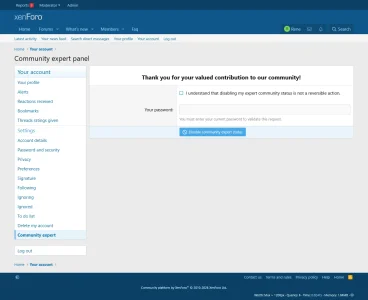
- A setting to allow users to disable their own community expert status is available. If enabled users will see a Community expert link added to their account panel where they can remove themselves from being community experts.
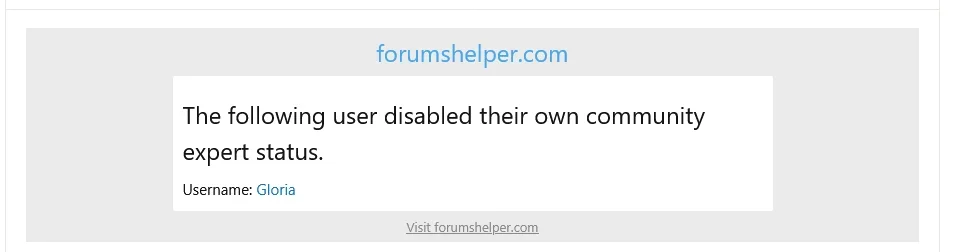
- Once an user disables their community expert status staff members can be notifies with an email.
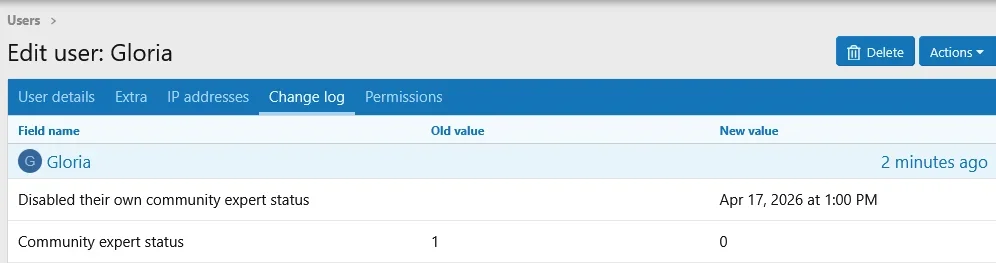
- The aforementioned action will be logged in users change log too.
- Community expert status is added to user search criteria.
- Community expert status is added to batch users criteria.
- Editing community expert status when editing an user.
- Whenever someone promotes an user to community expert, or removes them from being a community expert it will be logged in the Moderator logs section in the Admin panel.
-
 1_permissions.webp
 -
 2_settings.webp
 -
 3_link.webp
 -
 4_alert.webp
 -
 5_community_expert_profile.webp
 -
 6_postbit.webp
 -
 7_notable_page_experts.webp
 -
 8_notable_sidebar_experts.webp
 -
 9_sidebar_experts_widget.webp
 -
 10_fame.webp
 -
 11_disable.webp
 -
 12_dsiabled_email_subject.webp
 -
 13_disabled_email_message.webp
 -
 14_user_changed_logged.webp
 -
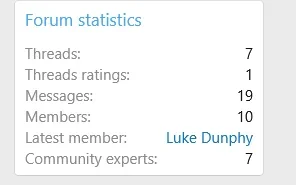 15_community_experts_sidebar.webp
 -
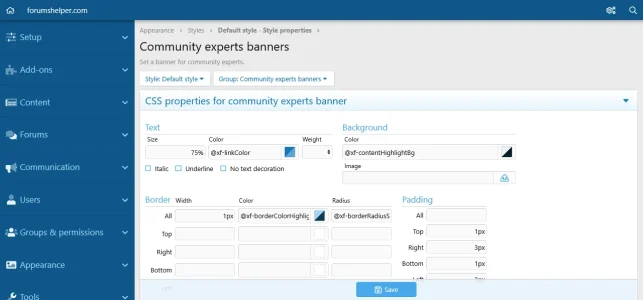 16_style_property_banner.webp
 -
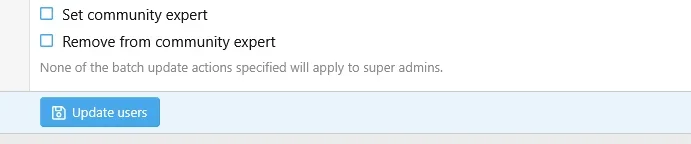 17_batch_update_expert.webp
 -
 18_search_criteria_expert.webp
 -
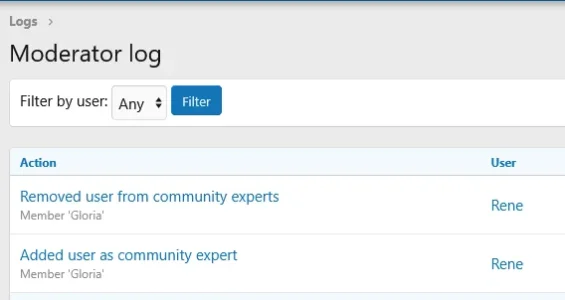 19_moderator_logs_actions.webp
 -
 20_edit_user_expert.webp