- Compatible XF 2.x versions
- 2.3
Overview:
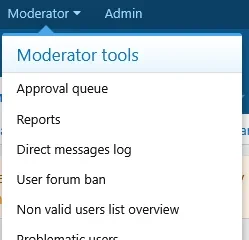
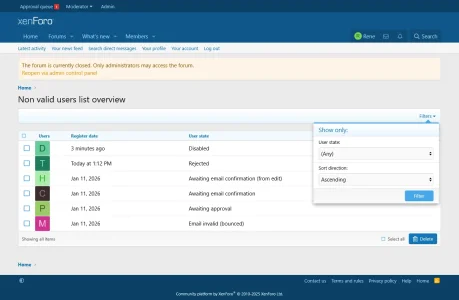
- All users whose status is not valid will be displayed under the Moderator panel. There they can be filtered to be displayed according to their non valid status. Meaning if you filter for rejected users then only those users will be displayed. The same goes for any other non valid status. AN option to bulk delete them according to their non valid status is also available.
- Only users with permissions to Approve/Reject users will be able to see them. Whereas the bulk delete can be done only by admins for security reason.
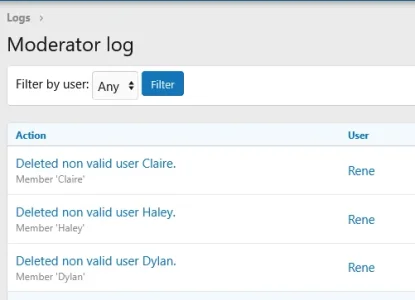
- Whenever someone deletes a non valid user or users that action will be logged in the Moderator logs section of the Admin panel.