XF 2.3 How to get image attachments to show up instead of a link?

Joe87

Member
Licensed customer
There are times where images that users attach to a post show the actual image, other times it shows a link that you have to click... how can I get it so it always shows up the image and not a link?

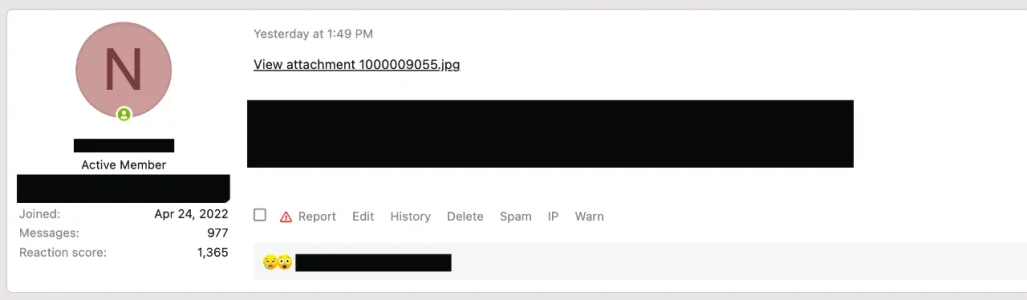
In the attached when I edit the post, it shows it as (minus the spaces I put those so it shows what the code is)
[ ATTACH=full ] 37473 [ /ATTACH ]

I am on v2.3.10
 

Attachments

  • Screenshot 2026-03-19 at 4.43.49 PM.webp
    Screenshot 2026-03-19 at 4.43.49 PM.webp
    12.4 KB · Views: 12
No.

Whoever is making a post and adds an attachment.

Some posts the attachments automatically show up and works fine. Other posts, it shows as a link like I have shown above.
 
I’m not sure what the question is, but if an image is inserted via the image icon in the toolbar at the top of the text editor, or by drag and drop, it shows as an image embedded in the post. But if the image is inserted via the attach files button it just shows as a thumbnail unless you edit (the insert link at top left of thumbnail) to insert as full image.
 

Attachments

  • IMG_8041.webp
    IMG_8041.webp
    348.4 KB · Views: 3
 
I will break it down on the issue:

1. Member will start a new thread or make a post reply
2. Member will click on Insert Image and then will upload a photo/drop image
3. Their post will show up as an attachment link

Sometimes it will show the actual attachment instead of the link. Not sure what the reason is for some attachments to show up as the actual image or as a link that you have to click on to see the image.
 
Back
Top Bottom