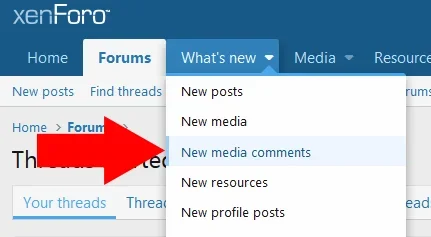
.menu-linkRow:hover {
background-color: #f2930d52;
border-left-color: rgb(242, 147, 13);
}
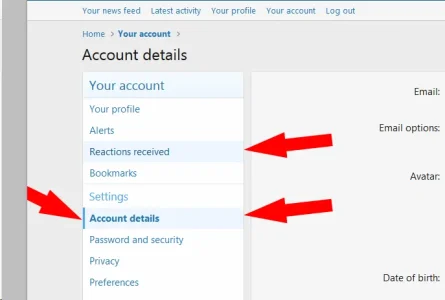
Could you please tell me where can I also change hover background, selected background and selected left border in the Account details?
Thanks
.blockLink:hover{ background-color: #f2930d52;}
.blockLink.is-selected{
background-color: #f2930d52;
border-left-color: rgb(242, 147, 13);
}
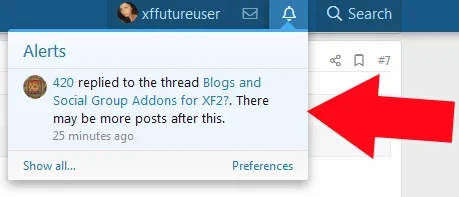
Just one thing I need to know, if anyone knows please. What is the code for changing, in the alerts block, the hover colour, the view and not viewed colours please? I spent a lot of time searching for it and nothing works.
View attachment 195929
Thanks
I was wondering the same? How to change the background color on alerts and conversations when you "hover"? But I'm on 2.2.
.menu-row.menu-row--clickable:hover {
background: yourcolorcode;
}
This could helpCode:.menu-row.menu-row--clickable:hover { background: yourcolorcode; }
place this code in extra.less
Where is this determined in Style Properties though?Just one thing I need to know, if anyone knows please. What is the code for changing, in the alerts block, the hover colour, the view and not viewed colours please? I spent a lot of time searching for it and nothing works.
View attachment 195929
Thanks
We use essential cookies to make this site work, and optional cookies to enhance your experience.