- Compatible XF 2.x versions
- 2.2
- 2.3
- Updates duration
- 1 year license
 Template Compatibility
Template modifications are designed for default XenForo templates. Custom themes may require manual template adjustments.
Installation
1. Upload Files
Upload the contents of the upload folder to your XenForo root directory
2. Install Add-on
- Go to Admin CP → Add-ons
- Click "Install from archive" or "Install add-on"
- Upload the add-on XML file or select from uploaded files
- Click Install
3. Configure Permissions
Admin CP → User groups → Select group → RemindMe permissions
Set: Can use RemindMe, Max active reminders, Min/Max time
4. Done!
The clock icon will now appear on all posts for users with permission.
Optional Configuration
Admin CP → Setup → Options → RemindMe
- Cleanup old reminders after: 30 days (default)
- Cron check interval: 5 minutes (default)
What It Does
Set Reminders on Posts
Click the clock icon on any post → Choose time → Get notified when it fires
Quick Presets
30 minutes • 1 hour • Tomorrow • 1 week • Custom time
Alert Notifications
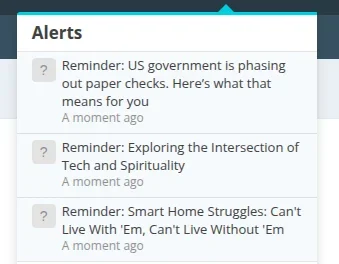
Receive alerts with direct links to posts when reminders fire
Manage Reminders
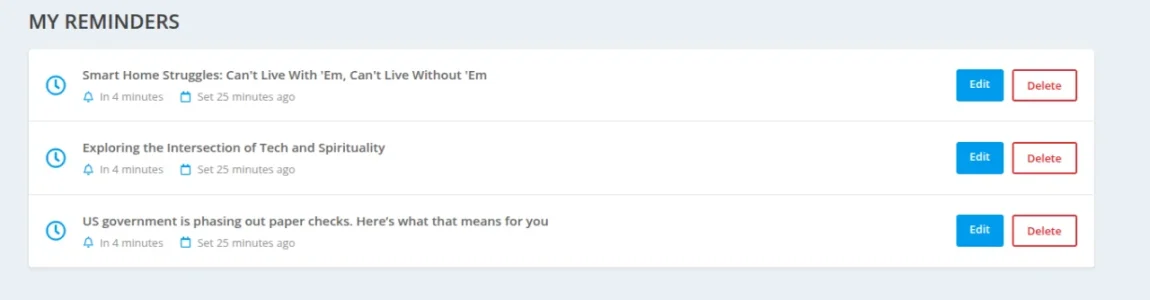
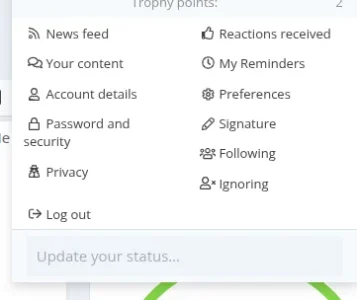
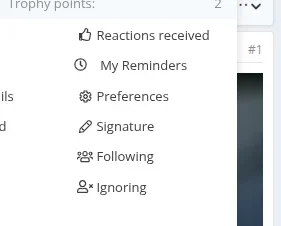
View, edit, or delete all your reminders from one page
Permission Control
Set limits per user group: max active, min/max time
Auto-Cleanup
Old reminders automatically purge after your set timeframe
Efficient & Lightweight
Runs on cron, minimal server impact, works at any scale
Requirements: XenForo 2.2.0+ • PHP 7.2.0+ • MySQL 5.5+