- Compatible XF 2.x versions
- 2.3
- Updates duration
- Updates are included for 1 year from the purchase date. After 1 year, you can extend access to updates for a renewal fee of $5/year.
- Visible branding
- No
This add-on allows your users to export their direct messages for secure backup or offline viewing. With native support for multiple data formats and visual styles, and integrates flawlessly into your platform's existing direct messaging interface.
Keep your community fully compliant with global data privacy frameworks across the UK (UK GDPR / DPA), US (CCPA / State Privacy Laws), CA (PIPEDA), AU (Privacy Act), EU (GDPR), Latin America (LGPD & regional frameworks), TR (KVKK), and beyond.
Features
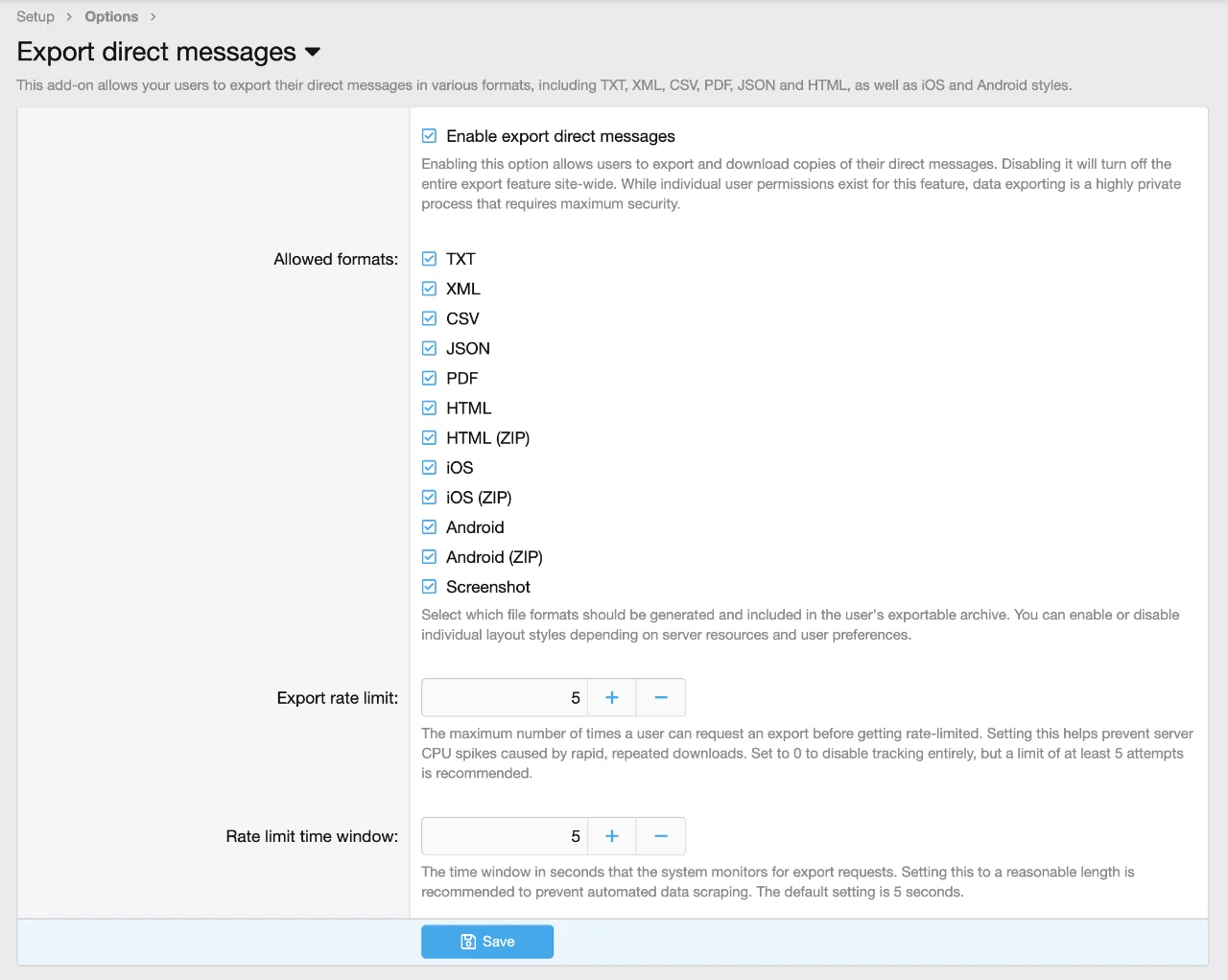
You can configure the add-on settings under Admin Control Panel > Setup > Options > Export direct messages:
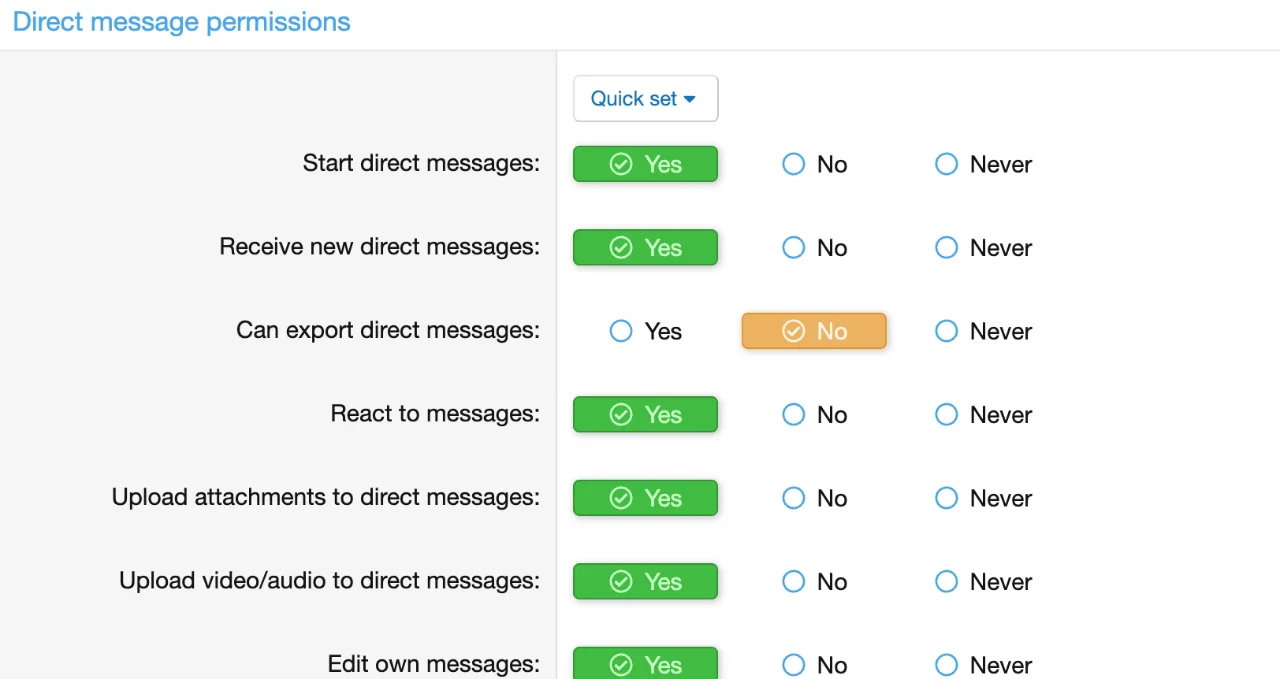
This add-on fully integrates with XenForo's native permission system. You can set permissions under:
Admin Control Panel > Groups & permissions > User group permissions > Direct message permissions
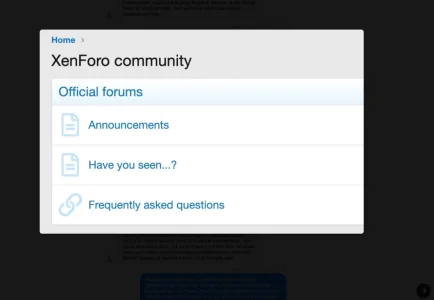
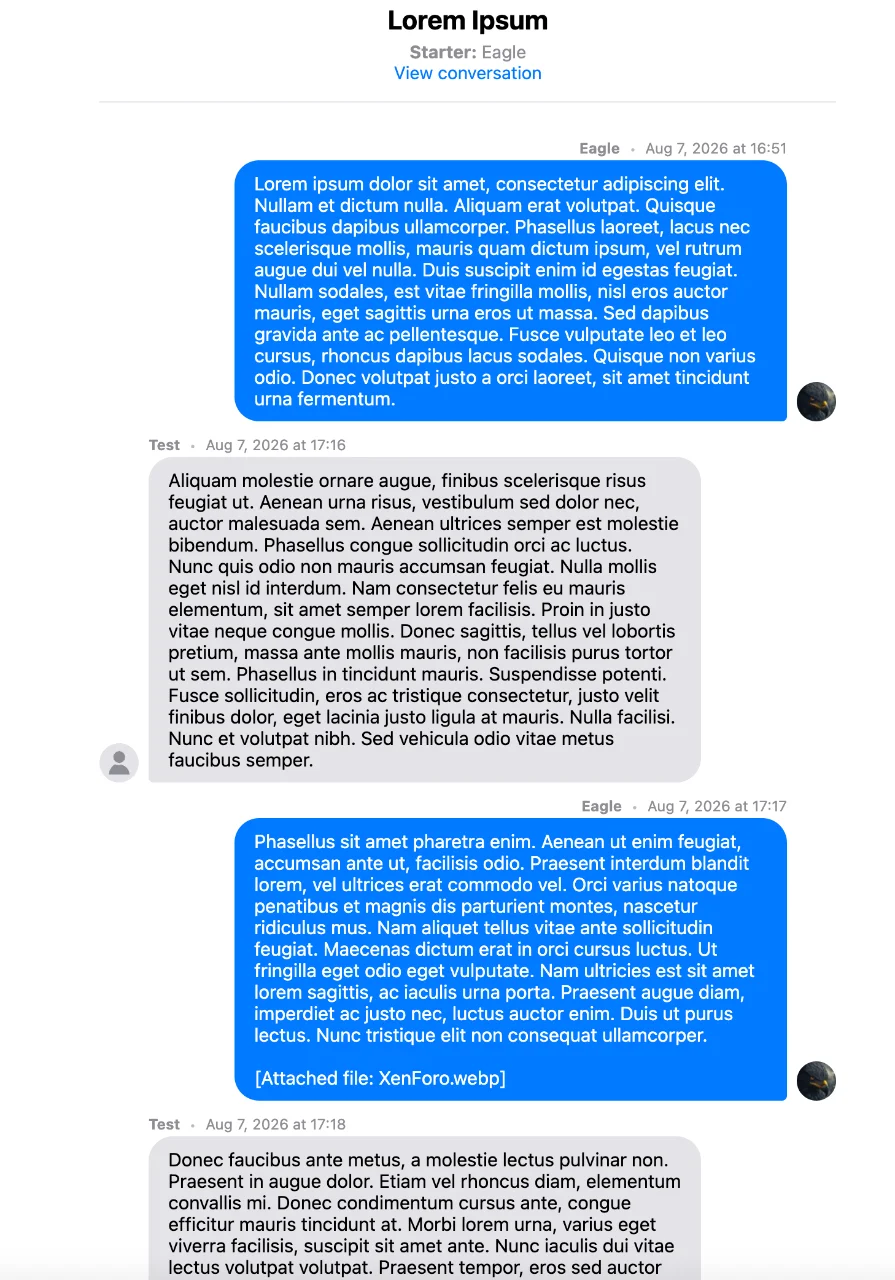
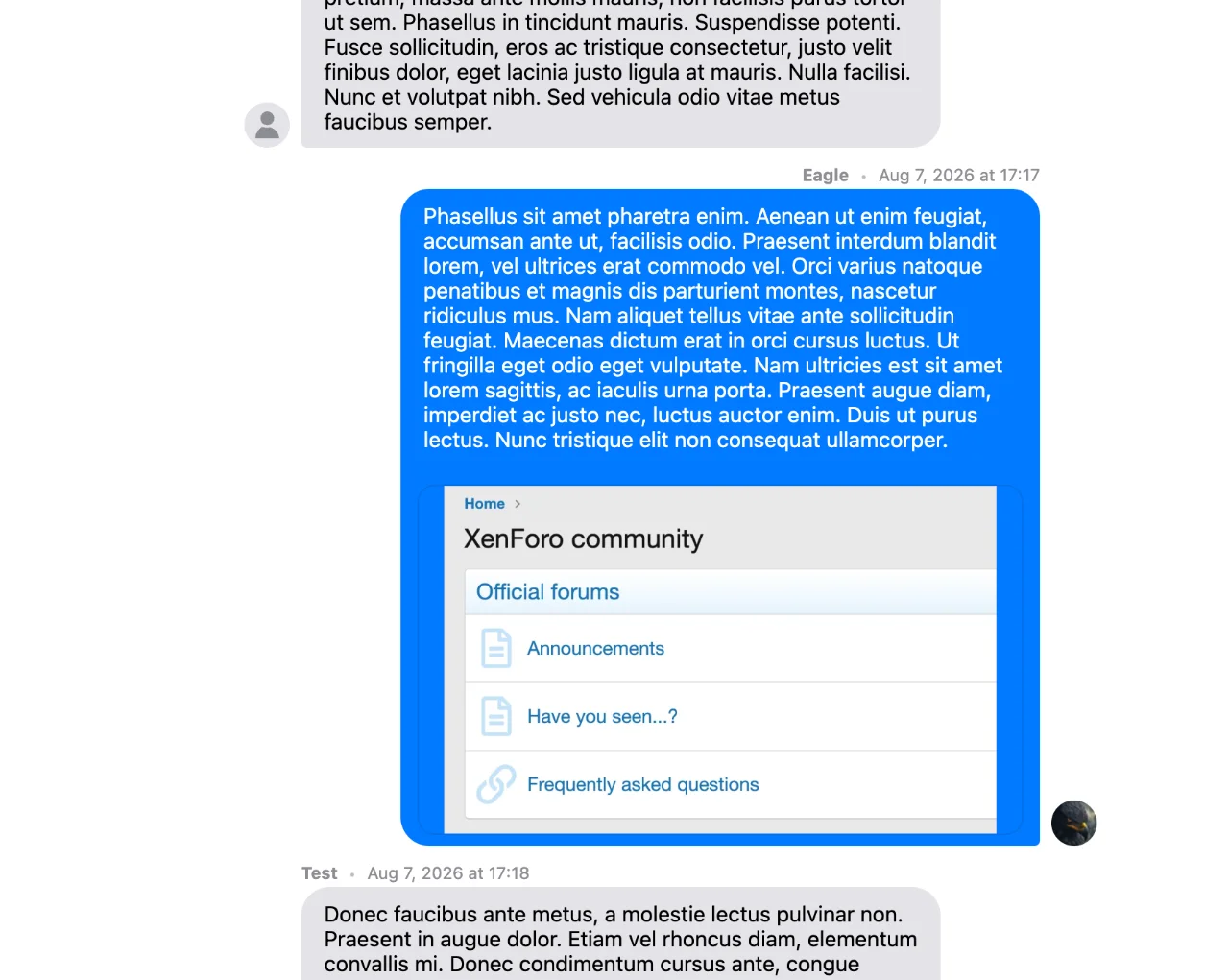
Please note that HTML, iOS, and Android styles include a built-in lightbox for images. You can also check out the screenshots below.
Options:
Permission:
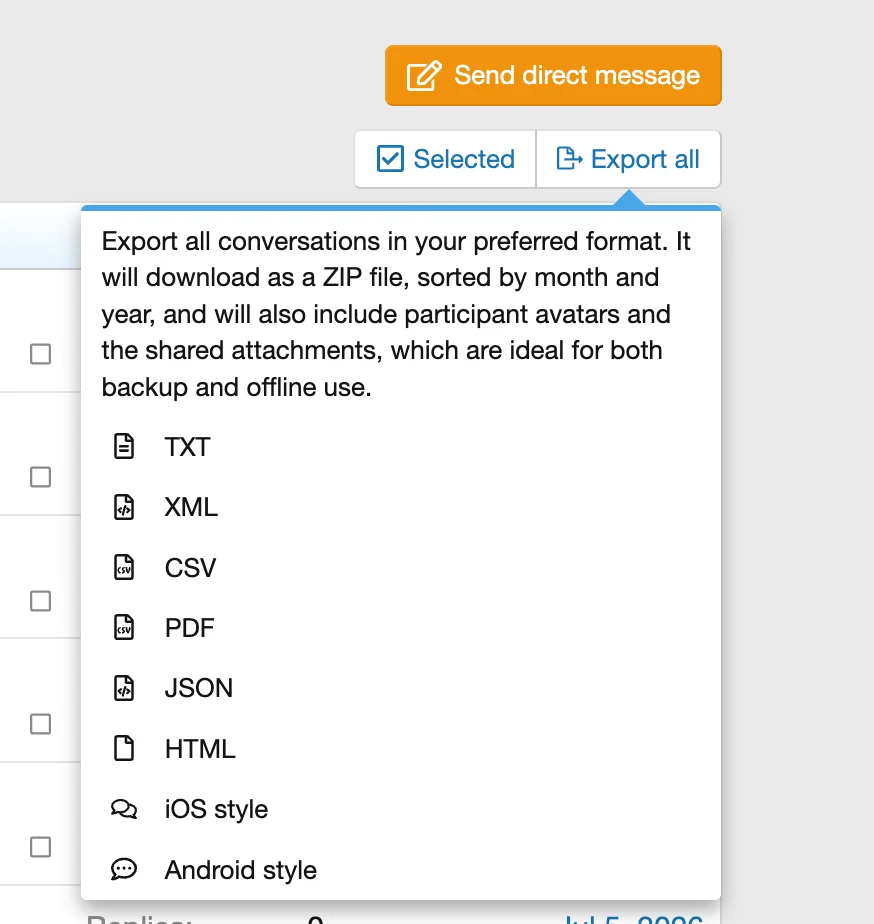
Export all - Direct messages list:
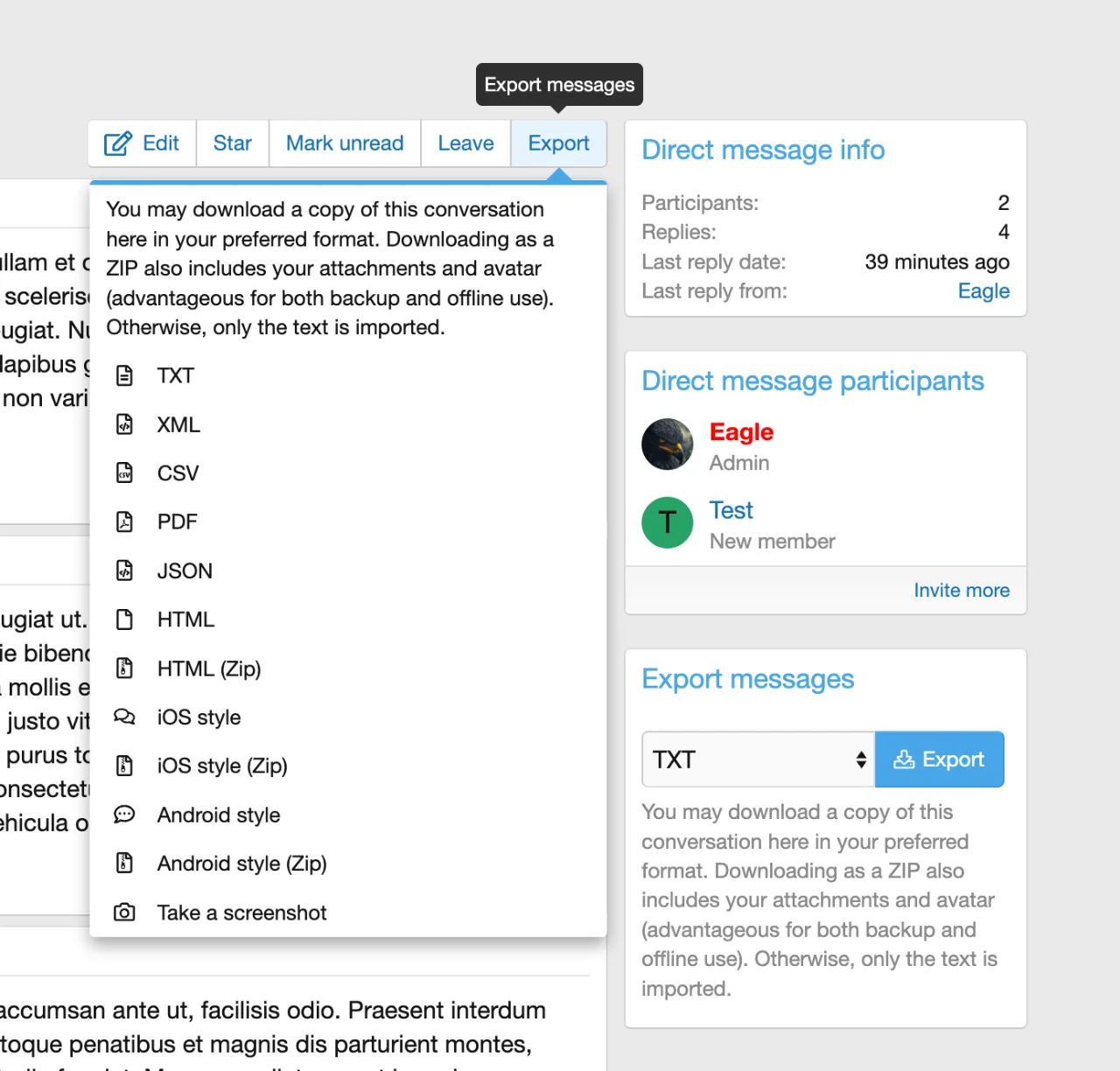
Export direct messages in direct message view:
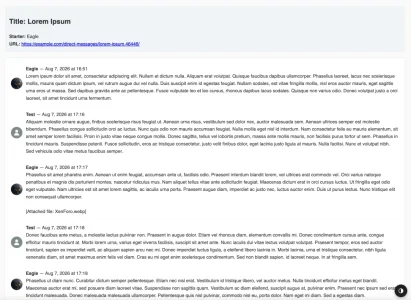
iOS style:
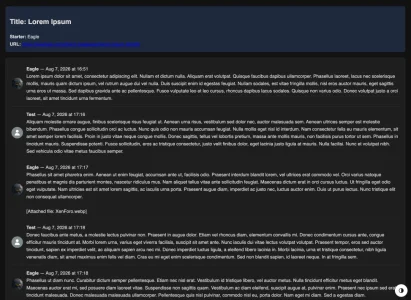
iOS Style Dark-Mode:
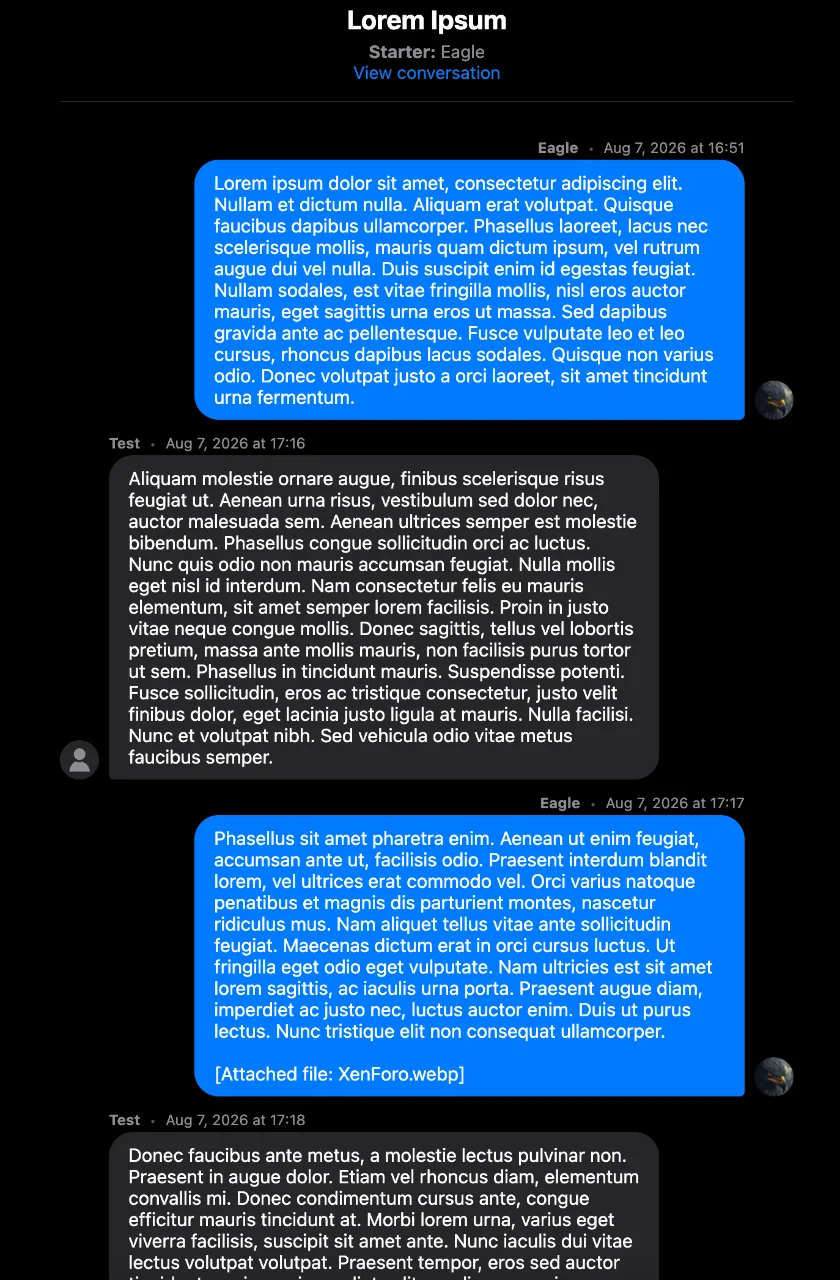
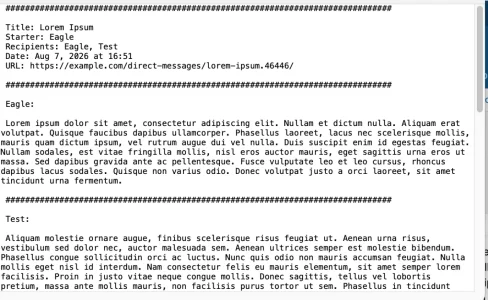
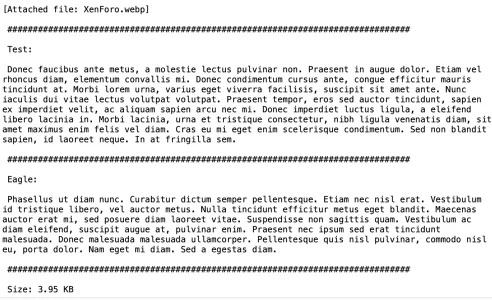
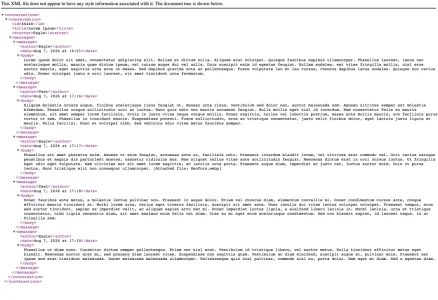
And you can view all attached screenshots to see how each file format looks.
Keep your community fully compliant with global data privacy frameworks across the UK (UK GDPR / DPA), US (CCPA / State Privacy Laws), CA (PIPEDA), AU (Privacy Act), EU (GDPR), Latin America (LGPD & regional frameworks), TR (KVKK), and beyond.
Features
- Multiple export formats: Download direct messages in TXT, XML, CSV, PDF, JSON, or HTML formats.
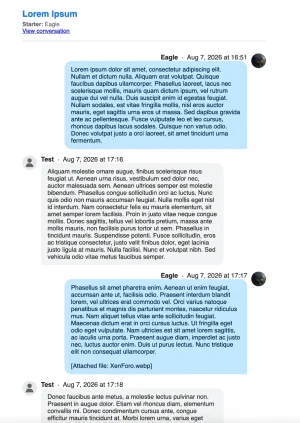
- Mobile styles: View exported HTML logs in familiar, responsive iOS or Android messaging layouts.
- Permissions: Control which user groups can export data using native XenForo user group permissions.
- Bulk archive (ZIP): Export all conversations at once from the direct messages list. The downloaded ZIP file comes organized by month and year.
- Media & Profile backups: Bulk ZIP exports include participant avatars and shared attachments alongside text logs.
- Single DMs downloads: Users can download individual conversations directly from the chat view.
- Smart backup logic: Downloading a conversation as a ZIP file includes avatars and files. Choosing a standalone text format downloads text only.
- Plain screenshots: Capture and save direct messages as clean, raw screenshots for quick visual archiving.
You can configure the add-on settings under Admin Control Panel > Setup > Options > Export direct messages:
- Enable export direct messages: Turning this option on allows users to export their direct messages based on their permissions.
- Allowed formats: Select which file formats should be generated and included in the user's exportable archive.
- Export rate limit: Set the maximum number of times a user can request an export before getting rate-limited.
- Rate limit time window: Define the time window (in seconds) that the system monitors for export requests.
This add-on fully integrates with XenForo's native permission system. You can set permissions under:
Admin Control Panel > Groups & permissions > User group permissions > Direct message permissions
Please note that HTML, iOS, and Android styles include a built-in lightbox for images. You can also check out the screenshots below.
Options:
Permission:
Export all - Direct messages list:
Export direct messages in direct message view:
iOS style:
iOS Style Dark-Mode:
And you can view all attached screenshots to see how each file format looks.
- Related resources