1. This forum has been archived. New threads and replies may not be made. All add-ons/resources that are active should be migrated to the Resource Manager. See this thread for more information.
  2. In order to post messages and view attached files in this forum, you must be a licensed XenForo customer.
    If you can't post, enter your forum username in the Associated Forum Users form in your customer area.

Slider Banner Manager

Discussion in 'Add-on Releases [Archive]' started by DroidHost, Jun 27, 2011.

  1. DroidHost Well-Known Member

    This a new addon from xenExtend.com ;)

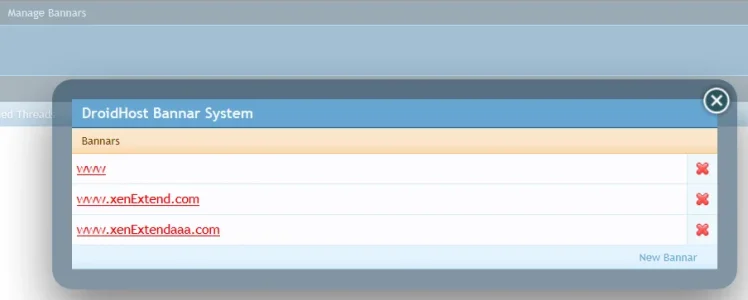
    this addon will manage the banner slider you must have the permission manage it todo so you must have Users with Custom Permissions ... and a moderator bar available because from there you will manage the slider ...
    1. add
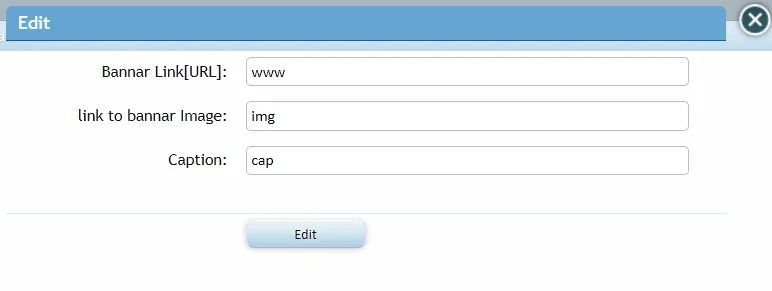
    2. edit
    3. delete
    if you want to add an external URL you must put http:// or it will not work
    it is a Jquery slider
    also there is Arabic translation
    to see an example you can visit our site www.xenExtend.com or www.xenaddon.com
    If an addon that I programmed helps you or you like it ... you may consider a Donation
    bannar.png bannarEdit.png bannaruserpermission.png

    Attached Files:

    laztrix and ddmmh like this.
  2. ddmmh Well-Known Member

    This looks great.

    I would actually want to use it for another idea... to promote my news.

    Is there a way to change the links to open in the same page instead of a new page? And also would this be easy to be made as a XenPorta module add-on?
  3. DroidHost Well-Known Member

    in template : DH_Bannar
    find
    HTML:
     <a class="externalLink" rel="nofollow" target="_blank" href="{$bannar.url}"><img src="{$bannar.img}" alt="" title="{$bannar.caption}" /></a>
    remove this : target="_blank"
    ddmmh likes this.
  4. yavuz Well-Known Member

    Great job DroidHost, I was looking for something like this. Is there a way to show the slider in XenPorta instead of forum_list? Thank You.
  5. robinhood Active Member

    As above, I'd love to use this on a xenporta home page!

Share This Page